Mastering Wedding Planning: Comprehensive Spreadsheet and 10 Customizable Document Templates

📅 Nov 27, 2025 👤 J Porter

A well-structured wedding planning spreadsheet streamlines the entire process by organizing guest lists, budgets, vendor contacts, and timelines in one accessible document. Utilizing this tool enhances efficiency and reduces stress, ensuring no detail is overlooked during wedding preparations. Explore the Excel template below to start planning your perfect day with confidence and ease.

Wedding budget sheet
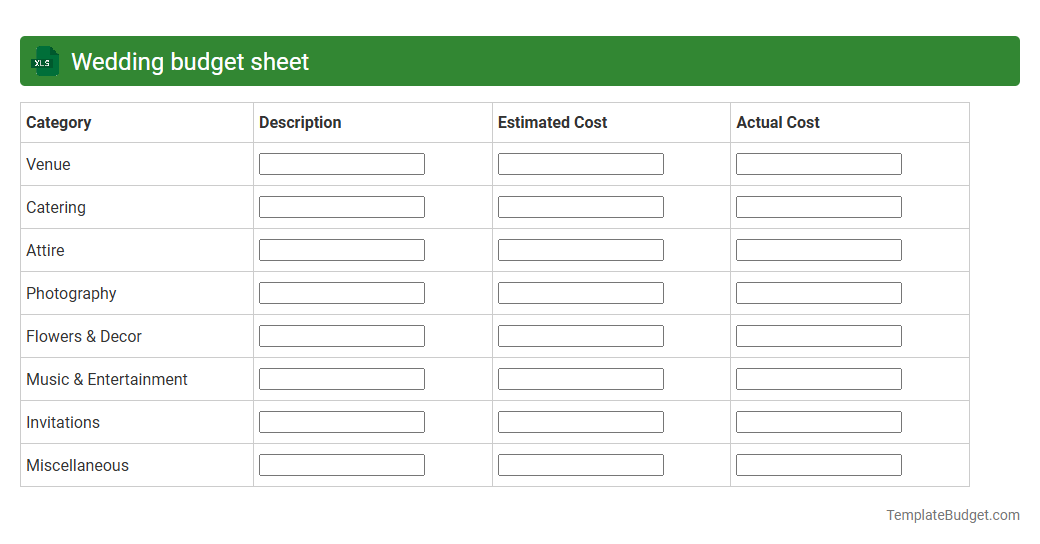
Wedding budget sheet
A wedding budget sheet in an Excel document typically contains categorized expense items such as venue costs, catering, attire, decorations, and entertainment, with columns for estimated and actual amounts. It includes formulas to calculate totals, track payments, and monitor remaining balances, ensuring financial organization throughout the planning process. Detailed notes and vendor contact information may also be embedded to enhance budgeting accuracy and communication efficiency.

Wedding guest list tracker

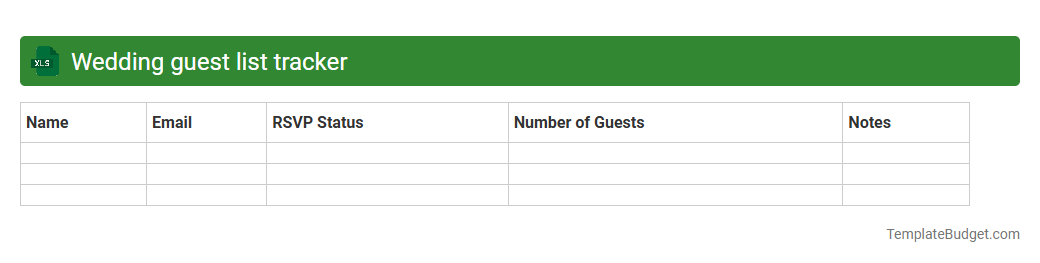
Wedding guest list tracker
An Excel wedding guest list tracker typically contains columns for guest names, contact information, RSVP status, meal preferences, and plus-one details. It also includes sections to track invitations sent, responses received, and seating arrangements to ensure organized event planning. Formulas and filters help manage attendance counts and budget estimates efficiently.

Wedding vendor management spreadsheet
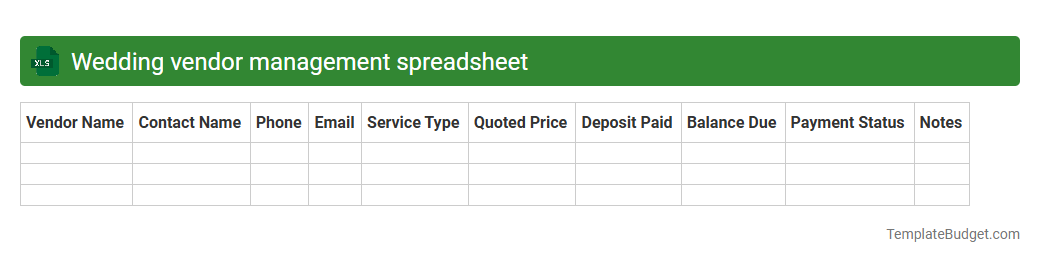
Wedding vendor management spreadsheet
A Wedding vendor management spreadsheet typically contains columns for vendor names, contact information, service categories, pricing details, contract status, and payment schedules. It often includes tracking for appointment dates, notes on vendor performance, and a checklist to ensure all wedding-related services are booked and confirmed. This structured format helps couples organize and monitor vendor commitments, budgets, and timelines efficiently.

Wedding timeline organizer

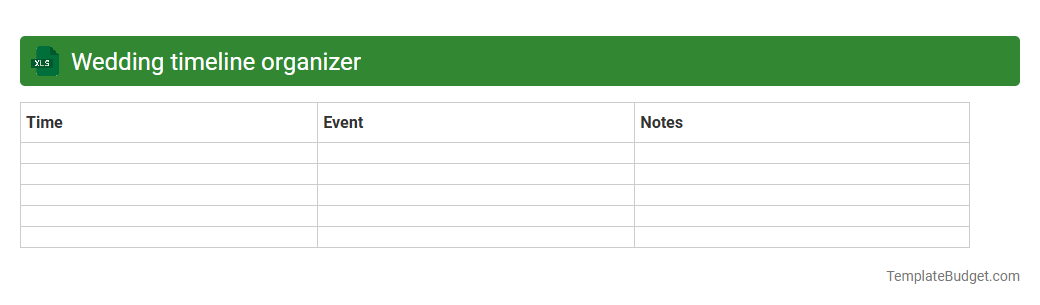
Wedding timeline organizer
A wedding timeline organizer Excel document typically contains detailed schedules including ceremony start time, vendor arrival and setup times, and key event sequences such as speeches, meals, and dances. It often includes columns for task descriptions, assigned responsibilities, deadlines, and status updates to ensure smooth coordination. The sheet may also feature contact information for vendors and important notes to manage logistics effectively.

Wedding seating chart template

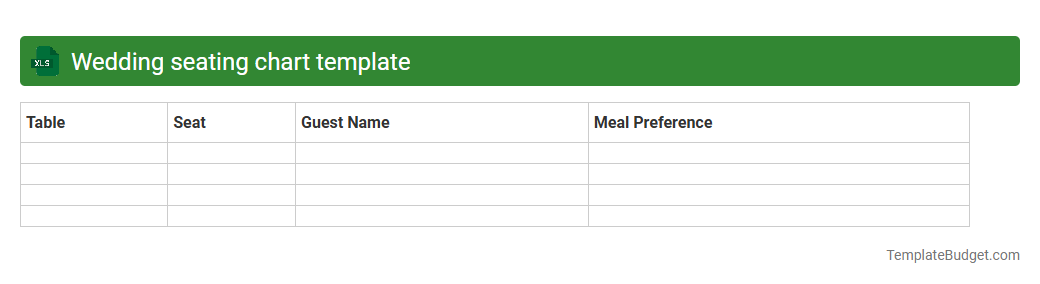
Wedding seating chart template
A Wedding seating chart template in an Excel document typically includes columns for guest names, assigned table numbers, meal preferences, and RSVP status. It organizes guests by categories such as family, friends, and colleagues, often featuring color-coded cells for easy visualization of groupings. The template may also incorporate notes for special accommodations or relationships to the couple.

Wedding task checklist spreadsheet

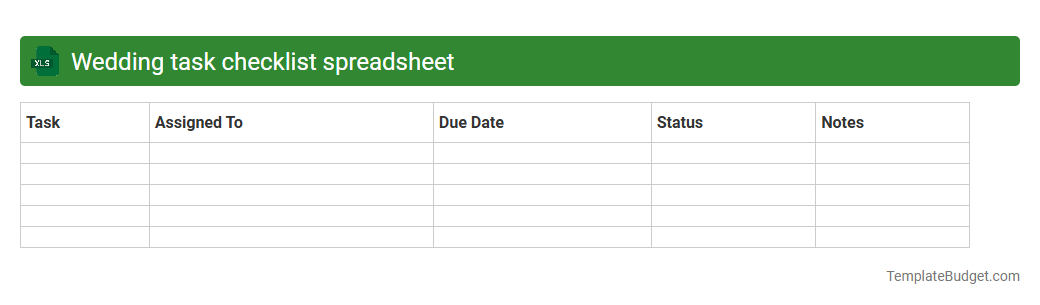
Wedding task checklist spreadsheet
A wedding task checklist spreadsheet typically includes detailed columns for task description, assigned person, due date, priority level, and status updates. It often contains categories such as venue booking, catering arrangements, guest invitations, attire, and vendor contacts to ensure comprehensive planning. Customizable filters and progress tracking features enhance organization and timely completion of wedding preparations.

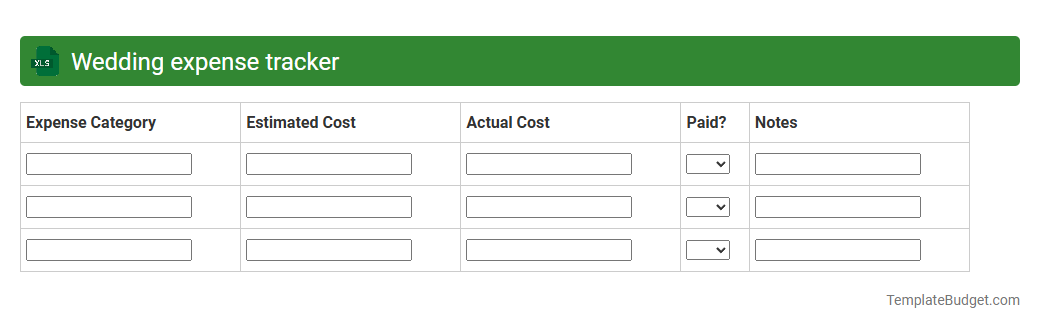
Wedding expense tracker

Wedding expense tracker
An Excel wedding expense tracker typically includes categories such as venue, catering, attire, decorations, and entertainment costs, with columns for estimated and actual expenses. It incorporates formulas to calculate totals, track payments, and monitor budget variances in real time. This structured layout helps couples maintain financial control and ensure all wedding-related expenditures are accounted for efficiently.

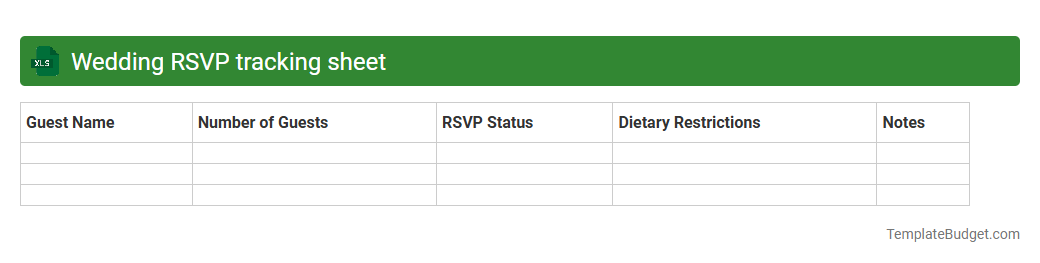
Wedding RSVP tracking sheet

Wedding RSVP tracking sheet
An Excel Wedding RSVP tracking sheet typically contains columns for guest names, contact information, RSVP status, number of attendees, meal preferences, and special requests or notes. It may also include sections for tracking invitation sent dates, follow-up reminders, and seating arrangements to streamline event planning. Formulas and conditional formatting aid in quick updates and visual organization of guest responses.

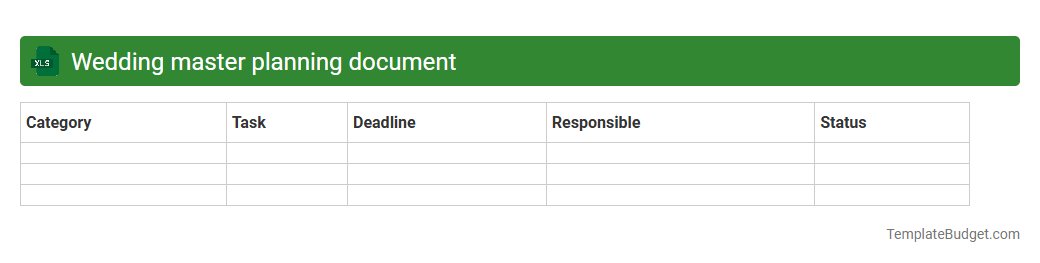
Wedding master planning document

Wedding master planning document
A Wedding Master Planning Excel document typically contains detailed tabs including budget tracking, guest lists with contact information, vendor details, and event timelines. It organizes key categories such as venue options, catering menus, invitation statuses, and seating arrangements to ensure smooth coordination. Task lists with deadlines, payment schedules, and appointment trackers are also commonly included for efficient wedding management.

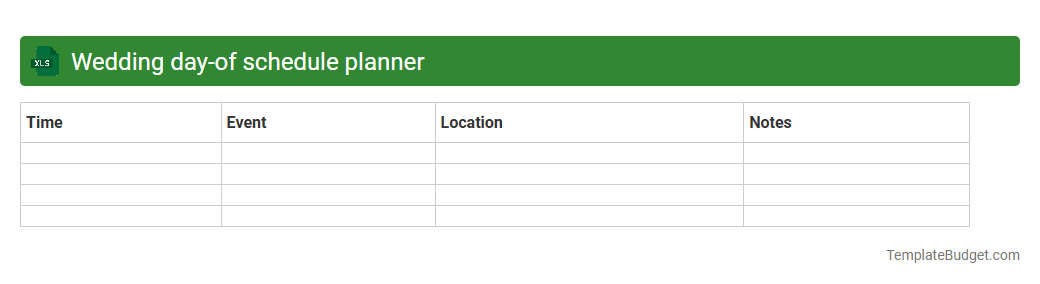
Wedding day-of schedule planner

Wedding day-of schedule planner
An Excel wedding day-of schedule planner typically includes detailed timelines organized by hour, tasks assigned to vendors and bridal party members, and contact information for key participants. It tracks essential events such as ceremony start time, photography sessions, and reception activities, ensuring smooth coordination. The planner often features color-coded sections for easy reference and real-time updates to accommodate any last-minute changes.

Introduction to Wedding Planning Spreadsheets

Wedding planning spreadsheets are invaluable tools that offer structured organization for every aspect of your wedding preparation. These spreadsheets help consolidate tasks, budgets, and timelines into a single, accessible platform. Utilizing a spreadsheet allows for efficient tracking and easy updates throughout the planning process.

Benefits of Using a Wedding Planning Spreadsheet

Using a wedding planning spreadsheet enhances productivity by minimizing the chance of forgetting critical details. It provides clear visibility into your budget, vendor contracts, and guest management, ensuring smooth coordination. Above all, it saves time and reduces stress as everything is stored in one centralized location.

Essential Features Every Wedding Spreadsheet Needs

A comprehensive wedding spreadsheet should include budget trackers, vendor contact lists, guest lists with RSVP tracking, and timeline schedules. Incorporating sections for payments due and completed tasks ensures no detail is overlooked. The integration of these essential features guarantees thorough wedding preparation.

Step-by-Step Guide to Creating Your Spreadsheet

Begin by outlining major categories such as budget, vendors, guests, and timelines in separate sheets or tabs. Populate each with relevant data, like estimated costs, contact details, and RSVP statuses. Consistently update your spreadsheet to reflect changes and maintain accurate information.

Budget Tracking and Expense Management

Effective budget tracking includes listing all projected expenses and recording actual payments to avoid overspending. Categorize costs for catering, attire, venue, and decor to monitor allocation clearly. This structured approach to expense management ensures financial control throughout planning.

Vendor and Supplier Coordination

Organize vendor details with contact information, service descriptions, contract dates, and payment statuses. Scheduling reminders for follow-ups and deadlines improves communication and reliability. Proper vendor coordination within your spreadsheet minimizes potential logistical issues.

Guest List Organization and RSVP Tracking

Maintain an updated guest list with names, addresses, and RSVP responses to manage invitations efficiently. Track meal preferences and special requirements to ensure personalized attention. This streamlined guest management fosters better event preparation.

Wedding Day Timeline and Task Scheduling

Create a detailed timeline including ceremony, reception, and vendor arrival times to keep the day on schedule. Assign tasks and deadlines to planners, family members, or coordinators for smooth execution. A well-planned day-of schedule minimizes stress and maximizes enjoyment.

Tips for Customizing Your Wedding Spreadsheet

Customize spreadsheets using color coding, filters, and conditional formatting for visual clarity and easier navigation. Add notes and comments for additional context about vendors or guest preferences. Tailoring your spreadsheet enhances usability and personalizes your planning experience.

Recommended Wedding Spreadsheet Templates and Tools

Utilize professional templates from trusted sources to save time and improve reliability in your wedding planning. Tools like Excel, Google Sheets, and specialized wedding apps provide varied functionalities for different needs. Selecting the right spreadsheet templates helps streamline your entire planning process.


More Wedding Excel Templates


About the author. J Porter is a dedicated finance enthusiast and experienced educator with a passion for making personal budgeting accessible to everyone.

Disclaimer. The information provided in this document is for general informational purposes and/or document sample only and is not guaranteed to be factually right or complete.

Comments

No comment yet