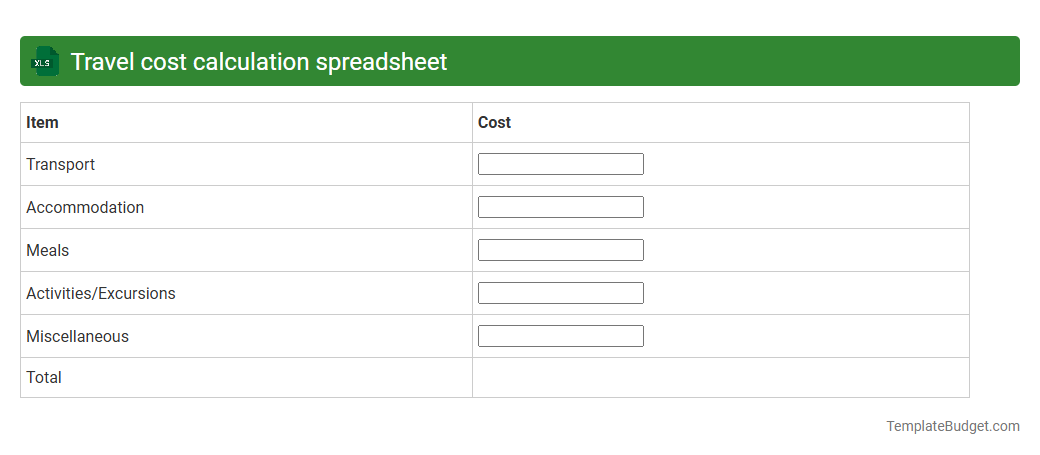
Travel cost calculation spreadsheet
A travel cost calculation spreadsheet typically contains detailed data on transportation expenses, accommodation rates, meal allowances, and incidental costs organized into separate columns and rows for clarity. It often includes formulas to automatically sum totals, calculate per diem rates, and convert currencies based on current exchange rates. Such spreadsheets help users efficiently budget and track travel expenses, ensuring accurate financial reporting and cost management.
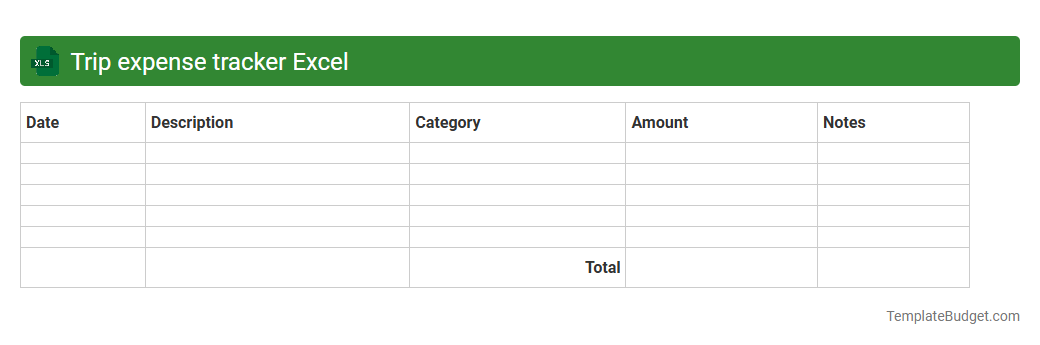
Trip expense tracker Excel
A Trip Expense Tracker Excel typically contains categories such as transportation, accommodation, meals, and miscellaneous costs, with columns for dates, descriptions, amounts, and payment methods. It often includes formulas to automatically calculate totals, subtotals, and remaining budgets, providing a clear financial overview for travelers. Charts or summary tables may be present to visualize spending patterns and help optimize future travel budgets.
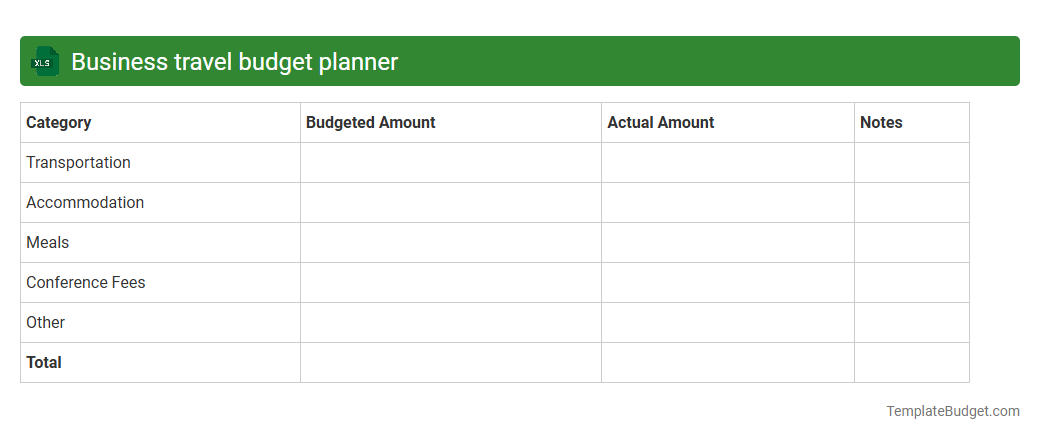
Business travel budget planner
An Excel business travel budget planner typically contains itemized categories such as transportation costs, accommodation expenses, daily meal allowances, and miscellaneous incidentals. It includes predefined formulas to calculate total expenditures, compare budgeted versus actual costs, and track expense reimbursements. The workbook often features summary dashboards, detailed expense logs, and customizable date ranges to optimize travel cost management.
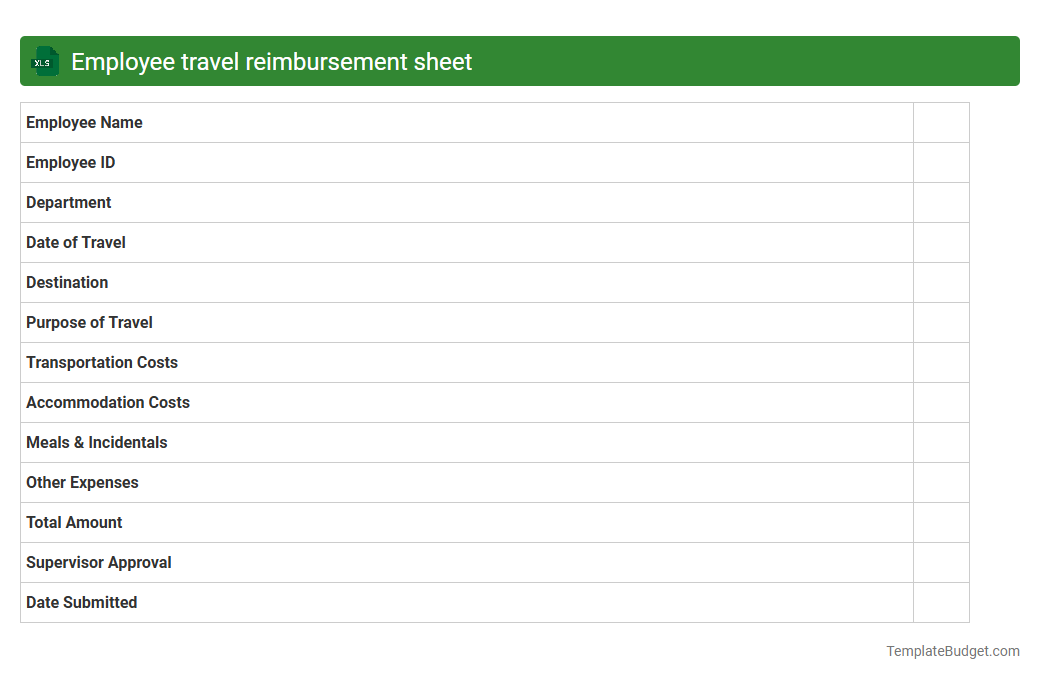
Employee travel reimbursement sheet
An Employee Travel Reimbursement Sheet in Excel typically contains detailed columns for employee names, dates of travel, destinations, and purpose of trips. It also includes expense categories such as transportation, lodging, meals, and miscellaneous costs with corresponding amounts and receipts attached or referenced. The sheet features formulas to calculate total reimbursable amounts, approval status, and payment tracking to ensure accurate financial record-keeping.
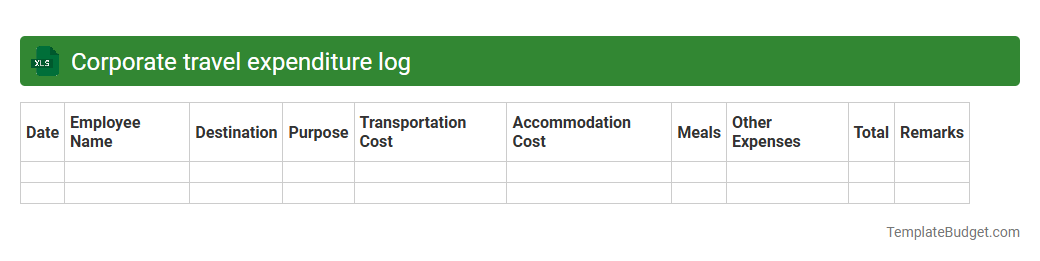
Corporate travel expenditure log
An Excel document titled "Corporate travel expenditure log" typically contains detailed records of travel-related expenses such as airfare, accommodation, meals, transportation, and incidentals. It includes columns for date, employee name, department, trip purpose, payment method, receipt numbers, and total cost, facilitating expense tracking and budget management. This structured format supports financial auditing, reimbursement processes, and helps ensure compliance with corporate travel policies.
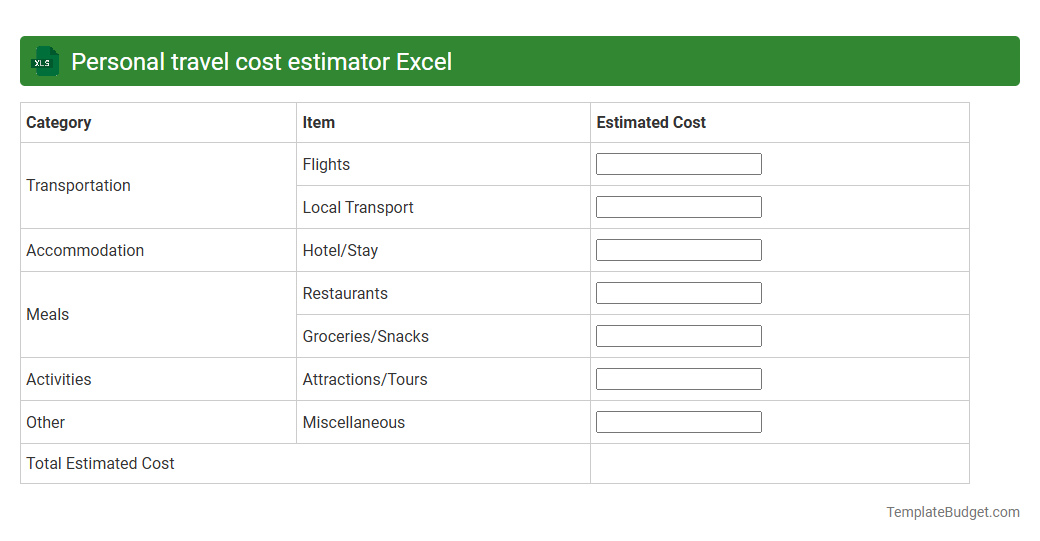
Personal travel cost estimator Excel
A Personal travel cost estimator Excel document typically contains input fields for destination, travel dates, number of travelers, and transportation options such as flights or car rentals. It includes sections for accommodation expenses, daily meals, activity fees, and miscellaneous costs, allowing users to calculate a detailed budget. Formulas automatically sum the total estimated cost, providing a clear financial overview for trip planning.
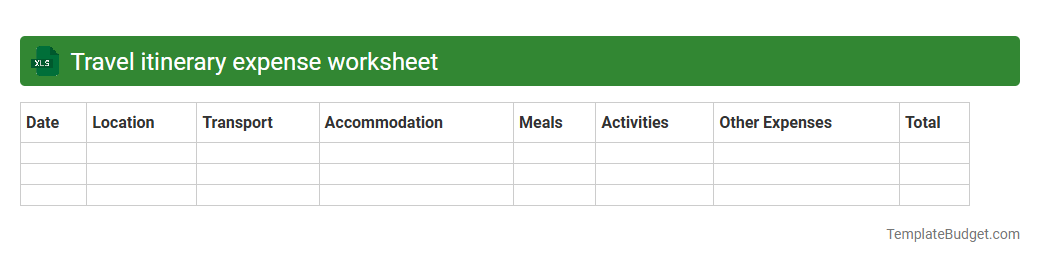
Travel itinerary expense worksheet
A travel itinerary expense worksheet in an Excel document typically contains detailed columns for date, destination, transportation costs, accommodation fees, meal expenses, and miscellaneous charges, all organized for easy tracking and budgeting. It often includes formulas to automatically calculate totals, subtotals, and cost comparisons to ensure efficient expense management. Clear headers and categorized rows allow for quick data entry and analysis, supporting both personal and business travel financial planning.
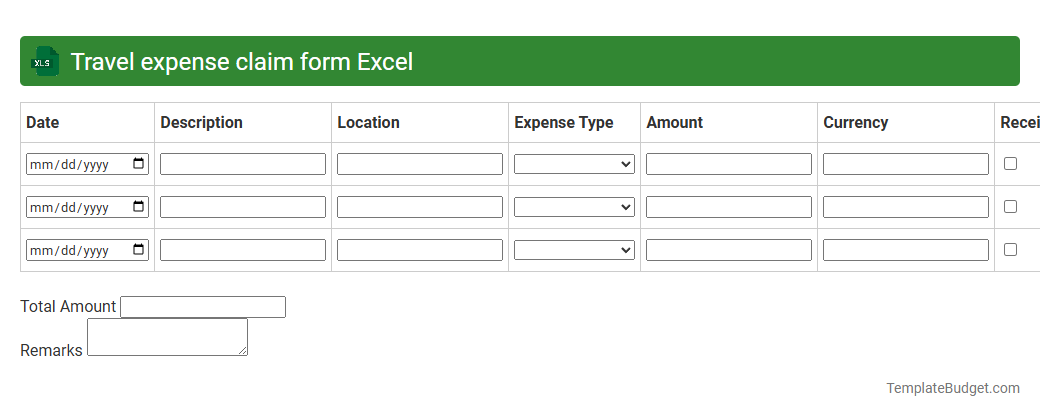
Travel expense claim form Excel
A Travel Expense Claim Form Excel document typically contains fields for employee details, trip dates, and purpose of travel, ensuring accurate record-keeping. It includes itemized sections for transportation, accommodation, meals, and miscellaneous expenses, with columns for costs, currency, and receipts attached. Formulas automate total expense calculations and reimbursement summaries, streamlining financial review and approval processes.
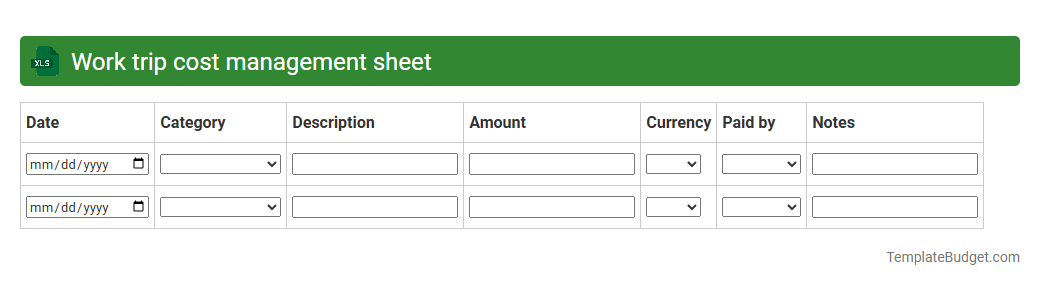
Work trip cost management sheet
A work trip cost management sheet in Excel typically contains detailed expense categories such as transportation, accommodations, meals, and incidentals. It includes columns for dates, vendors, payment methods, and approval statuses, facilitating accurate tracking and budgeting. Formulas and pivot tables are often used to summarize total costs, compare actual versus planned expenses, and generate reports for reimbursement or auditing purposes.
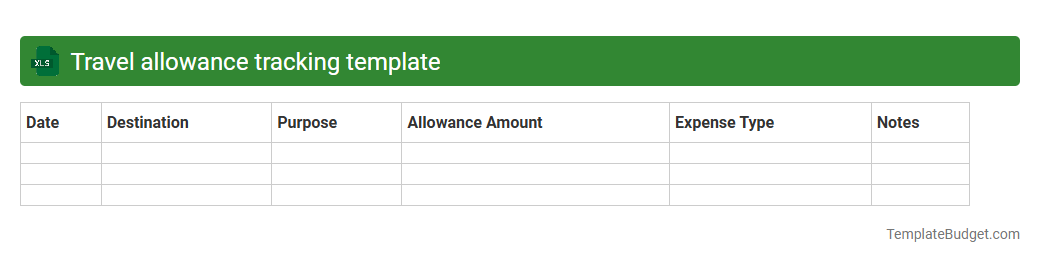
Travel allowance tracking template
An Excel travel allowance tracking template typically includes sections for employee names, travel dates, destinations, and approved allowance amounts. It features columns for recording receipts, expenses incurred, and reimbursement status to ensure accurate financial monitoring. Built-in formulas automatically calculate totals and remaining balances, streamlining travel budget management for organizations.
Introduction to Travel Cost Excel Templates
Travel Cost Excel Templates are designed to simplify tracking and managing travel expenses. These templates help users organize costs efficiently, providing a clear overview of travel expenditures. Using a Travel Cost Excel Template ensures better financial control during business trips.
Key Features of a Travel Cost Excel Template
Typical features include automatic calculations, category-wise expense segregation, and customizable fields. Many templates also incorporate budget comparisons and summary dashboards. These functionalities enhance the accuracy and efficiency of travel expense tracking.
Benefits of Using an Excel Template for Travel Expenses
Excel templates reduce manual errors and save time in expense management. They offer flexibility and ease of use for both individuals and businesses. Implementing \strong>Excel-based travel expense templates promotes transparency and accountability.
Essential Columns in a Travel Cost Template
Important columns usually include date, expense type, amount, payment mode, and notes. Including a column for currency conversion is helpful for international trips. These columns ensure comprehensive and organized expense recording.
How to Customize Your Travel Cost Excel Template
Customization involves adding or removing expense categories and adjusting budget limits. Users can tailor the template to specific trip requirements or company policies. Customizing the template enhances relevance and accuracy for each travel scenario.
Step-by-Step Guide to Using the Template
Begin by entering trip details, followed by logging each expense as it occurs. Regularly update the template to monitor budget adherence and total costs. Following this process facilitates effective travel cost management.
Tips for Accurate Travel Expense Tracking
Keep receipts and log expenses promptly to avoid forgetting details. Use consistent naming conventions for expense categories to maintain clarity. These practices support accurate and reliable record-keeping.
Common Mistakes to Avoid in Travel Cost Management
Avoid neglecting small expenses and failing to update the template regularly. Don't overlook currency conversion for overseas trips. Preventing these common errors ensures precise expense tracking.
Free vs. Paid Travel Cost Excel Templates
Free templates offer basic features, suitable for simple travel budgets. Paid versions provide advanced analytics, automation, and customization. Choosing between free and paid depends on your complexity and business needs.
Download and Start Managing Your Travel Costs
Many websites offer downloadable Travel Cost Excel Templates for immediate use. Select a template that matches your travel style and start tracking today. Efficient expense management begins with a reliable cost tracking tool.