
Managing monthly expenses effectively is essential for maintaining business financial health and achieving growth targets. A Business Monthly Budget Excel Template offers a streamlined approach to tracking income, controlling costs, and forecasting cash flow with customizable categories tailored to various industries. Explore the Excel template below to simplify your budgeting process and enhance financial decision-making.
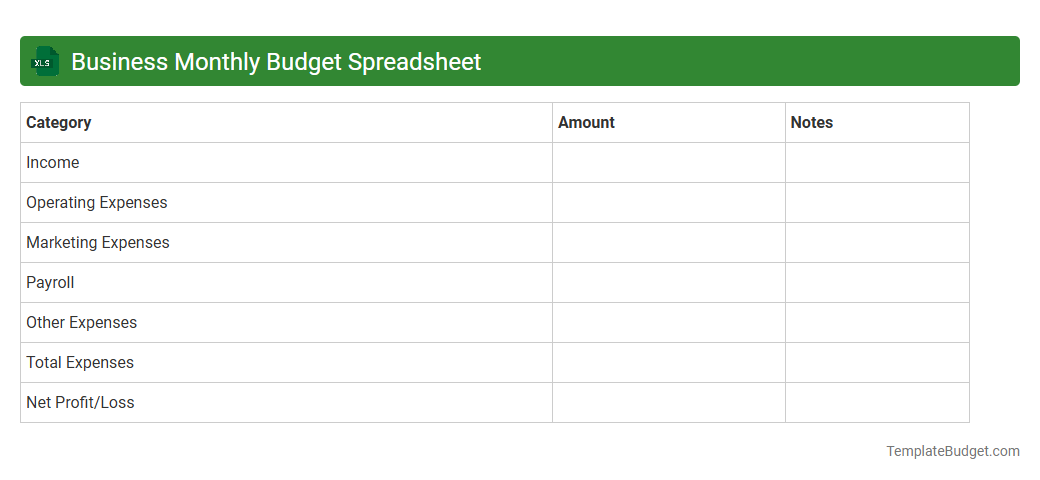
Business Monthly Budget Spreadsheet
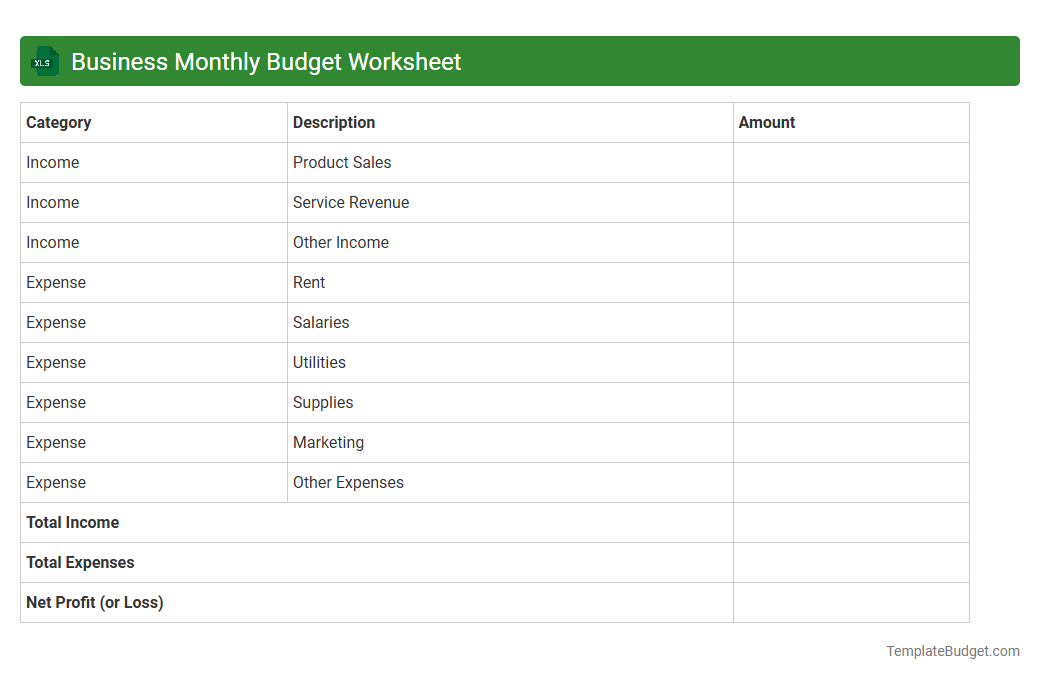
Business Monthly Budget Worksheet
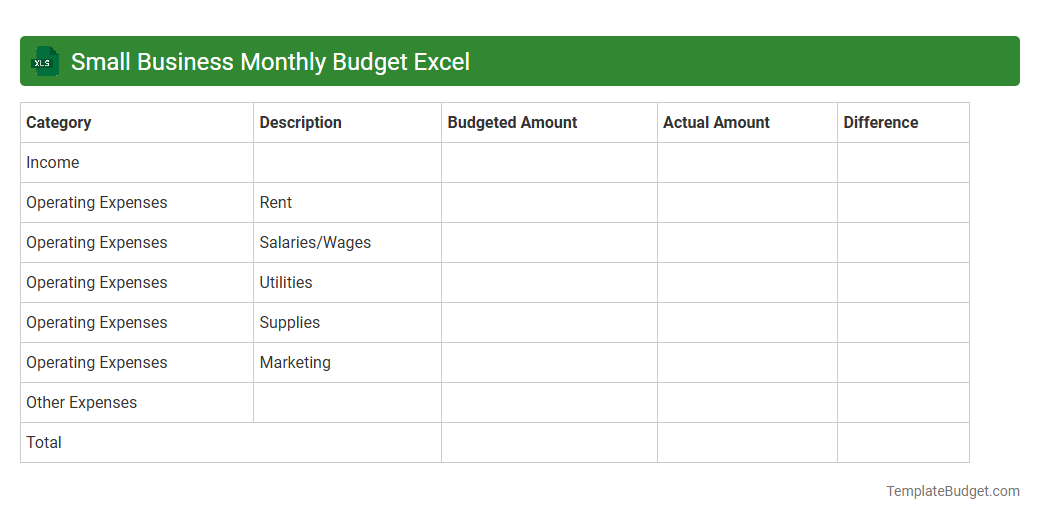
Small Business Monthly Budget Excel
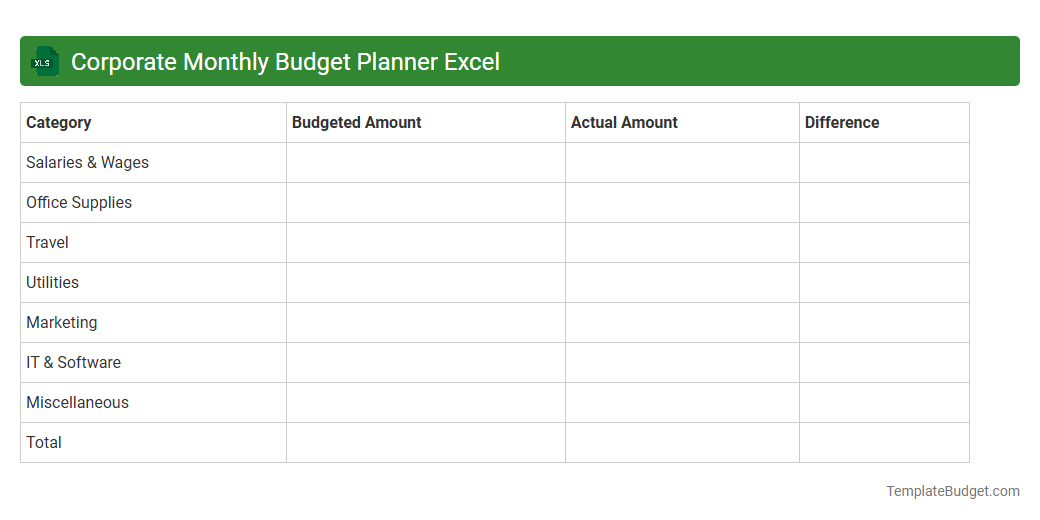
Corporate Monthly Budget Planner Excel
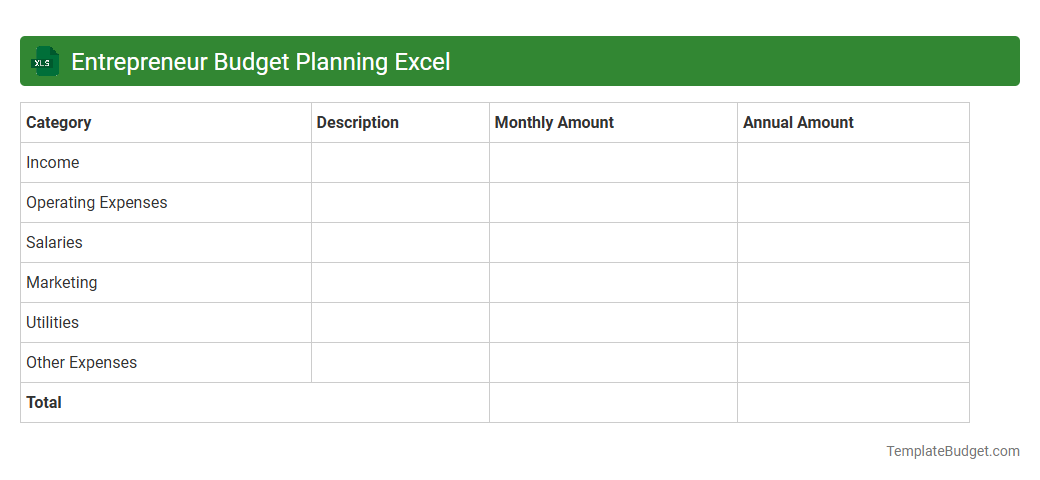
Startup Monthly Financial Budget Excel
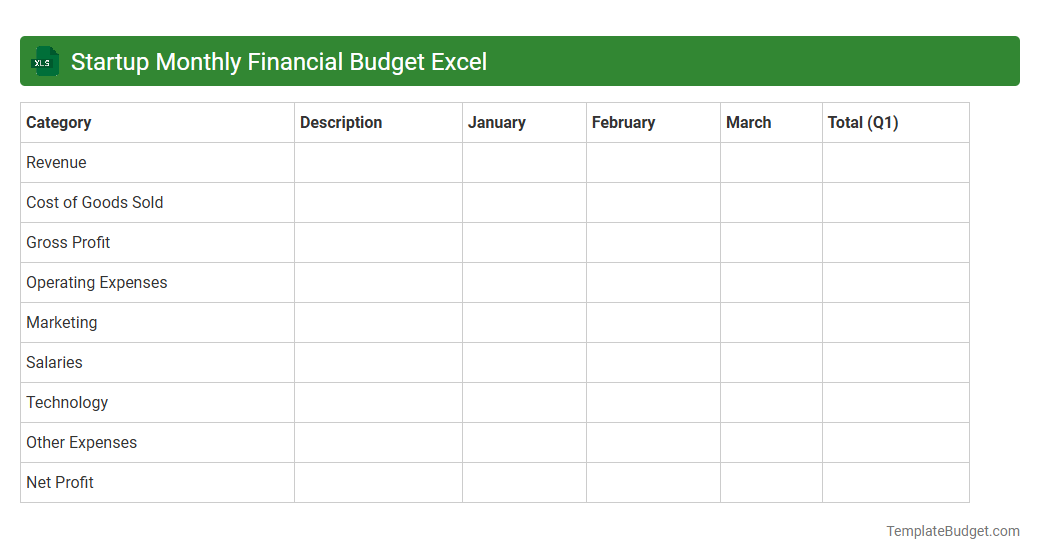
Business Expense Tracker Excel Sheet
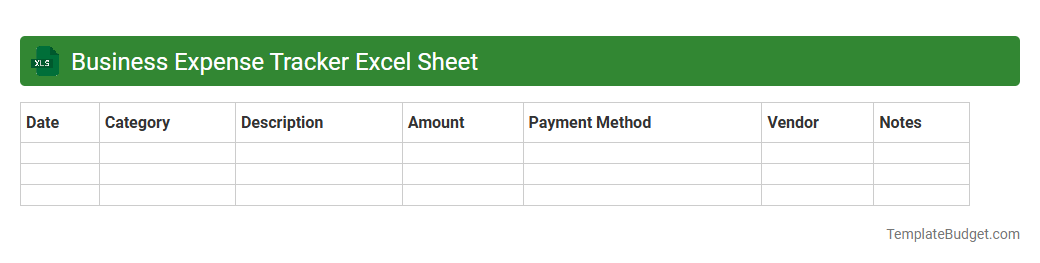
Office Monthly Budget Management Excel
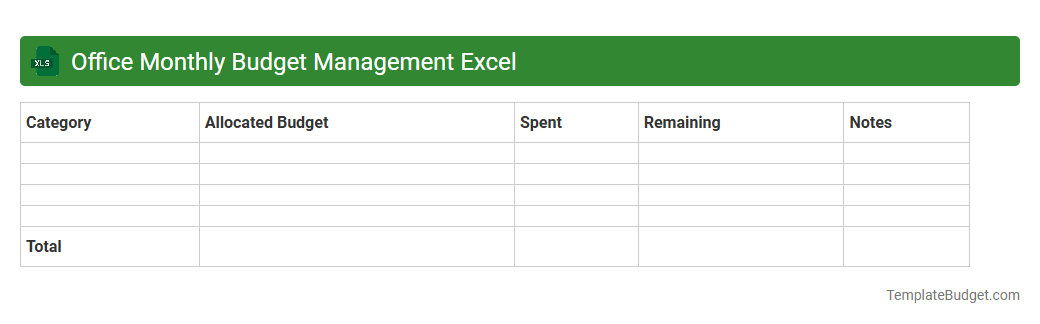
Entrepreneur Budget Planning Excel
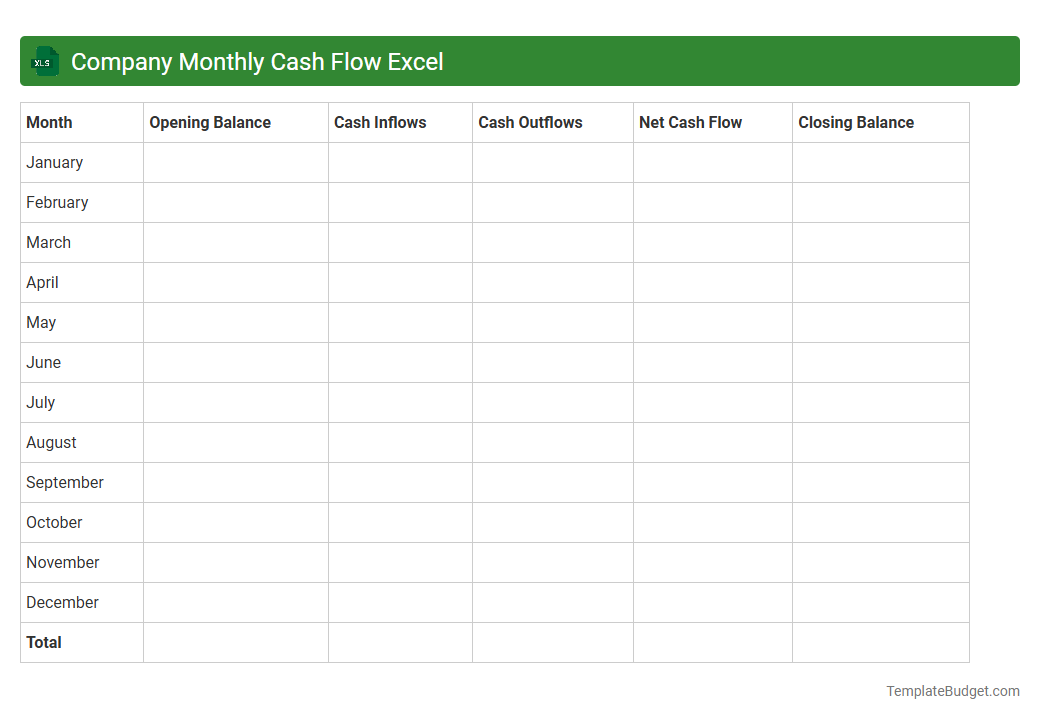
Company Monthly Cash Flow Excel
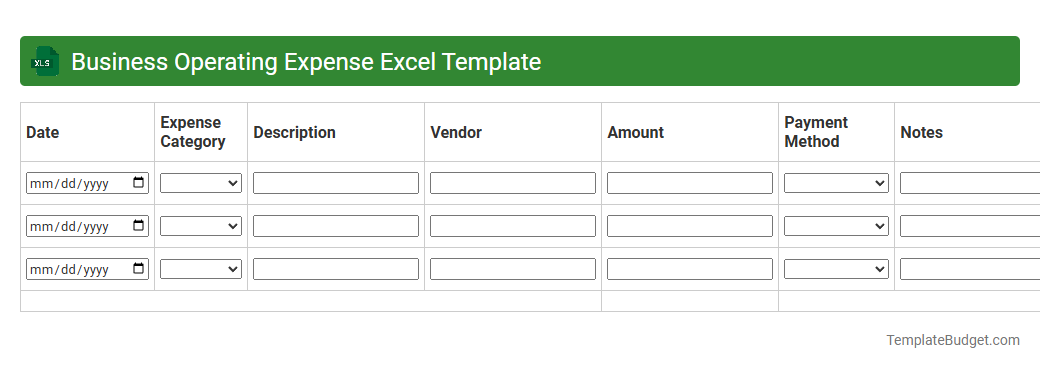
Business Operating Expense Excel Template
Introduction to Business Monthly Budget Excel Templates
Business Monthly Budget Excel Templates are essential tools for managing and forecasting finances efficiently. These templates allow businesses to track income, expenses, and cash flow in a structured format. Utilizing a comprehensive budget template helps streamline financial planning and ensures better resource allocation.
Key Features of an Effective Budget Template
An effective budget template includes customizable categories, automatic calculations, and clear visualizations like charts and graphs. It should provide a detailed breakdown of expenses and revenues for precise tracking. The template's flexibility to adapt to various business needs enhances its usability.
Benefits of Using a Monthly Budget Excel Template
Monthly budget Excel templates help businesses maintain financial control, reduce errors, and improve decision-making. They promote transparency and accountability by providing clear financial overviews. Leveraging a monthly budgeting tool can significantly enhance a company's financial health.
Essential Components to Include
Key components include revenue streams, fixed and variable expenses, profit margins, and cash flow projections. Incorporating expense categories, payment schedules, and financial goals ensures comprehensive budgeting. A well-structured budget covers all critical financial aspects to avoid surprises.
Step-by-Step Guide to Setting Up Your Template
Start by listing all income sources followed by categorizing expenses into fixed and variable costs. Input historical data to create a baseline, then use formulas to automate calculations. This systematic setup simplifies ongoing budget management and helps track deviations.
Customization Tips for Different Business Types
Adjust categories and templates based on industry-specific needs such as inventory, staffing, or marketing expenses. Use conditional formatting and specific formulas to reflect unique financial activities. Tailoring your budget template ensures it accurately captures your business's financial landscape.
Common Budgeting Mistakes to Avoid
Avoid underestimating expenses, ignoring irregular payments, and neglecting to update the budget regularly. Failure to incorporate contingency funds or monitor actuals versus projected figures leads to inaccuracies. Being aware of these pitfalls keeps your budgeting process reliable and effective.
Integrating Excel Budget Templates with Financial Tools
Link budget templates with accounting software or cloud financial tools for real-time updates and enhanced data accuracy. Integration enables automated data imports, reducing manual entry errors and saving time. Effective integration boosts financial monitoring efficiency.
Downloadable Business Monthly Budget Excel Templates
Numerous professional, ready-to-use budget templates are available for download, offering diverse features suitable for small to large businesses. Choose templates that align with your operational needs to maximize effectiveness. Utilizing downloadable templates accelerates budget setup and implementation.
Best Practices for Maintaining Your Monthly Budget
Regularly review and update your budget to reflect business changes and market conditions. Track variances actively and refine assumptions to improve future forecasts. Consistent monitoring and adjustment are key to a successful budgeting strategy.