A Department Budget Spreadsheet is an essential tool for organizing and tracking expenses, revenues, and financial allocations within any business unit. Effective budget management improves resource allocation, enhances cost control, and supports strategic planning. Explore the Excel template below to streamline your department's budgeting process with precision and ease.
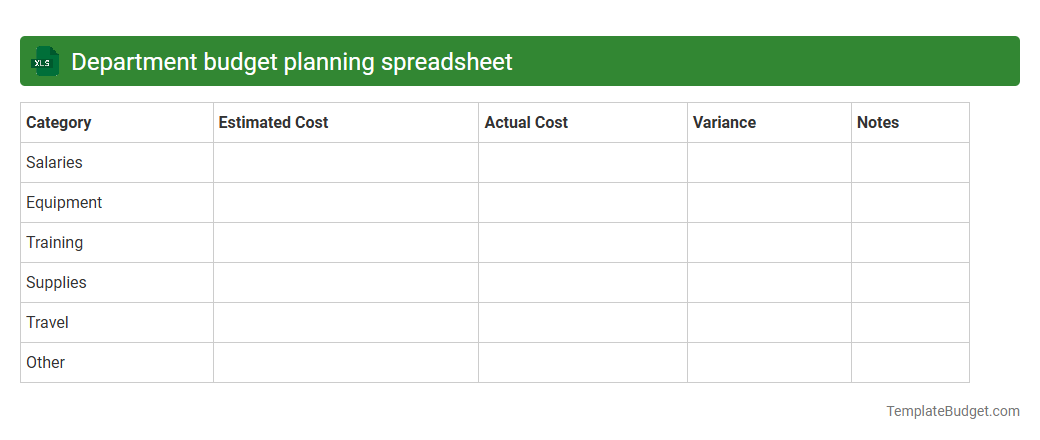
Department budget planning spreadsheet
A Department budget planning spreadsheet in Excel typically contains detailed categories such as monthly expenditure forecasts, revenue projections, and resource allocation tables. It includes cost centers, line-item budgets, and variance analysis to track spending against targets effectively. Built-in formulas and charts visualize financial data, aiding in strategic decision-making and ensuring departmental fiscal responsibility.
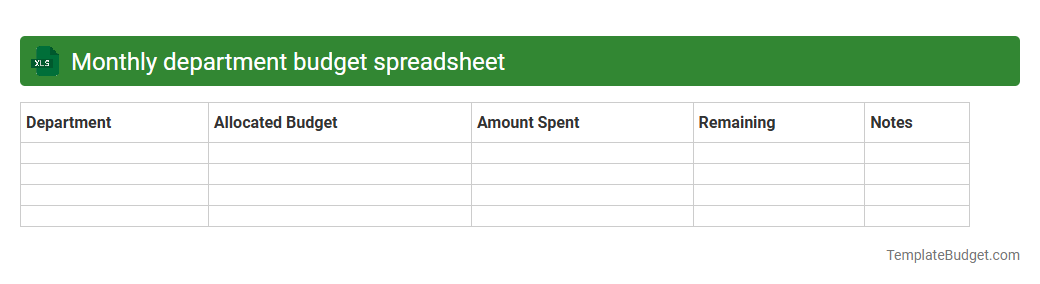
Monthly department budget spreadsheet
A monthly department budget spreadsheet in Excel typically contains detailed line items for income and expenses categorized by department or cost center. It includes columns for budgeted amounts, actual expenditures, variances, and percentage differences to track financial performance throughout the month. Formulas and charts are often embedded to provide real-time summaries and visual analysis of budget adherence and spending trends.
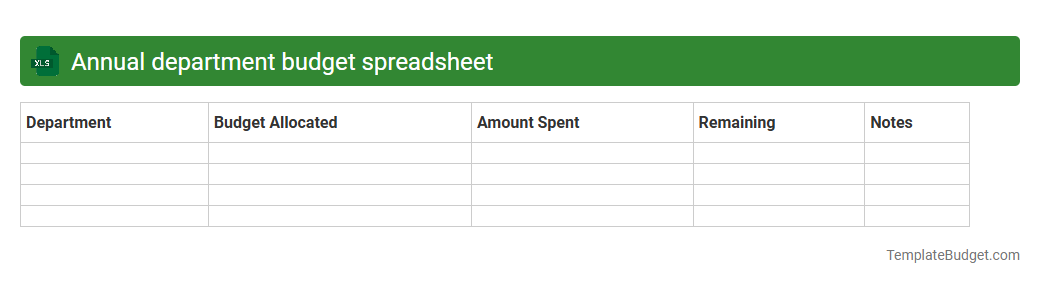
Annual department budget spreadsheet
An annual department budget spreadsheet in Excel typically contains detailed expense categories such as salaries, office supplies, travel costs, and project allocations, organized by month or quarter. It includes planned versus actual expenditures to track financial performance and maintain budget compliance throughout the fiscal year. Formulas and charts are often embedded to automate calculations and visualize budget trends for clearer financial analysis.
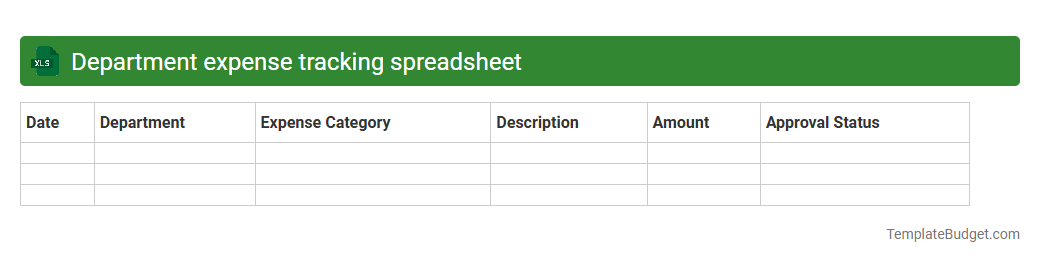
Department expense tracking spreadsheet
An Excel document for department expense tracking typically contains categorized expense entries, dates, and amounts for budgeting purposes. It includes columns for expense types like office supplies, travel, and salaries, alongside formulas calculating totals and variances. Charts or pivot tables are often embedded to visualize spending trends and support financial decision-making.
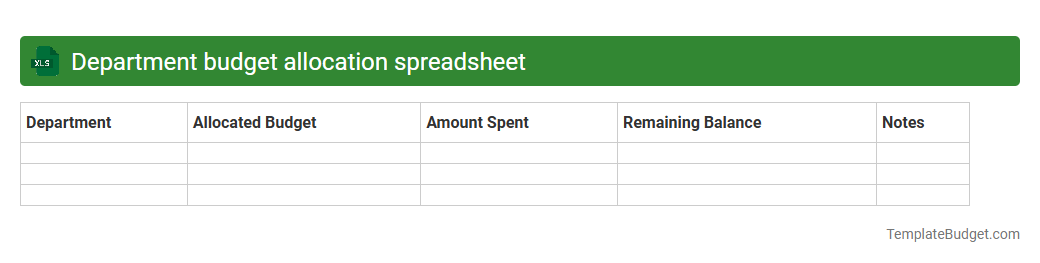
Department budget allocation spreadsheet
An Excel document for department budget allocation typically contains detailed rows and columns outlining various expense categories, projected costs, and allocated funds for each department. It includes formulas to calculate total budgets, track spending against allocations, and generate summary reports for financial analysis. Charts and pivot tables are often embedded to visualize budget distribution and identify areas requiring adjustment.
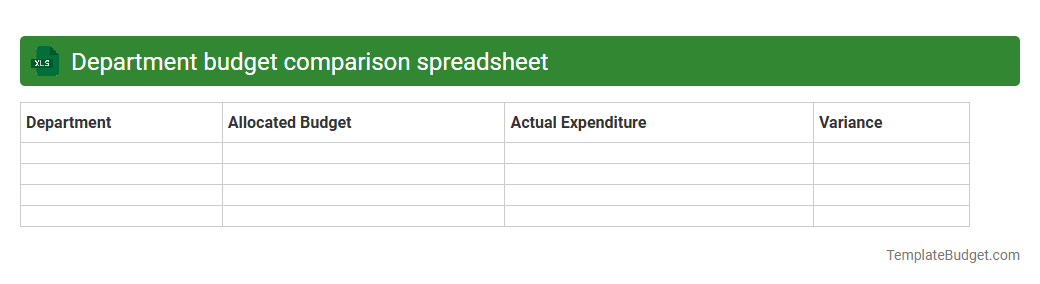
Department budget comparison spreadsheet
A Department Budget Comparison spreadsheet in Excel typically contains categorized budget allocations, actual expenditures, and variance calculations for multiple departments over specified periods. It includes data tables with line-item details, charts for visual comparisons, and summary statistics to highlight budget adherence or overspending. Conditional formatting and pivot tables enhance data analysis, facilitating informed financial decision-making and resource allocation.
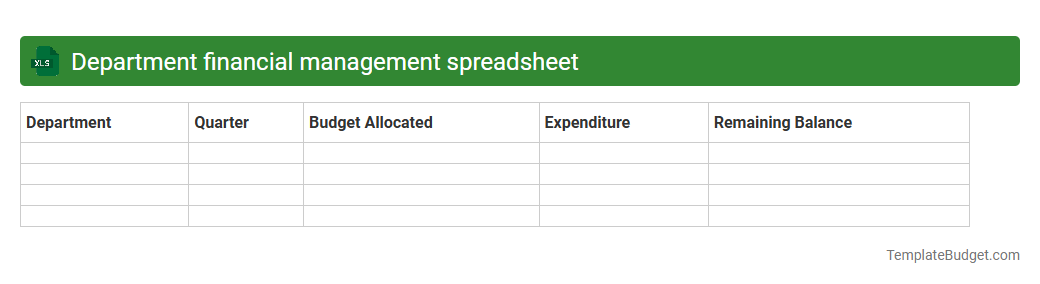
Department financial management spreadsheet
A Department financial management spreadsheet typically contains budget allocation, expense tracking, and revenue projections organized by categories and time periods. It includes detailed rows for departmental costs such as salaries, office supplies, travel expenses, and capital expenditures, accompanied by formulas to calculate totals, variances, and forecasts. Charts or pivot tables are often embedded for visual analysis of financial performance and resource utilization.
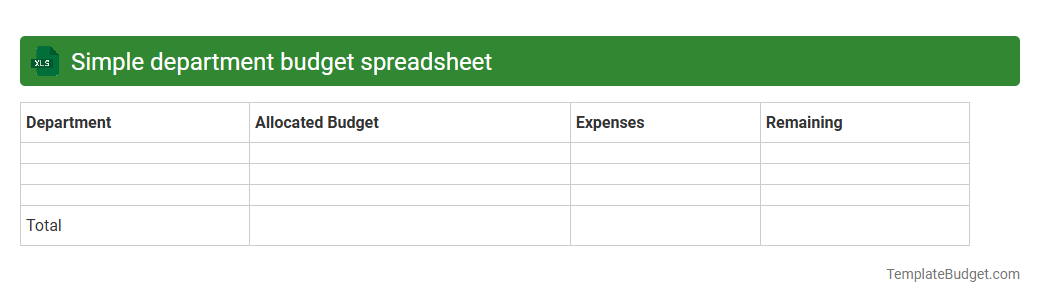
Simple department budget spreadsheet
An Excel document for a simple department budget spreadsheet typically contains categorized expense and revenue columns, such as salaries, office supplies, and utilities, alongside corresponding monthly or quarterly amounts. It often includes summary rows for total expenditures and income, as well as calculated fields for net budget balance or variances. Basic formulas and formatting help track spending trends and maintain financial accuracy within the department.
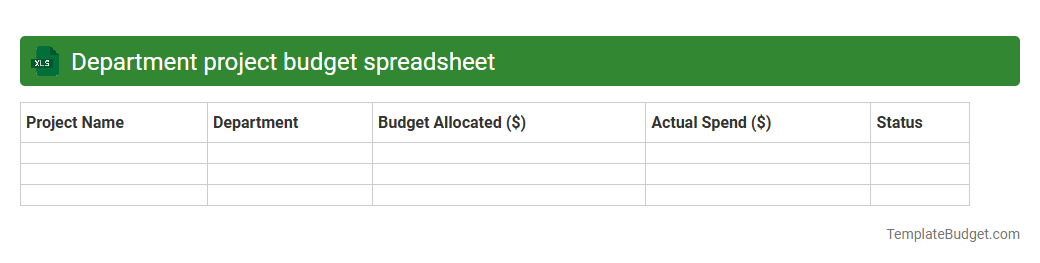
Department project budget spreadsheet
An Excel document titled "Department Project Budget Spreadsheet" typically contains detailed financial data including projected expenses, allocated funds, and actual costs for various departmental projects. It features organized columns for categories like personnel, equipment, materials, and overhead, along with rows representing individual projects or time periods. Formulas and charts are often embedded to track budget performance, analyze variances, and facilitate fiscal planning and reporting.
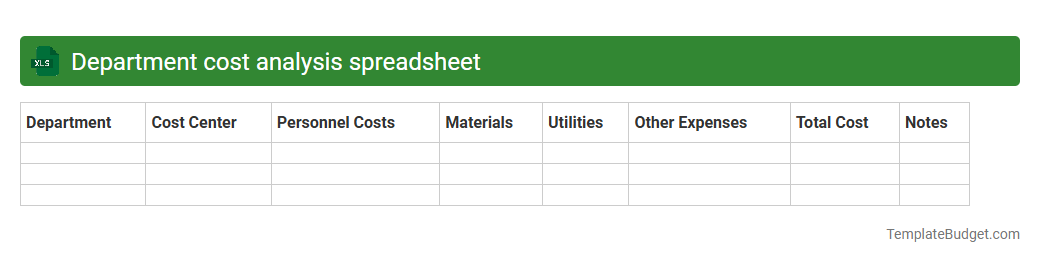
Department cost analysis spreadsheet
An Excel document for department cost analysis typically contains detailed expense categories, budget allocations, and actual spending data organized by department and time period. It includes formulas to calculate variances, percentage changes, and trends, facilitating comprehensive financial assessment and decision-making. Charts and pivot tables often visualize costs to highlight departmental performance and identify cost-saving opportunities.
Introduction to Department Budget Spreadsheets
A Department Budget Spreadsheet is a vital tool for managing financial resources within an organization. It helps departments plan, monitor, and control their expenditures effectively. Proper use ensures alignment with the overall business strategy and financial goals.
Key Components of a Department Budget Spreadsheet
The spreadsheet typically includes income sources, expense categories, and allocation percentages. It tracks actual spending against budgeted amounts to spot variances. Clear categorization of these financial elements aids in precise budget management.
Setting Budget Objectives and Goals
Defining clear budget objectives ensures financial accountability and goal alignment. Objectives may focus on cost reduction, revenue enhancement, or resource optimization. Clear goals guide the budgeting process and decision-making.
Essential Data Fields to Include
Include fields such as budget category, allocated amount, actual spend, variance, and comments. These fields provide a comprehensive view of financial performance. Accurate data entry here is crucial for effective tracking.
Step-by-Step Guide to Creating a Department Budget Spreadsheet
Begin by defining budget categories, then input estimated costs and income. Regularly update actual expenditures and calculate variances. Following a structured approach ensures an effective budget creation process.
Common Mistakes to Avoid in Budget Spreadsheets
Avoid overlooking minor expenses and failing to update actual costs periodically. Errors in data entry or inconsistent tracking can distort the budget. Awareness of these common pitfalls enhances budget accuracy.
Best Practices for Departmental Budget Tracking
Use consistent data formats, schedule regular reviews, and involve key stakeholders. Employ visual aids like charts for clearer analysis. Applying these best practices improves budget transparency and control.
Tools and Templates for Efficient Budget Management
Utilize pre-designed spreadsheet templates and financial software to streamline budgeting. Templates save time and reduce errors by providing structured layouts. Selecting the right tools enhances overall budget efficiency.
Analyzing and Interpreting Budget Data
Examine variances between projected and actual spend to identify trends or issues. Use data visualization to facilitate insight and informed decisions. Skillful analysis leads to improved financial planning.
Tips for Maintaining and Updating Your Budget Spreadsheet
Regularly review and revise budget entries to reflect real-time changes. Ensure backup copies and secure access to preserve data integrity. Consistent maintenance sustains spreadsheet relevance and accuracy.
More Department Excel Templates