Efficient financial planning and resource allocation are essential for every department's success, making a Department Budget Sheet Excel Template a vital tool for tracking expenses and managing funds. This customizable spreadsheet enables clear visualization of budget forecasts, actual expenditures, and variances to maintain fiscal discipline. Explore the Excel template below to streamline your department's budgeting process and enhance financial accuracy.
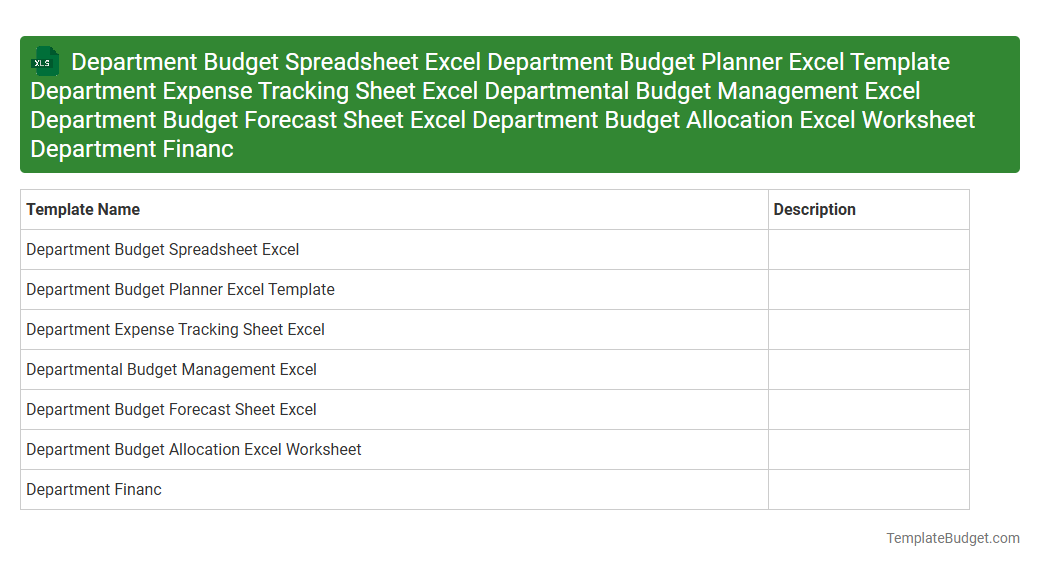
Department Budget Spreadsheet Excel
Department Budget Planner Excel Template
Department Expense Tracking Sheet Excel
Departmental Budget Management Excel
Department Budget Forecast Sheet Excel
Department Budget Allocation Excel Worksheet
Department Financ
An Excel document labeled with terms like Department Budget Spreadsheet, Planner, and Expense Tracking Sheet typically contains detailed financial data including budget allocations, expense records, and monthly or quarterly forecasts. These templates feature organized tables, formulas for automatic calculations, and charts to visualize department-specific financial performance. They serve as essential tools for departmental budget management, expense control, and financial planning within organizations.
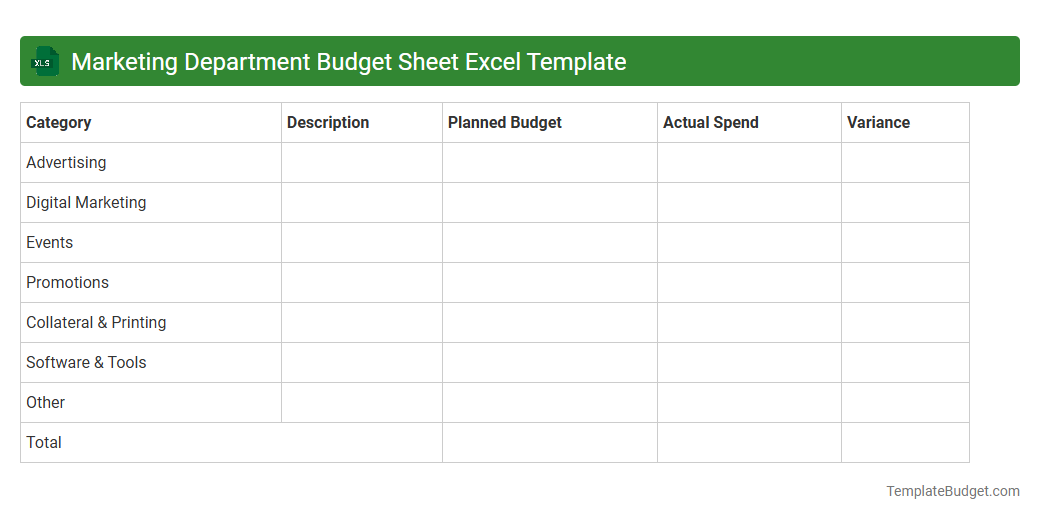
Marketing Department Budget Sheet Excel Template
A Marketing Department Budget Sheet Excel Template typically contains detailed categories of expenses such as advertising costs, campaign budgets, salaries, and software subscriptions. It includes columns for projected versus actual spending, enabling accurate financial tracking and variance analysis. Built-in formulas automate calculations of totals, percentages, and budget remaining, fostering efficient resource allocation and strategic planning.
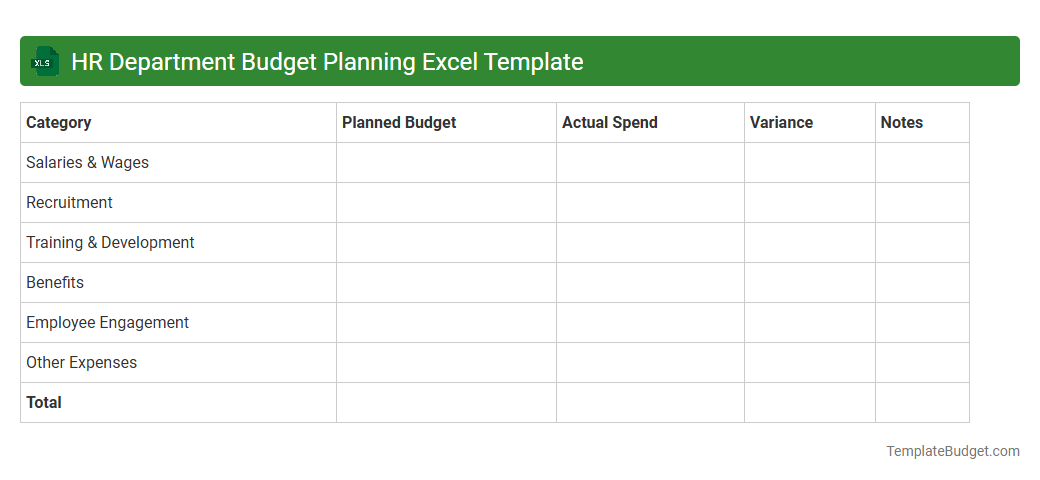
HR Department Budget Planning Excel Template
The HR Department Budget Planning Excel Template typically includes detailed salary breakdowns, benefit costs, recruitment expenses, and training budgets to effectively manage workforce finances. It features multiple worksheets for monthly and annual budget tracking, automated formulas to calculate totals and variances, and dropdown menus for department-specific allocations. Data visualization tools like charts and graphs assist in presenting budget forecasts and identifying potential cost-saving opportunities within HR operations.
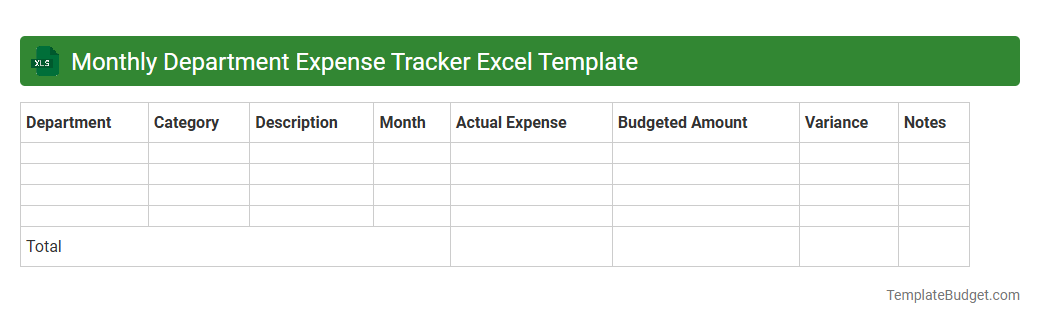
Monthly Department Expense Tracker Excel Template
A Monthly Department Expense Tracker Excel Template typically contains categorized expense entries, dates, and corresponding amounts for each department within an organization. It includes formulas to automatically calculate total monthly expenses, variance from budget, and generate summary reports or charts for financial analysis. Structured tables and dropdown lists enhance data accuracy, enabling efficient tracking and decision-making for departmental budgeting.
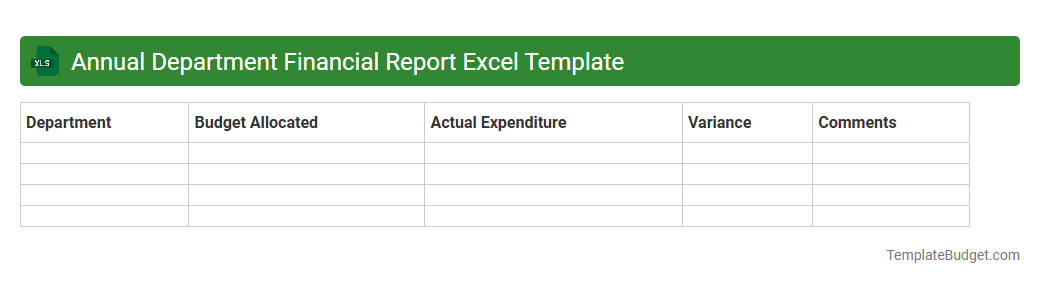
Annual Department Financial Report Excel Template
Annual Department Financial Report Excel Template typically contains detailed budget allocations, expense tracking, and revenue summaries organized by categories such as personnel costs, operational expenses, and capital expenditures. It includes preformatted tables, charts, and pivot tables to visualize financial performance and compare actuals against budgeted figures. Built-in formulas automate calculations of totals, variances, and percentage changes, facilitating accurate and efficient financial analysis.
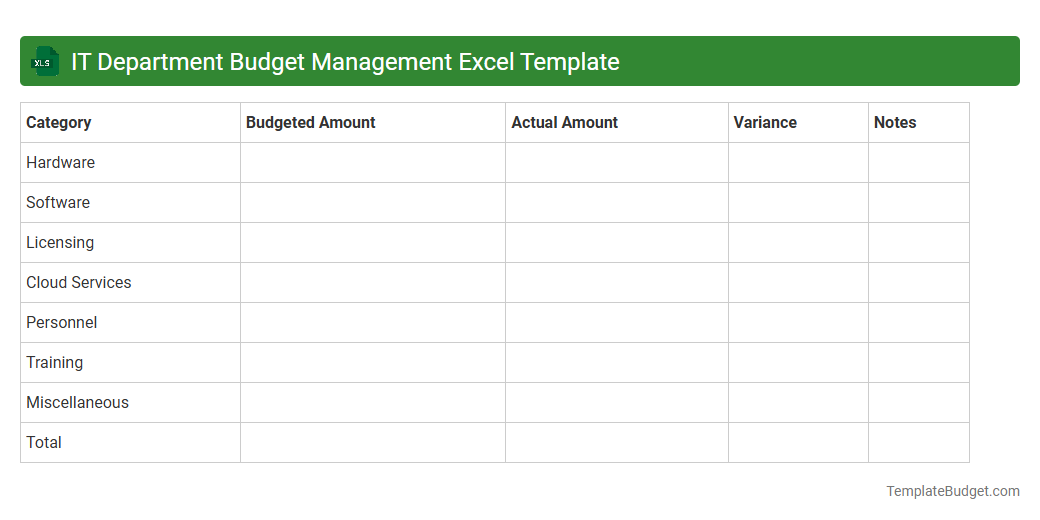
IT Department Budget Management Excel Template
An IT Department Budget Management Excel Template typically contains detailed budget categories such as hardware expenses, software licenses, personnel costs, and miscellaneous operational expenditures. It includes columns for planned versus actual spending, monthly or quarterly tracking, and formulas to calculate variances and total costs. Charts and pivot tables may be integrated to visualize budget performance and support decision-making.
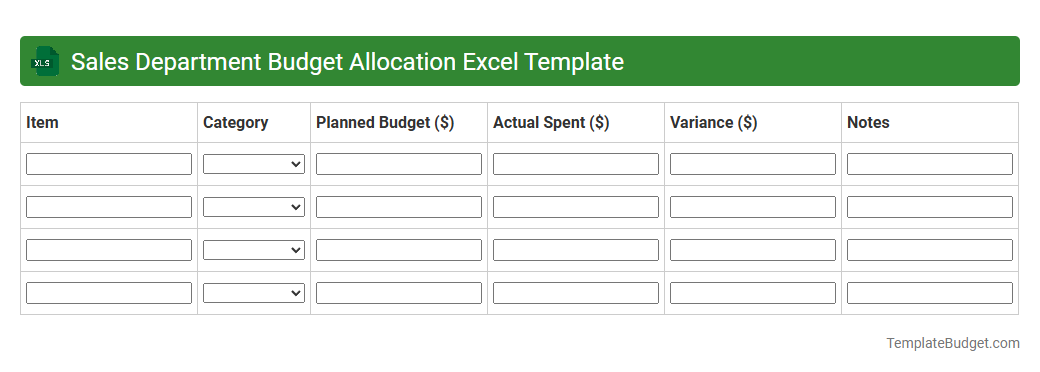
Sales Department Budget Allocation Excel Template
An Excel document for Sales Department Budget Allocation typically contains detailed sheets outlining expense categories, monthly budget forecasts, and actual spending comparisons. It includes data columns for sales targets, marketing costs, salaries, and operational expenses, with formulas to calculate variances and total budget utilization. Visual elements such as charts and graphs are often embedded to provide clear insights into budget performance and resource allocation efficiency.
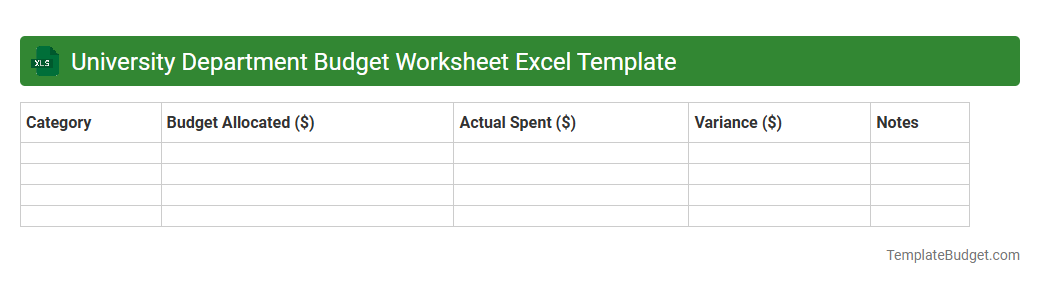
University Department Budget Worksheet Excel Template
University Department Budget Worksheet Excel Template typically includes detailed sections for personnel costs, operational expenses, and capital expenditures. It often contains predefined categories for salaries, supplies, travel, and equipment with customizable cells for projected and actual amounts. Built-in formulas facilitate automatic calculations of totals, variances, and budget summaries to support efficient financial planning and tracking.
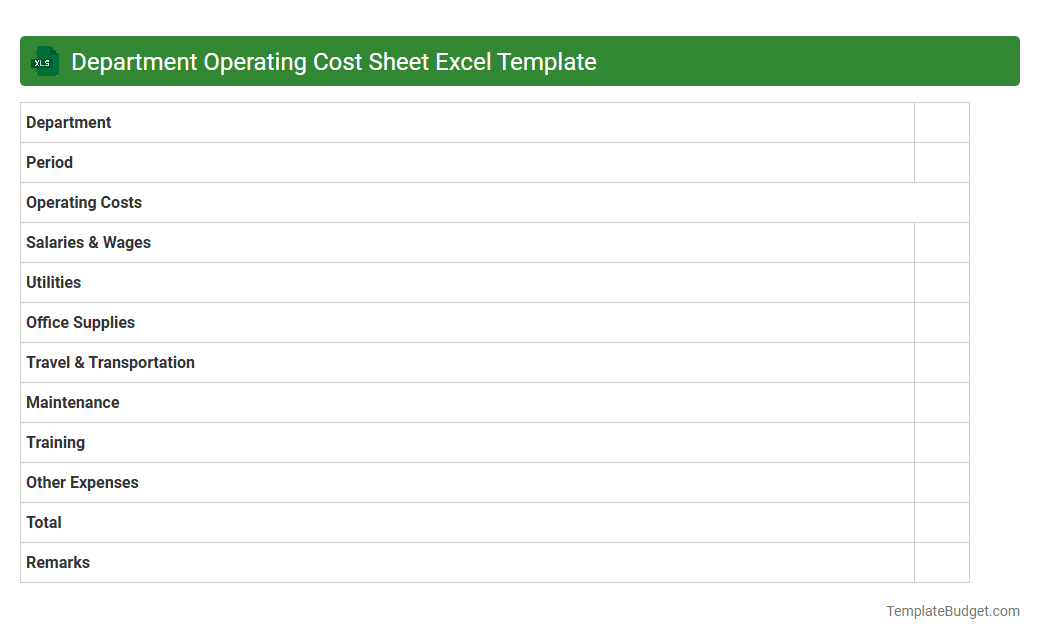
Department Operating Cost Sheet Excel Template
An Excel document titled "Department Operating Cost Sheet Excel Template" typically contains detailed spreadsheets outlining various expense categories such as salaries, utilities, supplies, and equipment costs. It includes columns for budgeted amounts, actual expenditures, variance analysis, and monthly or quarterly cost breakdowns to monitor financial performance of each department. Formulas and charts are often embedded to provide dynamic calculations and visual summaries for better decision-making and cost control.
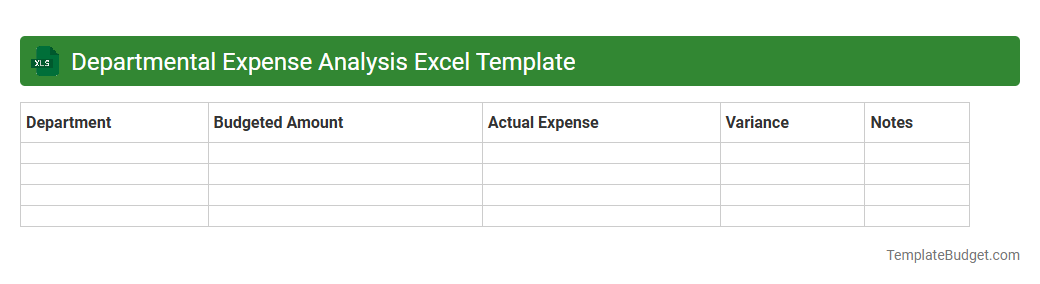
Departmental Expense Analysis Excel Template
An Excel document for Departmental Expense Analysis typically contains structured worksheets with categorized expense entries such as salaries, utilities, supplies, and travel costs. It includes pivot tables and charts for visualizing expenditure trends across different departments and time periods. Formulas and functions automate budget variance calculations, highlight cost-saving opportunities, and provide actionable financial insights.
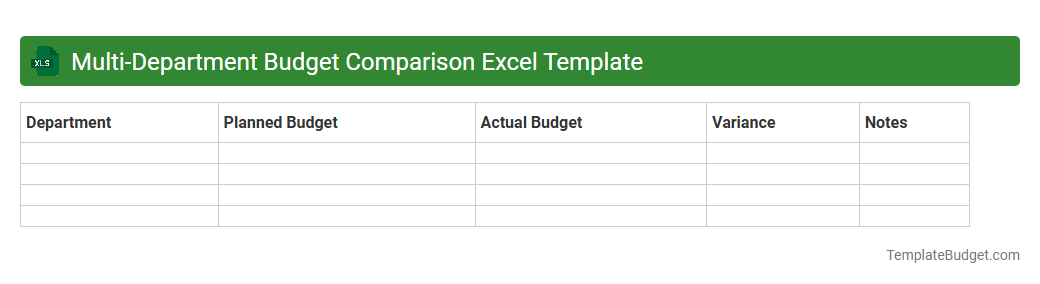
Multi-Department Budget Comparison Excel Template
The Multi-Department Budget Comparison Excel Template typically contains detailed budget sheets for various departments, including categories such as salaries, operational costs, and capital expenditures. It features comparative columns to track actual spending against planned budgets, enabling clear visualization of variances through charts and graphs. Built-in formulas automate the calculation of totals and percentage differences, facilitating efficient financial analysis and decision-making across departments.
Introduction to Department Budget Sheet Excel Template
The Department Budget Sheet Excel Template is a versatile tool designed to streamline financial planning and management within departments. It simplifies tracking expenses, revenues, and budget allocations in an organized manner. This template enhances transparency and control over departmental budgets.
Key Features of the Excel Template
The Excel template includes customizable categories, automated calculations, and comprehensive summary reports. It offers easy-to-use drop-down menus and visual charts for better data interpretation. These features support accurate budget monitoring and timely financial decision-making.
Benefits of Using a Budget Sheet in Excel
Using an Excel budget sheet improves financial accuracy and accountability in department spending. It provides real-time updates and facilitates scenario analysis for better forecasting. Additionally, it reduces administrative workload by automating repetitive budget tracking tasks.
Essential Components of the Template
The template consists of income and expense sections, monthly and yearly summaries, and variance analysis. It also integrates space for notes and departmental priorities to align budget with goals. These components ensure a holistic overview of financial health.
How to Set Up the Budget Sheet
Start by entering department names and fiscal year details in the header section. Customize expense categories and revenue streams to fit specific departmental needs. Lastly, define budget limits and set up linked formulas to automate calculations.
Step-by-Step Guide to Data Entry
Begin by inputting planned budget figures for each category and month. Regularly update actual expenses and revenues to track performance against the plan. Verify data accuracy frequently to maintain reliable financial records.
Tips for Customizing the Excel Template
Adjust color schemes and fonts to match your organization's branding for a professional look. Add or remove budget categories based on departmental requirements to minimize clutter. Implement conditional formatting to highlight budget variances effectively.
Best Practices for Departmental Budgeting
Consistently review budget data and involve key stakeholders in financial planning processes. Use historical data to inform realistic budget targets and expectations. Maintain documentation of assumptions and changes for audit and review purposes.
Common Mistakes to Avoid
Avoid overestimating revenues and underestimating expenses which can distort budget accuracy. Do not neglect regular updates, as outdated information reduces the template's effectiveness. Failing to customize the template may lead to irrelevant categories and inaccurate reporting.
Download and Get Started with Your Template
Access the Department Budget Sheet Excel Template by downloading it from trusted financial management sites. Begin populating your data immediately and explore the embedded tools for detailed financial insights. Start streamlining your departmental budgeting process today for improved fiscal control.
More Department Excel Templates