Efficient financial planning is crucial for business success, and a Business Financial Budget Excel Template offers a practical solution for managing revenues, expenses, and cash flow. This customizable template enhances accuracy and simplifies the budgeting process, enabling businesses to track financial performance and make informed decisions. Explore the Excel template below to streamline your business budgeting and optimize your financial strategy.
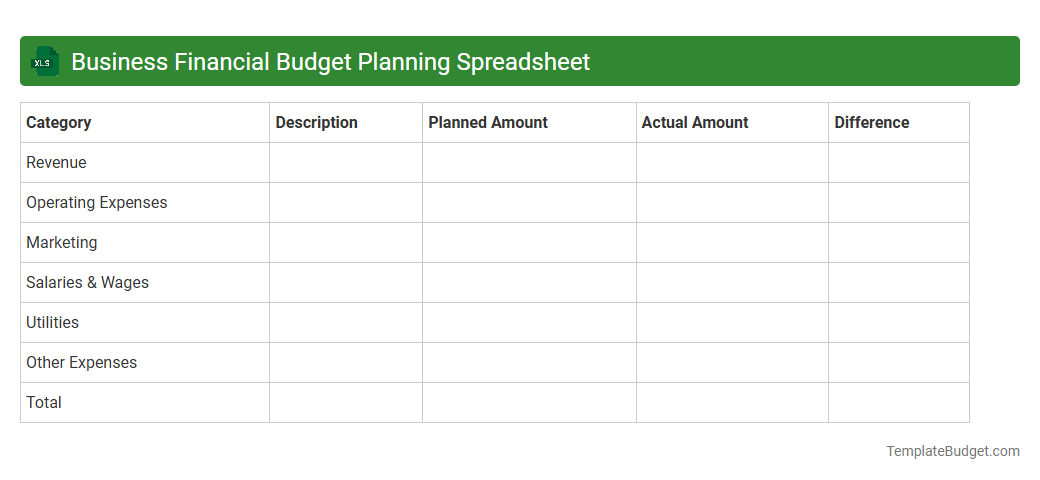
Business Financial Budget Planning Spreadsheet
An Excel Business Financial Budget Planning Spreadsheet typically contains detailed sections for revenue projections, expense tracking, and cash flow analysis, enabling precise financial management. It includes customizable templates for monthly and yearly budgets, variance reports, and graphical visualizations such as pie charts and bar graphs to illustrate budget performance. Key data fields often encompass income sources, fixed and variable costs, profit margins, and forecast assumptions to support strategic decision-making.
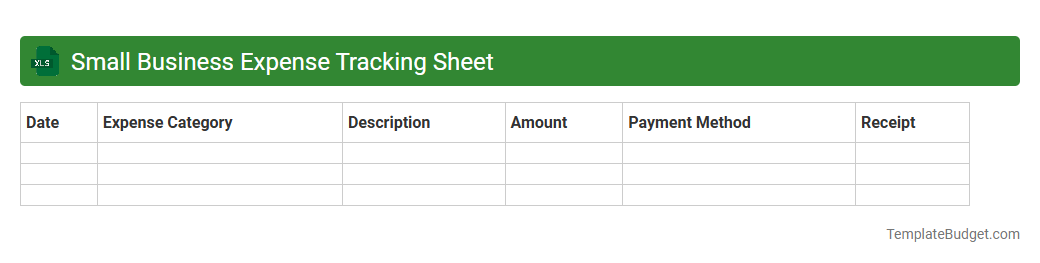
Small Business Expense Tracking Sheet
A Small Business Expense Tracking Sheet typically contains columns for date, expense category, payment method, vendor name, and amount spent to systematically record daily transactions. It often includes formulas to automatically calculate totals, categorize expenses, and track budgets, helping business owners monitor cash flow. Detailed notes or receipt attachment fields may also be present to ensure accurate recordkeeping and simplify tax preparation.
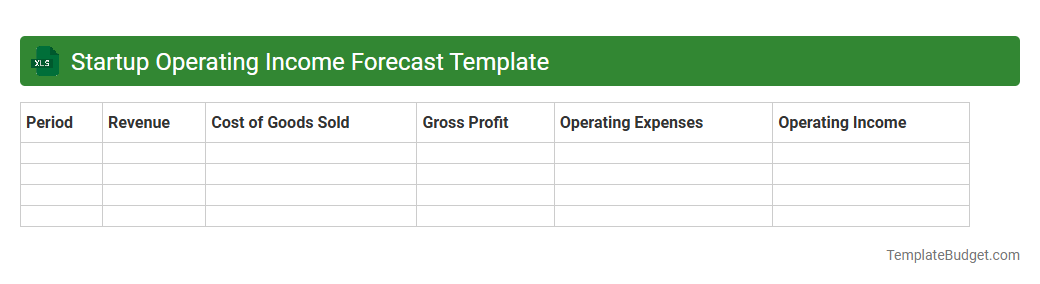
Startup Operating Income Forecast Template
An Excel Startup Operating Income Forecast Template typically contains detailed financial projections including revenue streams, cost of goods sold, operating expenses, gross profit, and net income estimates organized by month or quarter. It often features input sections for assumptions such as sales growth rates, pricing strategies, and expense categories, alongside automated calculation formulas to generate dynamic cash flow and profitability forecasts. Built-in charts and summary tables help visualize financial health and support strategic planning for early-stage business operations.
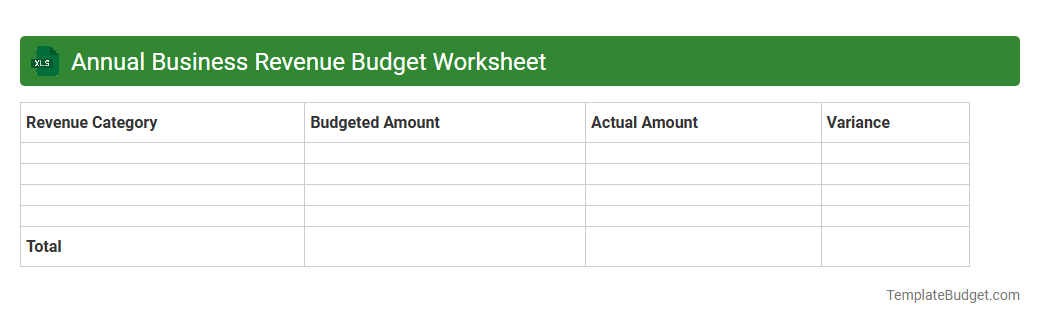
Annual Business Revenue Budget Worksheet
An Annual Business Revenue Budget Worksheet in Excel typically contains detailed revenue projections organized by month, quarter, and year. It includes categories such as sales income, service fees, product lines, and other income streams, often supported by formulas calculating totals and variances. The document may also feature budget assumptions, historical data comparisons, and charts visualizing revenue trends for effective financial planning and analysis.
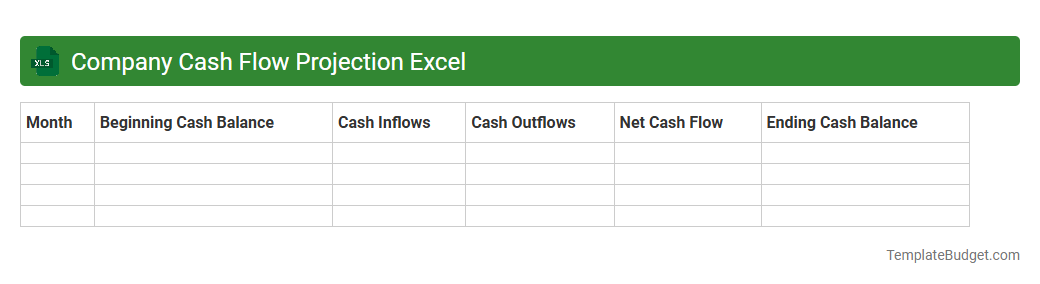
Company Cash Flow Projection Excel
A Company Cash Flow Projection Excel typically contains detailed monthly or quarterly inflows and outflows, including operating receipts, expenses, and financing activities. It features sections for revenue forecasts, cost of goods sold, operating expenses, loan repayments, and capital expenditures to project net cash flow over time. Key metrics like opening and closing cash balances are dynamically calculated to help businesses manage liquidity and plan financial strategies effectively.
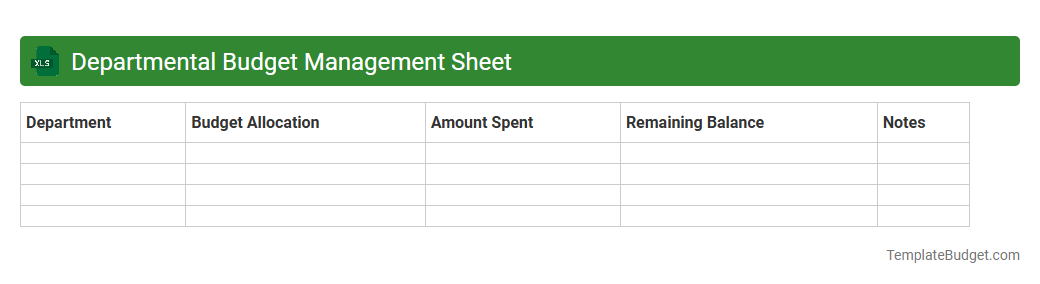
Departmental Budget Management Sheet
An Excel Departmental Budget Management Sheet typically contains categorized expense and revenue data, including salary allocations, operational costs, and project expenditures. It features detailed budget summaries, variance analyses comparing planned versus actual spending, and dynamic charts to visualize financial performance. Essential components often include department-wise cost centers, forecasted budgets, and periodic financial tracking to support strategic decision-making.
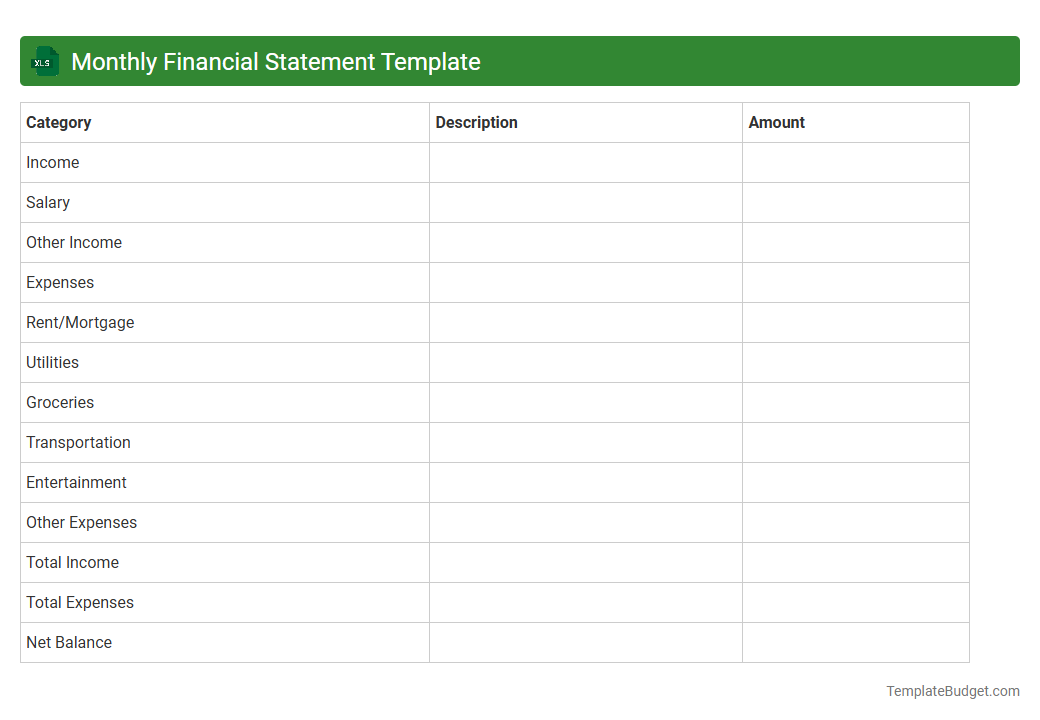
Monthly Financial Statement Template
A Monthly Financial Statement Template in Excel typically contains sheets for income statements, balance sheets, and cash flow summaries. It includes rows for revenue, expenses, assets, liabilities, and equity, allowing for detailed tracking of financial performance. Formulas automate calculations of net profit, liquidity ratios, and budget variances to enhance financial analysis and reporting.
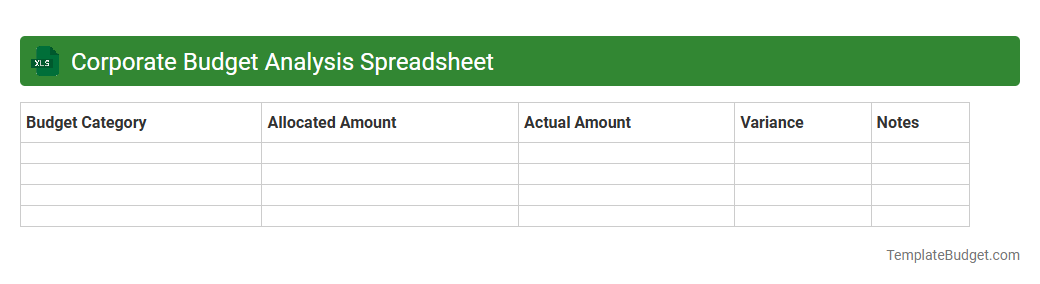
Corporate Budget Analysis Spreadsheet
A Corporate Budget Analysis Spreadsheet typically contains detailed financial data, including revenue projections, expense categories, and departmental budgets. It features various sheets for quarterly or annual budget comparisons, variance analysis, and cash flow forecasts. Key elements often comprise pivot tables, charts, and formula-driven summaries to facilitate decision-making and financial strategy planning.
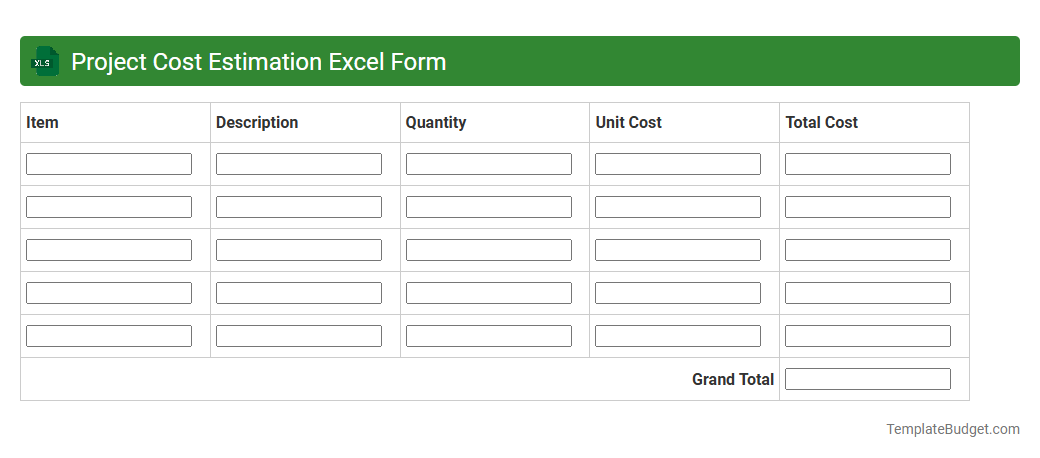
Project Cost Estimation Excel Form
A Project Cost Estimation Excel form typically includes detailed line items such as labor costs, material expenses, equipment charges, and overhead allocations to provide an accurate financial forecast for a project. It often contains input cells for quantities, unit prices, and total calculations, alongside summary sections for projected budgets and contingency reserves. Formulas and functions automate calculations, enabling dynamic updates and scenario analysis to support effective budget management.
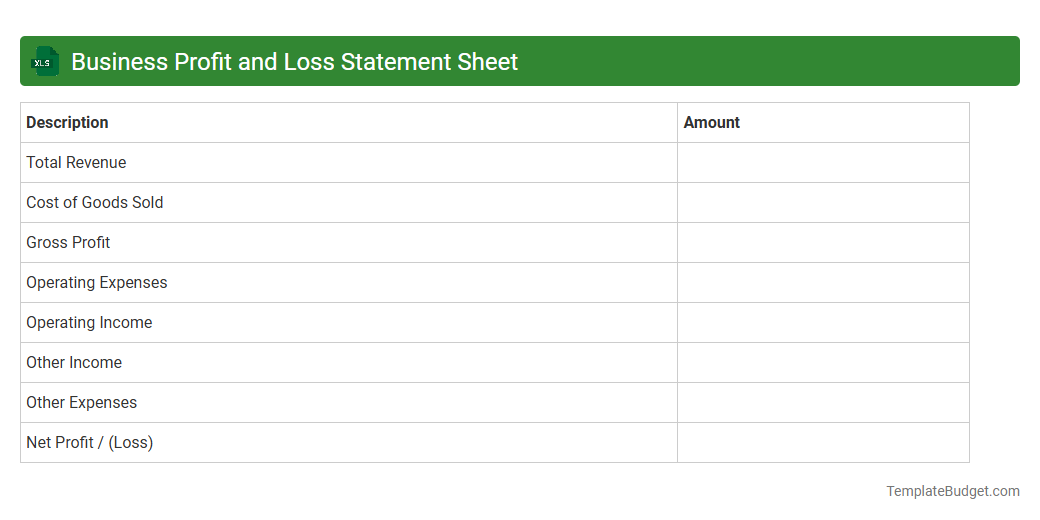
Business Profit and Loss Statement Sheet
A Business Profit and Loss Statement sheet in Excel typically contains sections for revenue, cost of goods sold (COGS), gross profit, operating expenses, and net income. It includes detailed line items such as sales revenue, direct costs, salaries, rent, utilities, depreciation, and taxes to calculate the business's profitability over a specific period. Formulas are often used to automate the calculation of subtotals and final net profit or loss.
Introduction to Business Financial Budget Excel Templates
Business Financial Budget Excel Templates provide a structured way to manage finances, offering a clear overview of income and expenses. These templates help streamline the budgeting process, enhancing accuracy and efficiency. Utilizing a financial budget template ensures better decision-making and financial control.
Key Features of a Financial Budget Template
Financial budget templates include predefined categories, formulas for automatic calculations, and data visualization tools such as charts and graphs. They often support customizable fields to accommodate unique business needs. A well-designed template simplifies tracking and analyzing financial performance.
Benefits of Using Excel for Business Budgeting
Excel offers flexibility, ease of use, and powerful data manipulation capabilities for business budgeting. It integrates seamlessly with other Office tools and supports complex financial functions. Using Excel enhances the accuracy and adaptability of budget management tasks.
Essential Components of a Budget Spreadsheet
A budget spreadsheet typically includes revenue projections, expense categories, cash flow analysis, and profit calculations. It also features summary sections for quick financial snapshots and forecasting. Incorporating these key components ensures comprehensive financial planning.
Step-by-Step Guide to Creating a Budget Template
Begin by outlining your income and expense categories, then set up Excel formulas for totals and subtotals. Next, add data validation and conditional formatting for better usability. Following these steps results in a functional budget template tailored to business needs.
Customizing Your Excel Budget for Your Business
Adjust categories and timeframes to reflect your specific industry and business model. Incorporate relevant financial metrics and KPIs to enhance insights. Customizing allows the template to perfectly align with your business financial goals.
Common Mistakes to Avoid in Budget Planning
Avoid unrealistic revenue assumptions, neglecting contingency funds, and failing to update the budget regularly. Overlooking these errors can lead to poor financial decisions and cash flow issues. Maintaining discipline prevents budget planning pitfalls.
Tips for Accurate Financial Forecasting in Excel
Use historical data trends, scenario analysis, and sensitivity testing to improve forecasting precision. Regularly review and adjust assumptions based on market conditions and business changes. Accurate financial forecasting is essential for proactive budget management.
Integrating Excel Budgets with Other Financial Tools
Excel budgets can be linked with accounting software, ERP systems, and financial dashboards for cohesive reporting. Data import/export features enable seamless updating and cross-platform consistency. Integration strengthens overall financial data management.
Best Practices for Monitoring and Updating Budgets
Schedule periodic reviews to compare actual results against budgeted figures and adjust as needed. Use Excel's tracking features, such as comments and version control, to document changes. Consistent monitoring ensures ongoing budget accuracy and relevance.
More Business Excel Templates