
Efficient financial planning is crucial for organizations aiming to manage administrative expenses effectively. An Administrative Budget Excel Template streamlines tracking costs like office supplies, salaries, and utilities, ensuring accuracy and clarity in budget management. Explore the Excel template below to simplify your administrative budgeting process.
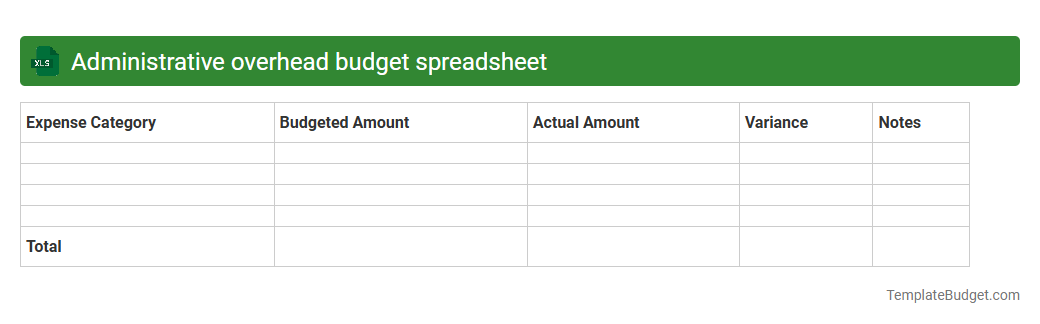
Administrative overhead budget spreadsheet
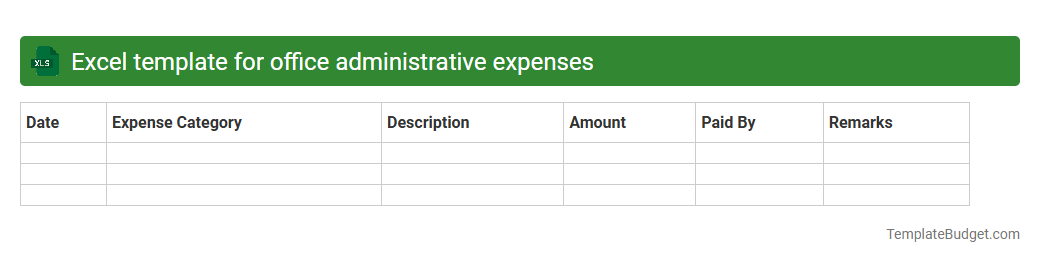
Excel template for office administrative expenses
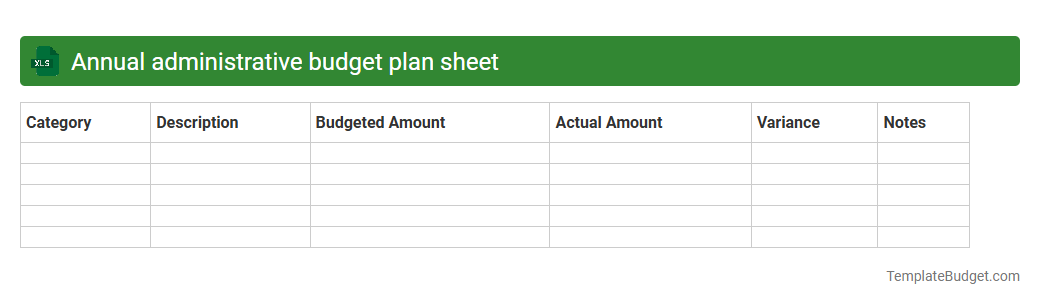
Annual administrative budget plan sheet
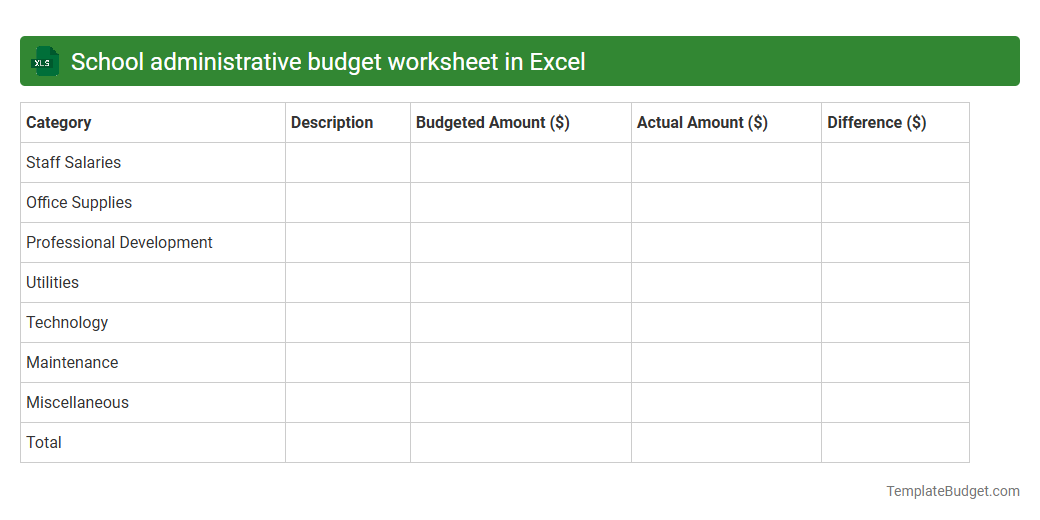
School administrative budget worksheet in Excel
Nonprofit administrative budget planning template
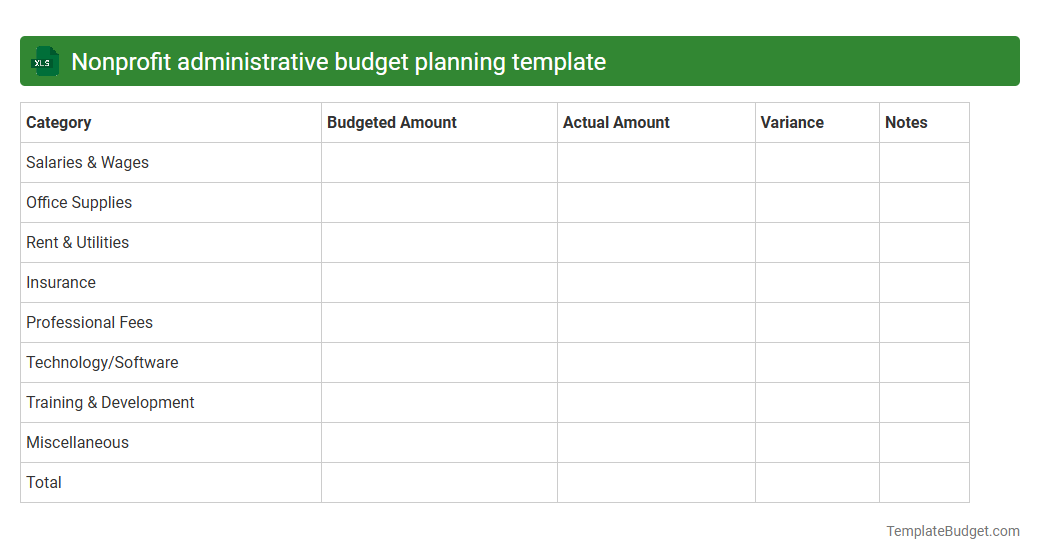
Corporate administrative cost tracking Excel file
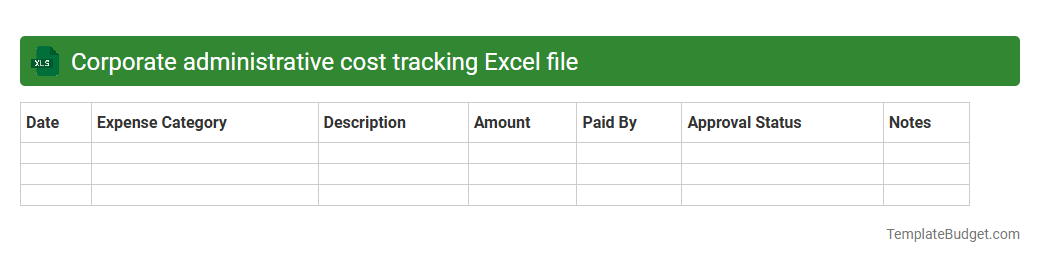
Business administration budget allocation spreadsheet
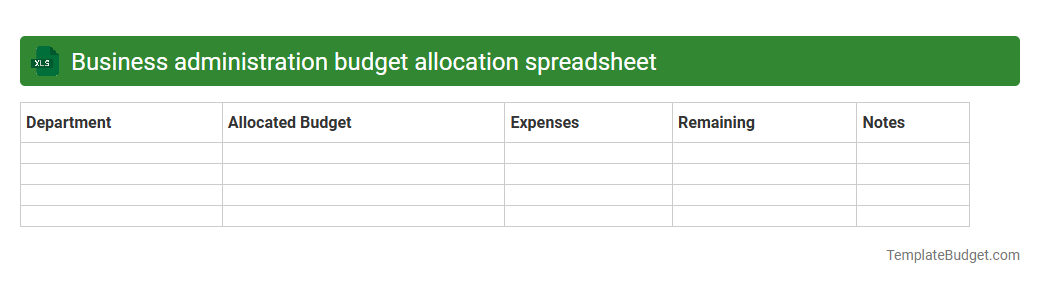
Department administrative expense budget sheet
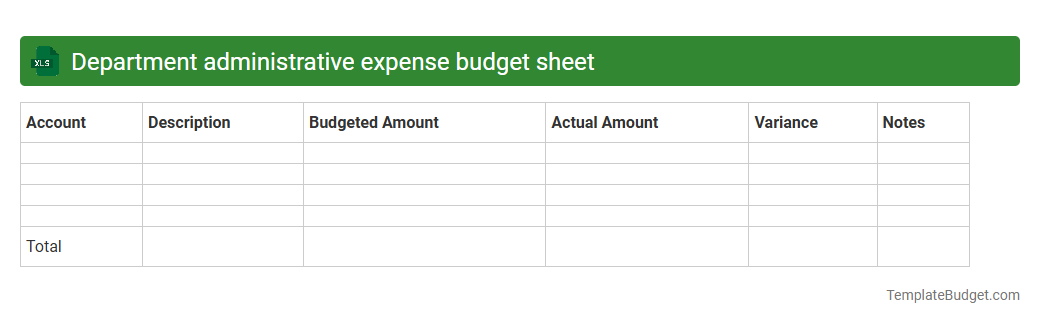
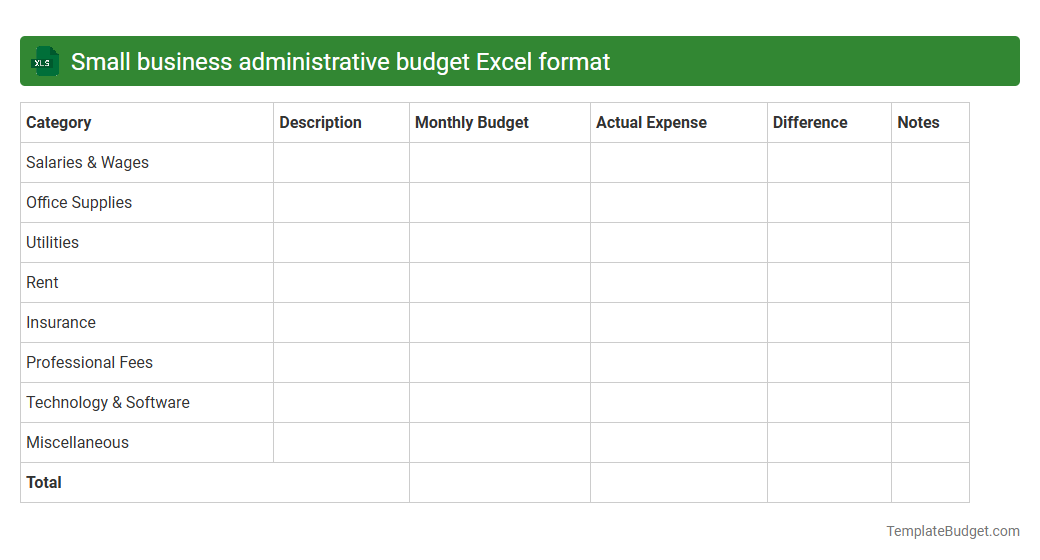
Small business administrative budget Excel format
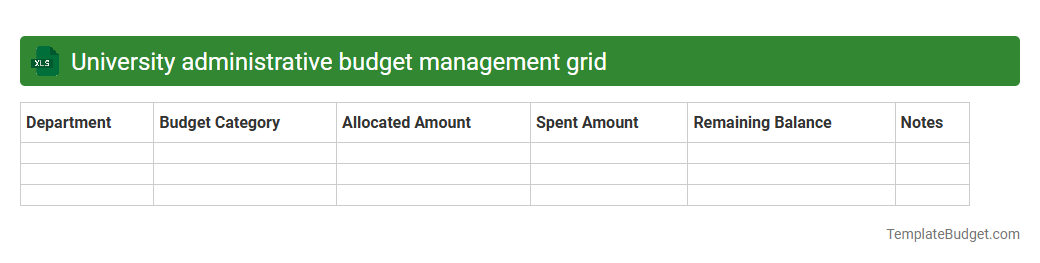
University administrative budget management grid
Introduction to Administrative Budget Excel Template
An Administrative Budget Excel Template is a practical tool designed to help organizations efficiently plan and manage their financial resources. It provides a structured framework for tracking expenses and revenues related to administrative functions. By organizing budgets in Excel, users can maintain accuracy and consistency in financial planning.
Key Features of Administrative Budget Templates
These templates typically include pre-built spreadsheets with customizable categories, automatic calculations, and easy-to-read charts. The key features ensure that users can quickly analyze data, forecast spending, and adjust budgets accordingly. Integration with Excel's functions enhances the template's adaptability and user-friendliness.
Benefits of Using Excel for Budget Management
Excel offers powerful tools such as formulas, pivot tables, and charts that simplify complex financial data management. Utilizing Excel for budget management increases efficiency, reduces errors, and improves data visualization. This versatility makes Excel a preferred choice for administrative budgeting tasks.
Essential Elements of an Administrative Budget
An effective administrative budget includes categories like salaries, office supplies, utilities, and miscellaneous expenses. Each element should be clearly defined with appropriate allocation to ensure comprehensive financial coverage. The essential elements facilitate transparency and better fiscal control.
Step-by-Step Guide to Setting Up the Template
Begin by defining budget categories, inputting estimated costs, and setting timelines for tracking. Use Excel formulas to automate calculations for totals and variances. Following a step-by-step approach ensures accuracy and usefulness of the budget template.
Customizing Your Administrative Budget in Excel
Adjust the template to match your organization's specific needs by adding or removing categories, changing labels, and adjusting formulas. Tailoring the template improves relevance and effectiveness for your unique financial planning. Customizing enhances the tool's adaptability to various administrative structures.
Tips for Accurate Budget Tracking
Regularly update actual expenditures, compare them with budgeted amounts, and review discrepancies monthly. Maintain detailed records and use Excel's data validation to minimize errors. These tips help maintain financial control and informed decision-making.
Common Mistakes to Avoid in Budget Planning
Avoid underestimating costs, ignoring periodic reviews, and neglecting to update the template regularly. Failure to account for unexpected expenses can disrupt financial planning significantly. Recognizing these common mistakes ensures a more reliable administrative budget.
Downloadable Administrative Budget Excel Template
Many websites offer free and premium downloadable Administrative Budget Excel Templates designed for ease of use and customization. Accessing these templates can save time and provide a proven structure for your budgeting needs. Always ensure templates are compatible with your version of Excel.
Frequently Asked Questions (FAQs)
Common queries include how to customize templates, troubleshoot formula errors, and integrate budget data with other financial software. Understanding the FAQs helps users maximize the benefits of the Excel budget template. Clear answers support smoother budget management processes.