A wedding planning worksheet streamlines the complex process of organizing your special day by breaking down tasks, budgets, and timelines into manageable sections. It helps ensure no detail is overlooked, from venue booking to vendor coordination and guest list management. To simplify your planning journey, check the Excel template below designed to keep every aspect of your wedding on track.
Wedding budget worksheet
A Wedding Budget worksheet in Excel typically contains categories such as venue costs, catering expenses, attire, decorations, photography, entertainment, and miscellaneous fees. It includes columns for estimated costs, actual expenditures, payment deadlines, and vendor contact information to track financial planning effectively. This structured layout helps couples monitor spending, manage cash flow, and stay within their overall wedding budget.
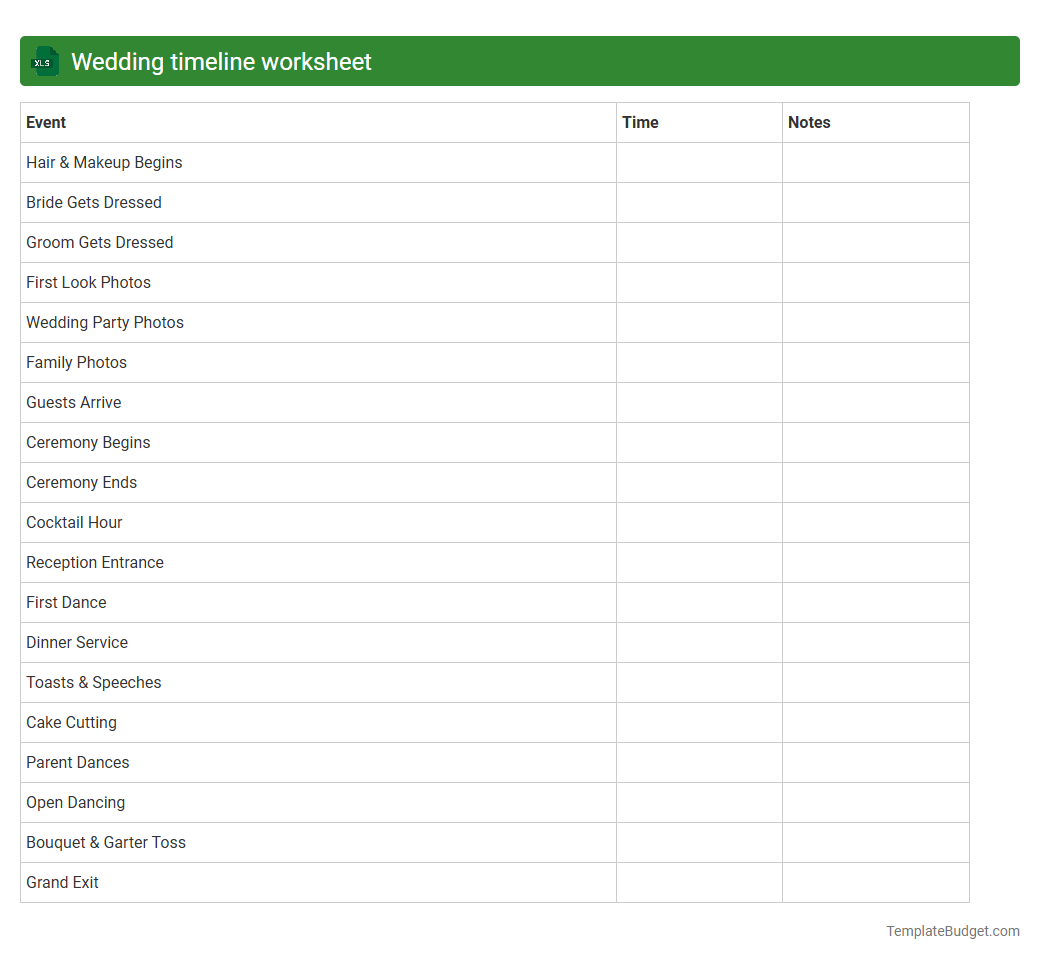
Wedding timeline worksheet
A wedding timeline worksheet in an Excel document typically contains detailed schedules including ceremony start time, vendor arrival times, and key event milestones such as the first dance and cake cutting. It often features columns for task descriptions, assigned persons, exact times, and status updates to ensure smooth coordination. This structured approach helps wedding planners and couples track progress and manage the day efficiently.
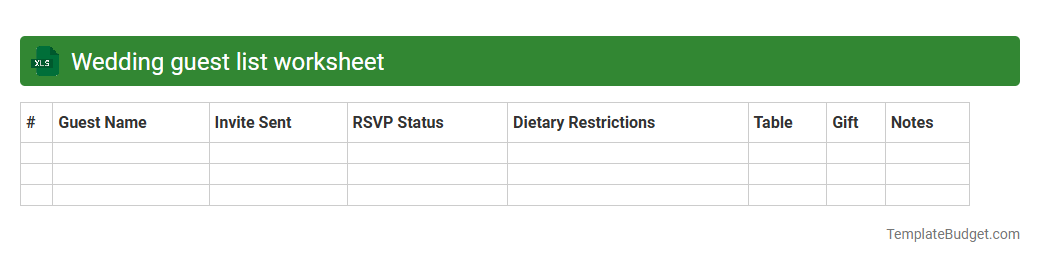
Wedding guest list worksheet
A wedding guest list worksheet in an Excel document typically includes columns for guest names, contact information, RSVP status, meal preferences, and assigned table numbers. It often features sections for tracking plus-ones, gift details, and special notes such as dietary restrictions or seating requests. Formatted with filters and conditional formatting, the worksheet helps manage guest attendance and streamline event planning efficiently.
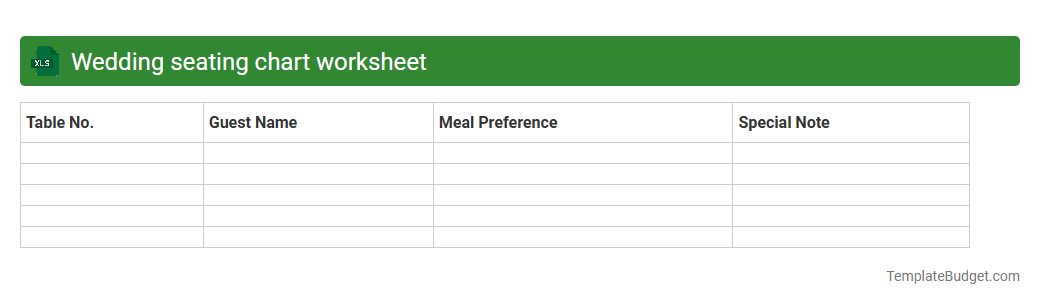
Wedding seating chart worksheet
A wedding seating chart worksheet in Excel typically contains columns for guest names, assigned table numbers, dietary preferences, and RSVP status. It often includes additional fields like meal choices, relationship to the couple, and contact information for easy organization. Conditional formatting and filters help quickly identify seating arrangements and manage guest details effectively.
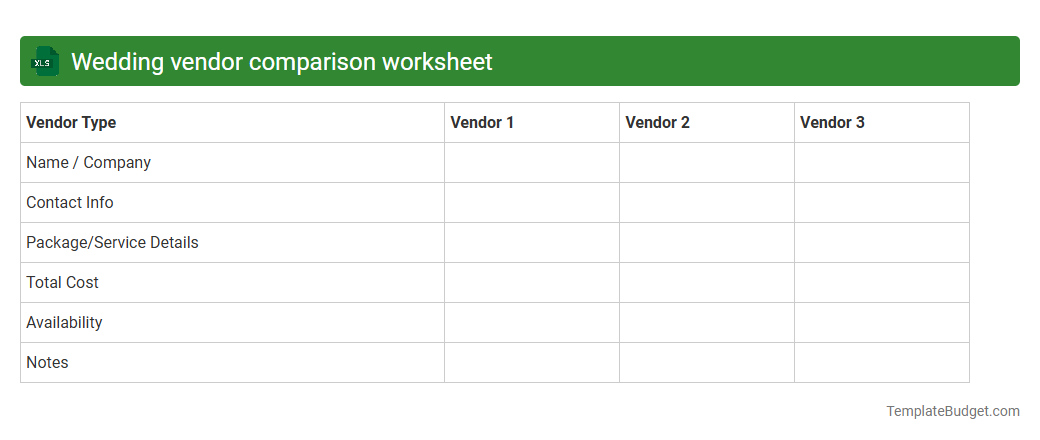
Wedding vendor comparison worksheet
A wedding vendor comparison worksheet typically contains columns for vendor names, contact information, services offered, pricing details, and payment terms. It includes rows for categories such as catering, photography, venue, entertainment, and floral arrangements to facilitate side-by-side comparison. Notes on vendor availability, reviews, and contract specifics help in making informed decisions.
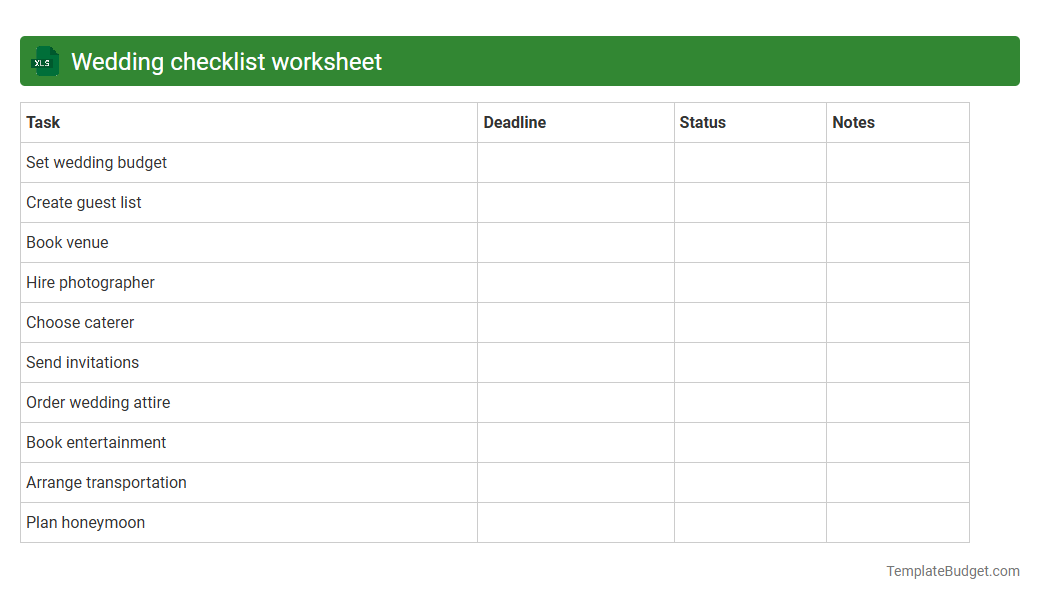
Wedding checklist worksheet
A wedding checklist worksheet in an Excel document typically includes detailed task lists, budget tracking, and timeline schedules to ensure efficient wedding planning. It contains organized columns for task names, due dates, assigned responsibilities, status updates, and estimated versus actual costs. This structured format helps couples and planners monitor progress, manage expenses, and coordinate all essential wedding activities systematically.
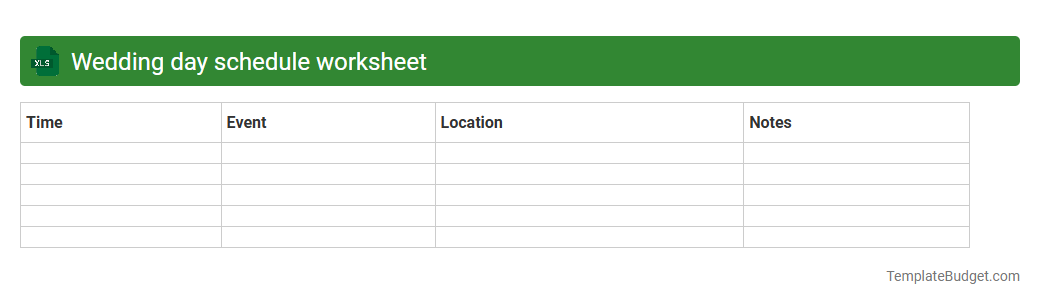
Wedding day schedule worksheet
An Excel wedding day schedule worksheet typically contains a detailed timeline of events, including ceremony start times, vendor arrival and setup slots, and key moments like the first dance or cake cutting. It often includes columns for task descriptions, responsible persons, and contact information to ensure seamless coordination. Color-coded sections help visually organize activities by time or category, enhancing clarity and efficiency on the wedding day.
Wedding decoration planning worksheet
A wedding decoration planning worksheet in an Excel document typically contains detailed lists of decoration items, quantities, and costs to help manage the wedding budget effectively. It often includes columns for vendor names, delivery dates, and setup instructions to ensure smooth coordination on the event day. Visual aids like color-coded categories and status trackers are commonly integrated to enhance organization and timely completion of decoration tasks.
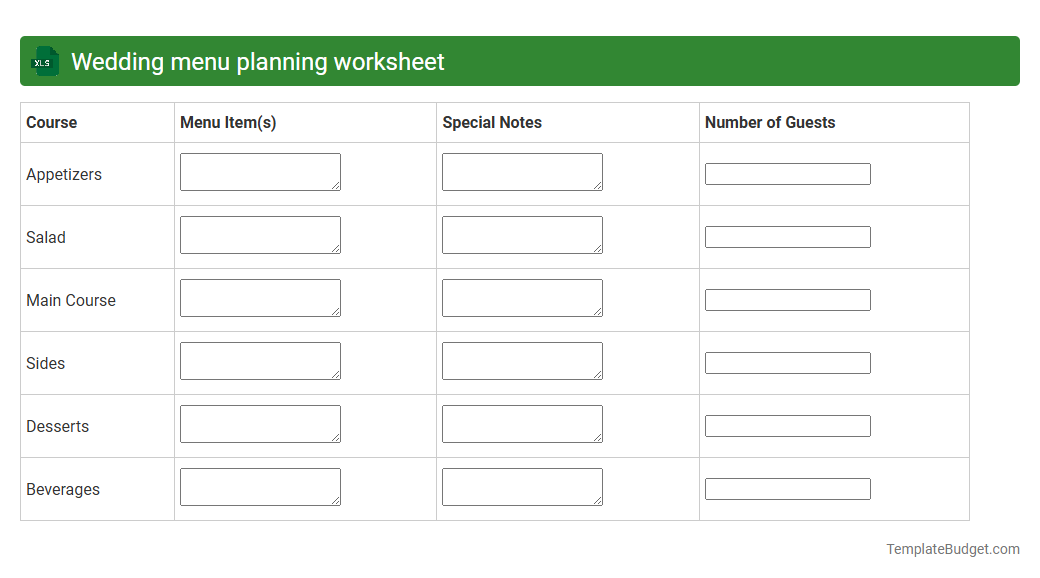
Wedding menu planning worksheet
A Wedding menu planning worksheet in Excel typically contains categorized sections for appetizers, main courses, desserts, and beverages, allowing for organized meal selection and quantity tracking. It often includes columns for guest dietary restrictions, estimated costs per item, and total budget calculations to streamline event planning. This structured layout facilitates easy customization and ensures all dietary needs and preferences are accommodated efficiently.
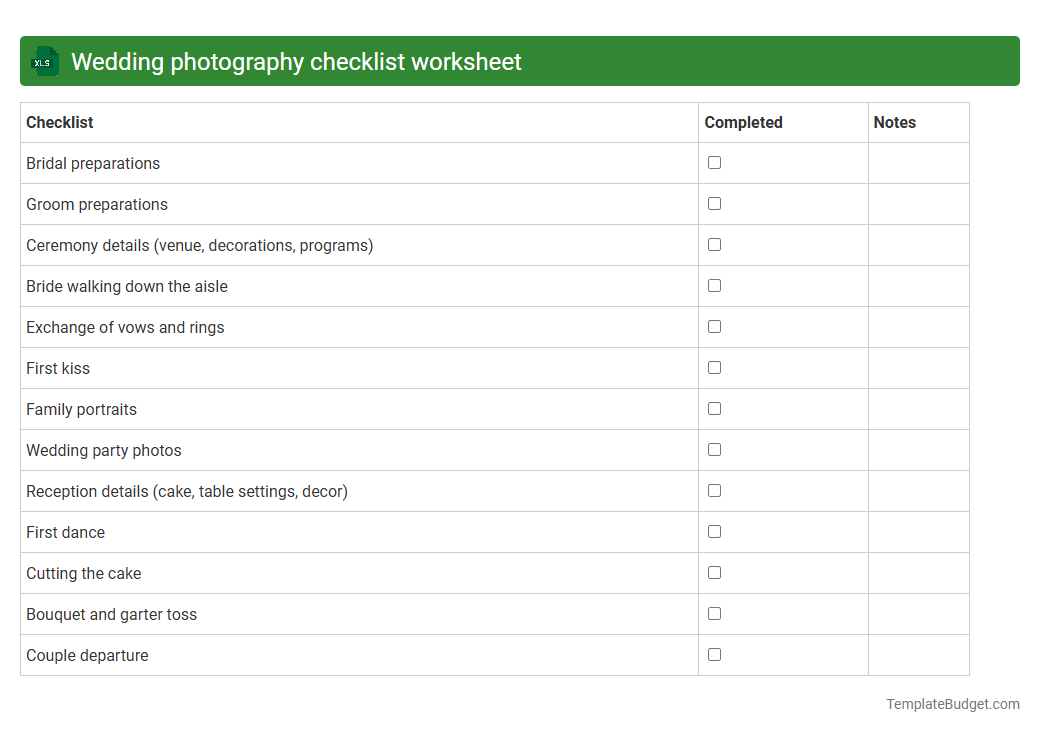
Wedding photography checklist worksheet
An Excel document titled "Wedding Photography Checklist Worksheet" typically contains detailed columns for tasks, deadlines, and assigned team members to ensure comprehensive planning. It includes lists of essential shots, equipment needs, location details, and scheduled sessions to streamline the photographer's workflow. Such a worksheet helps organize timelines, track progress, and ensure no important moments are missed during the wedding event.
Introduction to Wedding Planning Worksheets
Wedding planning worksheets are essential tools designed to streamline the preparation process. These comprehensive worksheets help couples keep every detail organized, reducing stress and confusion. By using a structured approach, weddings can be planned with clarity and ease.
Benefits of Using a Wedding Planning Worksheet
Utilizing a wedding planning worksheet ensures nothing is overlooked throughout the planning stages. It promotes efficiency, helping couples make informed decisions and track progress. This method enhances overall coordination for a seamless celebration.
Essential Sections in a Wedding Planning Worksheet
A well-designed worksheet includes sections like budget, guest list, vendor contacts, timeline, and event details. These components cover every aspect of the wedding, offering a holistic overview. Each section is tailored to address critical planning needs with precision.
Budget Management and Tracking
Effective budget management within the worksheet allows couples to allocate funds wisely and avoid overspending. Tracking expenses in real time keeps the wedding financially sustainable. This section is vital for maintaining financial control throughout the process.
Guest List Organization
Keeping a detailed guest list helps in managing invitations, RSVPs, and seating arrangements efficiently. The worksheet facilitates updates and categorization of guests, ensuring smooth communication. Proper guest management leads to better event flow and satisfaction.
Vendor Contact Information
Documenting all vendor contacts in one place simplifies communication and coordination. The worksheet helps track contracts, services, and payment schedules to avoid missed deadlines. Organizing vendor details is key to maintaining professional relationships.
Timeline and Checklist Creation
Timelines and checklists clarify tasks, deadlines, and priorities for every phase of wedding planning. These tools drive consistent progress and help couple avoid last-minute rushes. A clear schedule enhances preparedness and overall event execution.
Ceremony and Reception Details
Capturing specifics about ceremony and reception venues, decor, and activities ensures every element is thoughtfully planned. The worksheet helps coordinate logistics like seating, entertainment, and special moments. Attention to detail here guarantees a memorable wedding experience.
Personalizing Your Wedding Planning Worksheet
Customizable templates allow couples to incorporate their unique preferences and styles into the planning process. Personalization ensures the worksheet is relevant and aligned with individual wedding visions. This flexibility supports a truly custom celebration.
Tips for Staying Organized Throughout the Planning Process
Consistent updates, regular reviews, and prioritizing tasks keep the planning process on track and stress-free. Embracing digital tools alongside worksheets can enhance organization and accessibility. Staying proactive and detail-oriented leads to a successful wedding day.
More Wedding Excel Templates