Managing school classroom budgets efficiently requires precise tracking of expenses, supplies, and allocation of funds to ensure optimal resource utilization. A School Classroom Budget Excel Template simplifies this process by providing organized spreadsheets tailored for educators to monitor spending and plan future purchases effectively. Explore the comprehensive Excel template below to streamline your classroom budgeting tasks.
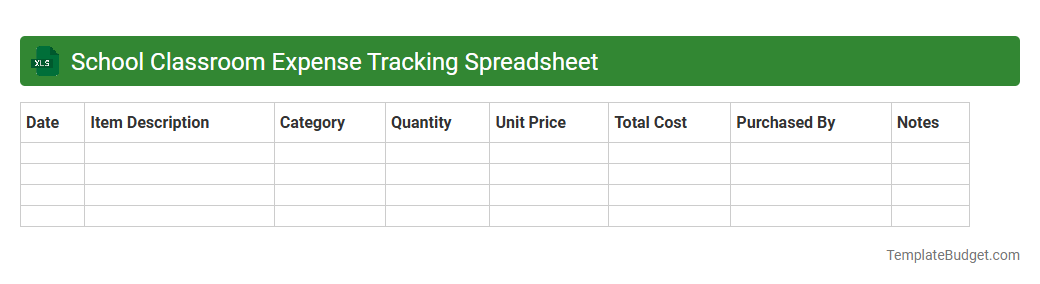
School Classroom Expense Tracking Spreadsheet
An Excel document titled "School Classroom Expense Tracking Spreadsheet" typically contains detailed tables with columns for categories such as supplies, equipment, and materials, along with dates, quantities, unit costs, and total expenses. It often includes summary sections with formulas to calculate monthly and yearly totals, budget comparisons, and expense trends. Charts and pivot tables may be embedded to visually represent spending patterns and ensure efficient budget management within the classroom.
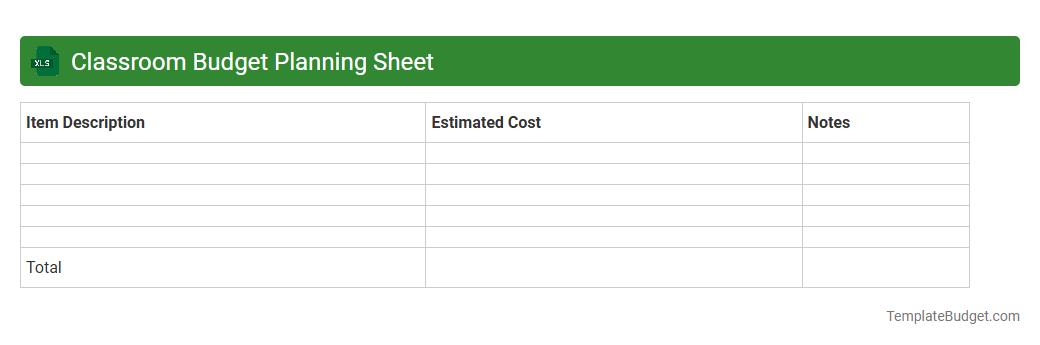
Classroom Budget Planning Sheet
A Classroom Budget Planning Sheet in Excel typically contains categories such as supplies, equipment, and activity costs, with columns for estimated and actual expenses to track spending effectively. It includes item descriptions, unit prices, quantities, total costs, and budget variance calculations to ensure adherence to financial limits. Conditional formatting and formulas are often applied to highlight overspending and maintain clear financial oversight for educators.
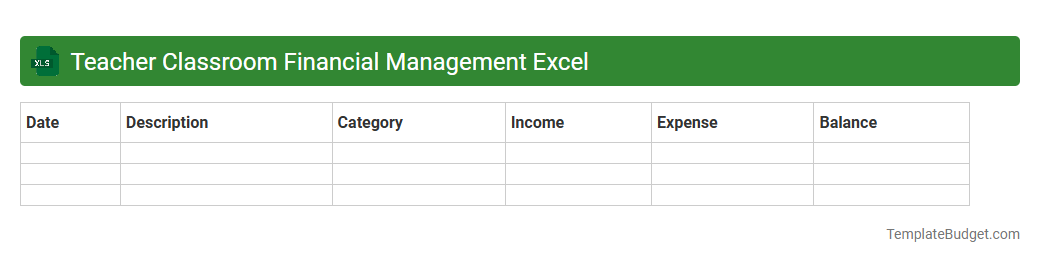
Teacher Classroom Financial Management Excel
The Teacher Classroom Financial Management Excel document typically contains detailed budget tracking sheets, including income from school funds, grants, and donations alongside expense logs for classroom supplies, educational materials, and extracurricular activities. It features categorized expense columns, automated formulas for real-time financial summaries, and dropdown menus for easy data entry. This spreadsheet aids teachers in maintaining transparent, organized financial records and ensuring efficient allocation of resources for classroom needs.
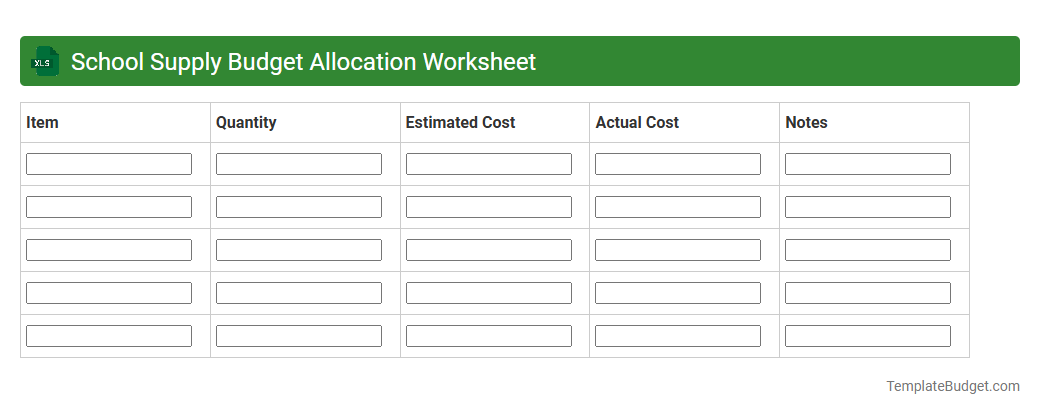
School Supply Budget Allocation Worksheet
The School Supply Budget Allocation Worksheet typically contains categorized lists of essential school supplies such as notebooks, pens, markers, and art materials, along with allocated budget amounts for each category. It includes columns for quantity, unit cost, total cost, and supplier information to facilitate detailed tracking and cost management. The worksheet also features summary sections for overall budget totals and remaining funds to ensure efficient financial planning for school supply purchases.
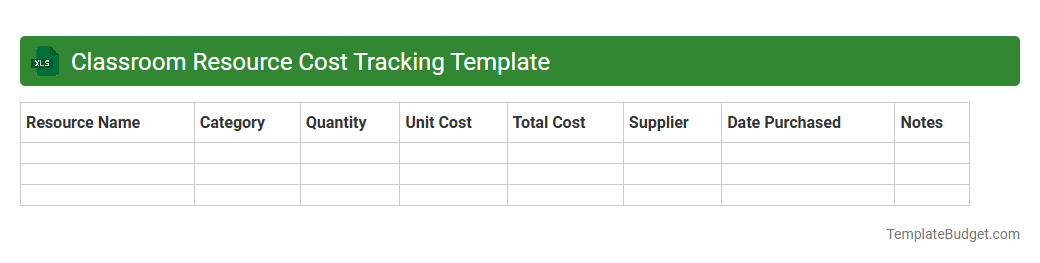
Classroom Resource Cost Tracking Template
An Excel document titled Classroom Resource Cost Tracking Template typically includes columns for item description, quantity, unit cost, total cost, and purchase date to monitor classroom expenses accurately. It often features sections for categorizing resources, such as supplies, technology, and furniture, enabling efficient budget management and expense analysis. Built-in formulas automatically calculate totals and summaries, providing educators and administrators clear insights into spending patterns and remaining budget.
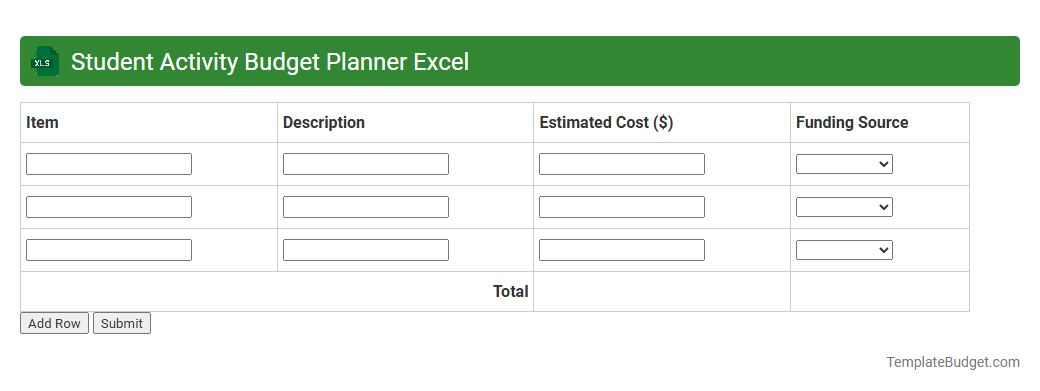
Student Activity Budget Planner Excel
The Student Activity Budget Planner Excel typically contains detailed worksheets for tracking income sources such as fundraising and sponsorships, alongside categorized expense entries for events, materials, and administrative costs. It includes dynamic charts and pivot tables that visualize budget allocations versus actual spending, facilitating real-time financial decision-making and adjustments. Key features often encompass automatic balance calculations, customizable expense categories, and summary dashboards to monitor overall budget health and ensure transparent fund management.
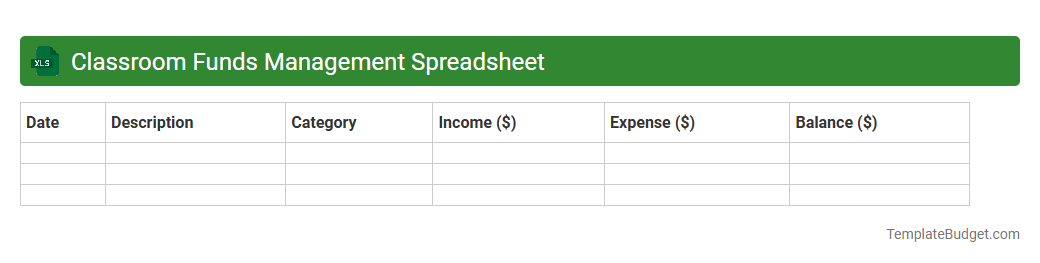
Classroom Funds Management Spreadsheet
An Excel document titled "Classroom Funds Management Spreadsheet" typically contains detailed records of income and expenses related to classroom activities, including columns for date, description, category, amount, and balance. It often features formulas to automatically calculate totals, track remaining funds, and generate summaries or reports to monitor budget adherence. The spreadsheet may also include sections for donor information, fundraising events, and planned expenditures to ensure transparent and efficient financial management.
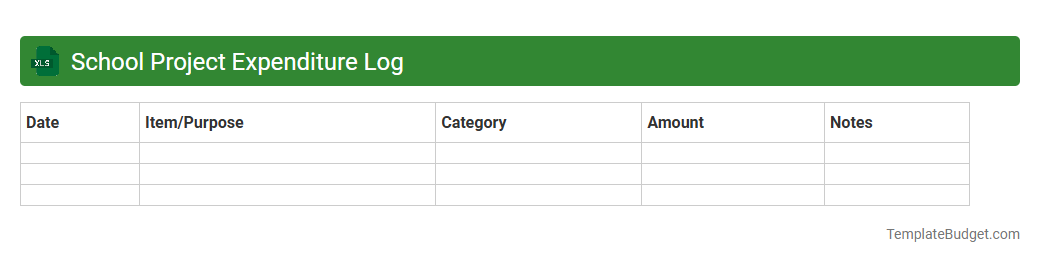
School Project Expenditure Log
An Excel document titled "School Project Expenditure Log" typically contains columns for date, item description, category (such as supplies, transportation, or printing), quantity, unit cost, and total cost. It may include rows detailing each purchase or expense with fields for project phase or responsible person to track accountability. Built-in formulas automate the calculation of subtotals and overall expenditures to monitor budget adherence effectively.
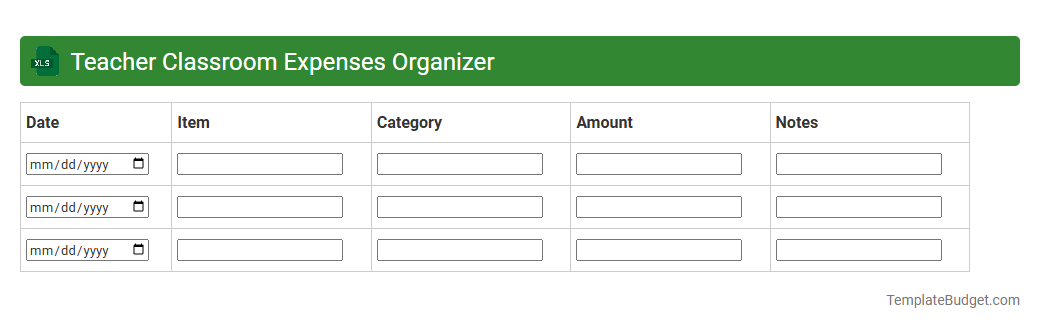
Teacher Classroom Expenses Organizer
An Excel document titled Teacher Classroom Expenses Organizer typically contains detailed budget categories such as supplies, resources, and field trip costs, organized by date and expense type. It includes columns for item descriptions, quantities, unit prices, total amounts, and payment status to track spending efficiently. Formulas for automatic sum calculations and budget comparison are commonly integrated to help teachers maintain financial oversight of classroom expenditures.
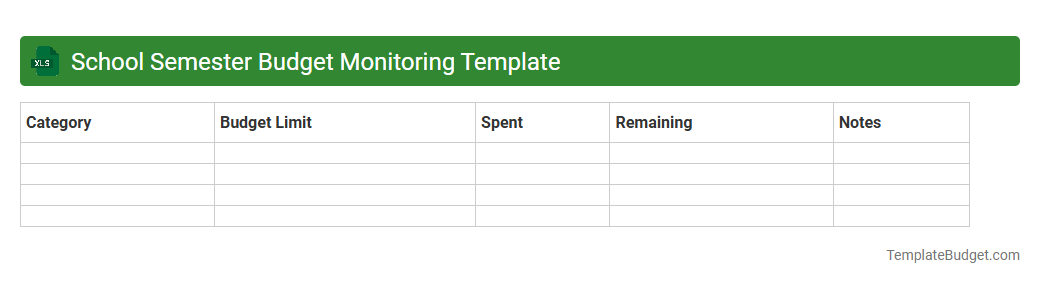
School Semester Budget Monitoring Template
An Excel document titled "School Semester Budget Monitoring Template" typically includes detailed sheets for tracking income sources such as grants, tuition fees, and fundraising, alongside categorized expense entries like salaries, supplies, and maintenance costs. It often features automated formulas to calculate total expenditures, remaining budget, and variance analysis, enhancing financial oversight. Graphical representations such as bar charts or pie charts are commonly embedded to visualize budget distribution and spending trends throughout the semester.
Understanding the Need for a Classroom Budget
Creating a classroom budget helps teachers allocate resources effectively, ensuring every student benefits from available materials. It promotes transparency and keeps spending aligned with educational goals. Without a clear budget, tracking expenses becomes difficult and may lead to overspending.
Key Features of an Effective Excel Budget Template
An effective Excel budget template includes features like automated calculations, customizable categories, and easy data entry. It should provide clear visibility of income versus expenses and allow for real-time updates. Additionally, user-friendly navigation is essential to simplify budget management.
Step-by-Step Guide to Creating Your Budget Template
Start by defining your total budget allocation, then list all expected expenses under distinct categories. Use Excel formulas to automate totals and maintain running balances. Finally, format your sheets for readability and add filters for quick data sorting, ensuring a streamlined budgeting process.
Essential Categories to Include in Your Classroom Budget
Include categories such as supplies, technology, field trips, and classroom decorations to cover all spending areas. Don't forget to allocate funds for unexpected expenses or emergency purchases. Having clearly defined budget categories helps maintain balance and accountability.
Customizing the Excel Template for Different Grade Levels
Adapt your budget template by considering the specific needs of each grade, such as age-appropriate supplies or activities. Adjust categories and budget amounts accordingly to reflect these differences. This customization ensures targeted spending and a more effective allocation of resources.
Tips for Tracking Classroom Expenses Efficiently
Maintain a regular update schedule and document every purchase with descriptions and receipts. Use Excel's sorting and filtering tools to organize expenses and monitor the budget closely. Efficient expense tracking prevents overspending and supports financial transparency.
Incorporating Charts and Visuals for Better Analysis
Utilize Excel's chart features like pie charts and line graphs to visualize budget allocation and spending trends. Visual elements make it easier to identify overspending areas and forecast future needs. Integrating charts enhances budget comprehension for better decision-making.
Common Mistakes to Avoid in Classroom Budgeting
Avoid neglecting to update your budget regularly, missing receipts, and underestimating expenses. Omitting categories or failing to track donations can also skew your financial overview. Being aware of these common budgeting pitfalls helps maintain accuracy and control.
Sharing and Collaborating on Your Budget Template
Use cloud-sharing platforms like OneDrive or Google Drive to collaborate with other teachers and administrators in real time. Set permissions to ensure data integrity while allowing input from budget stakeholders. Effective collaboration fosters better budget management and accountability.
Downloadable Free School Classroom Budget Excel Templates
Access a variety of free, professionally designed school classroom budget Excel templates online to simplify your budgeting process. These templates come pre-populated with essential categories and formulas to save time. Utilizing downloadable templates helps you get started quickly and efficiently.
More School Excel Templates