Tracking retirement expenses effectively ensures financial stability and helps maintain a comfortable lifestyle during your golden years. Using a Retirement Expense Tracker Excel Template simplifies budget management by organizing income, fixed costs, and variable spending in one user-friendly interface. Explore the easy-to-use Excel template below to start optimizing your retirement finances today.
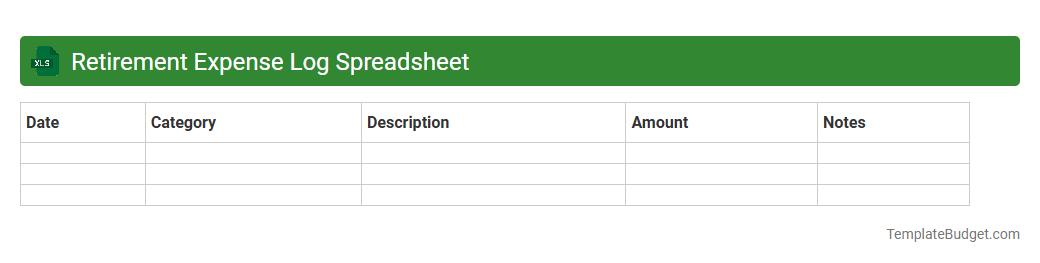
Retirement Expense Log Spreadsheet
A Retirement Expense Log Spreadsheet typically contains categorized expense entries such as housing, healthcare, utilities, groceries, transportation, and leisure activities, each with columns for date, description, amount, and payment method. It often includes summary sections for monthly, quarterly, and annual totals to track spending patterns and ensure budget adherence over time. Formulas and charts may be embedded to automate calculations and provide visual insights into retirement spending habits.
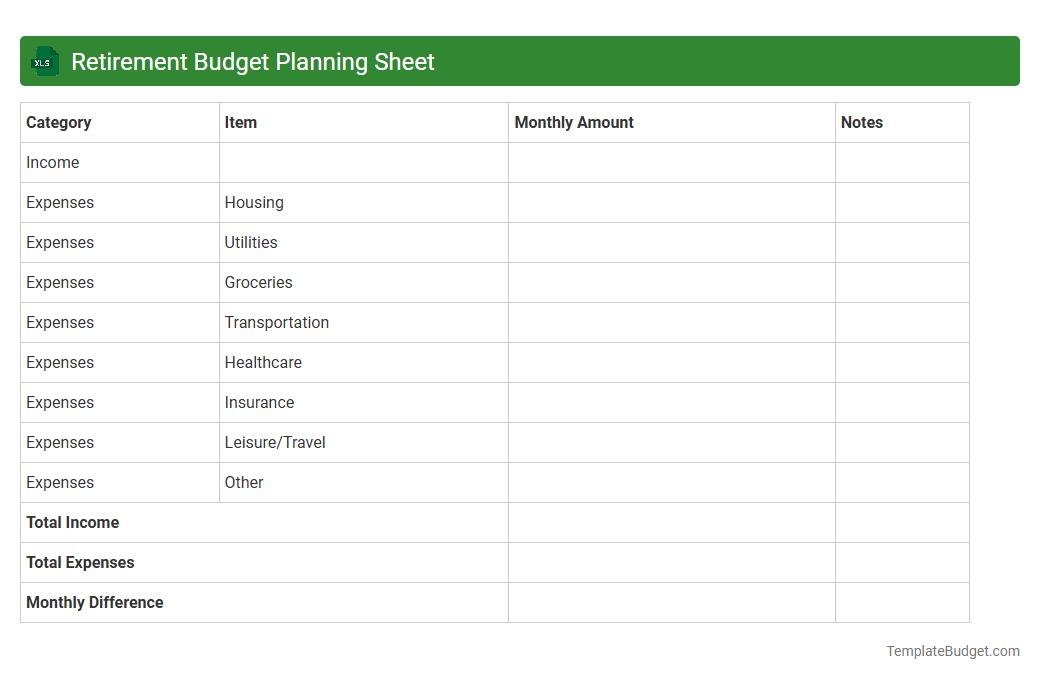
Retirement Budget Planning Sheet
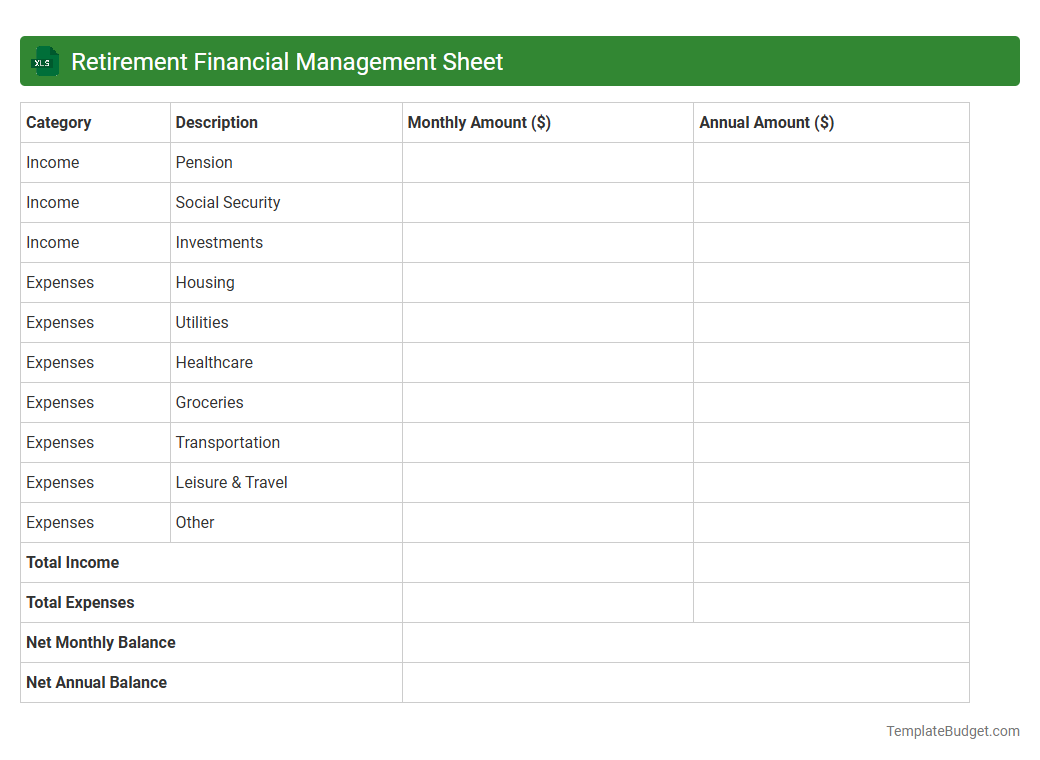
A Retirement Budget Planning Sheet in Excel typically contains sections for monthly income sources such as Social Security, pensions, and investment dividends. It includes detailed expense categories like housing, healthcare, groceries, transportation, and discretionary spending to track and manage retirement costs effectively. Formulas calculate total income, total expenses, and net savings, providing a clear overview of financial sustainability during retirement.
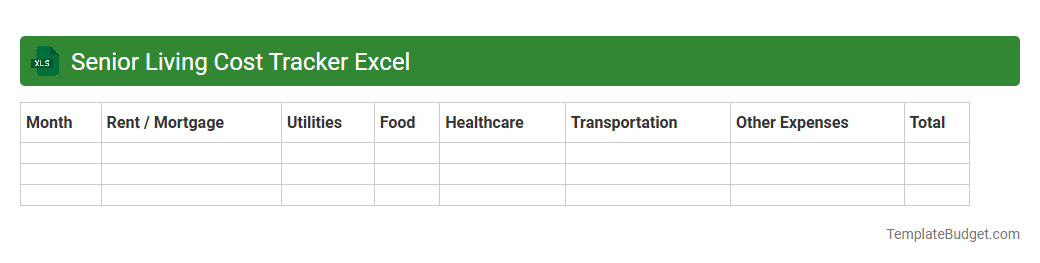
Senior Living Cost Tracker Excel
The Senior Living Cost Tracker Excel document typically includes detailed spreadsheets with categories such as housing fees, healthcare expenses, meal costs, and activity charges to provide a comprehensive overview of monthly and annual senior living expenses. It often features built-in formulas to calculate total costs, compare pricing options, and track payment schedules for budget management. Additionally, customizable sections allow users to input personalized data like insurance details, room types, and service packages for precise financial planning.
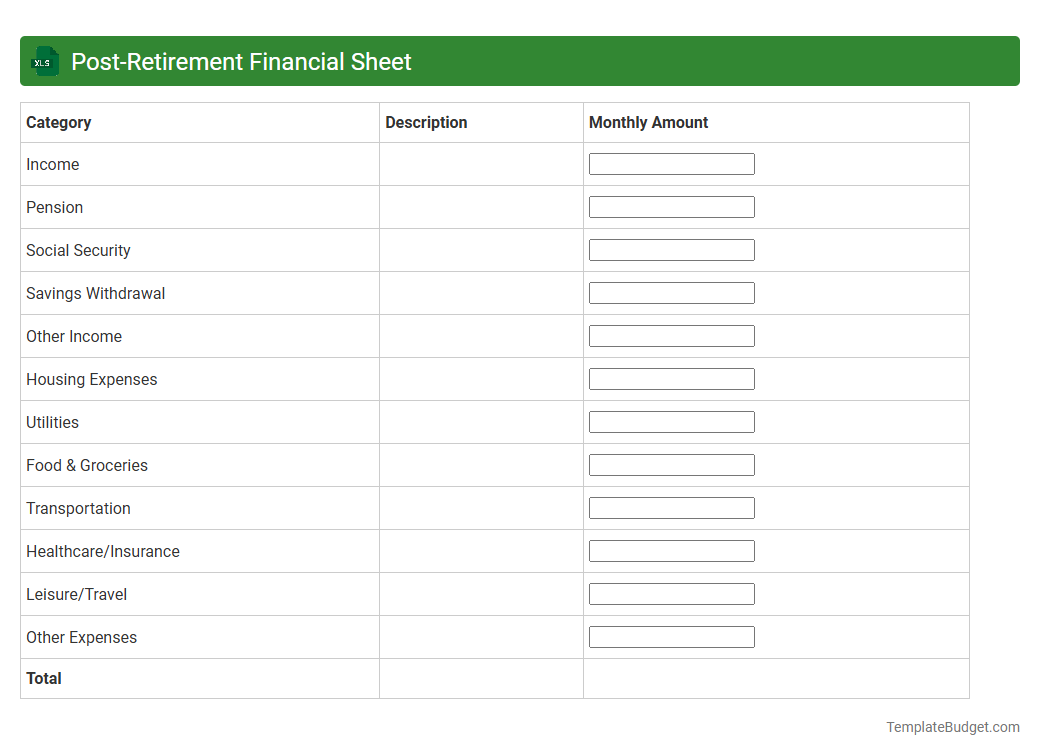
Post-Retirement Financial Sheet
An Excel document titled "Post-Retirement Financial Sheet" typically contains detailed sections for tracking income sources such as Social Security benefits, pensions, and investment dividends, alongside expense categories including healthcare costs, housing, and daily living expenses. It often includes projections of cash flow, net worth analysis, and retirement savings longevity calculators to help assess financial sustainability over time. Charts and pivot tables are commonly used to visualize trends, compare scenarios, and assist in strategic planning for maintaining financial stability during retirement.
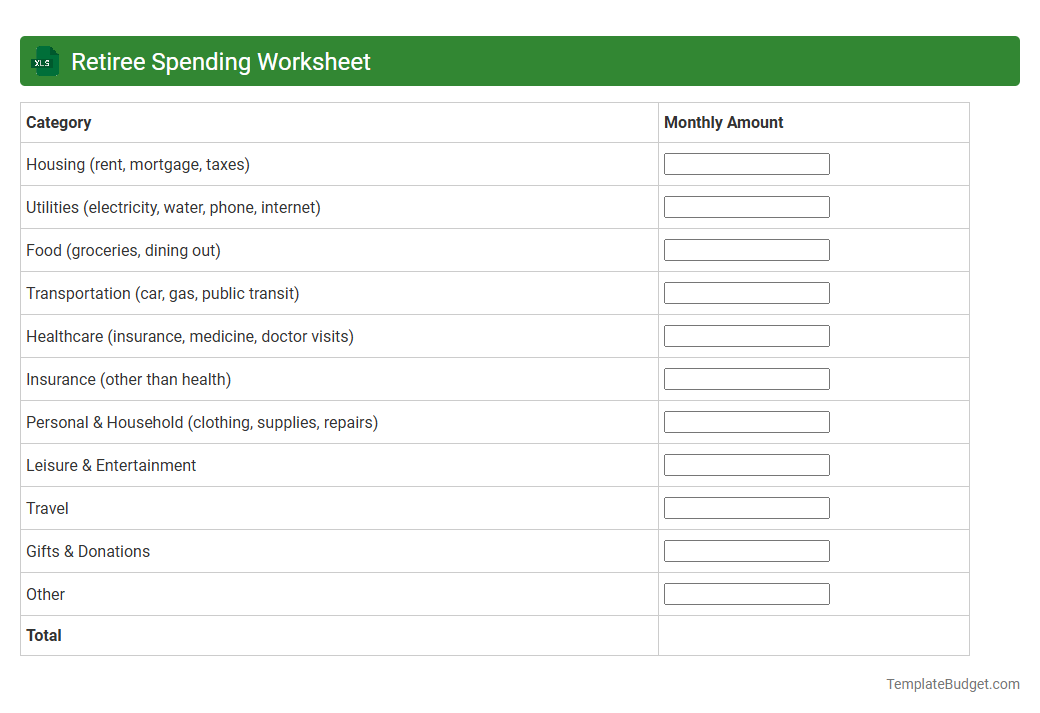
Retiree Spending Worksheet
An Excel document titled Retiree Spending Worksheet typically contains detailed categories of monthly and annual expenses tailored for retirees, including housing, healthcare, transportation, groceries, and leisure activities. It often features input fields for tracking income sources such as pensions, Social Security benefits, and investment withdrawals alongside expense entries to calculate net savings or deficits. Formulas within the worksheet help analyze spending patterns, forecast future financial needs, and ensure retirees maintain budgetary balance for long-term financial security.
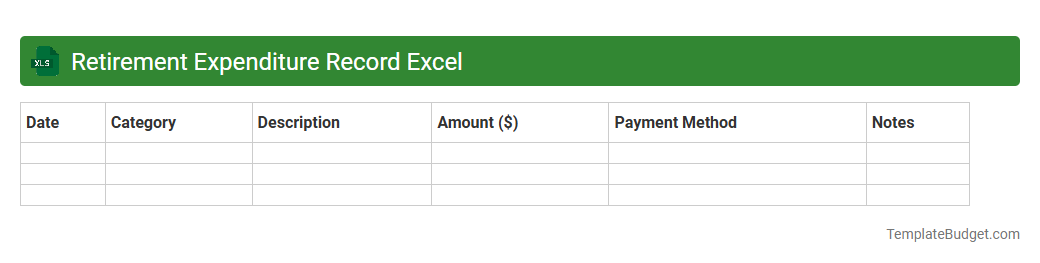
Retirement Expenditure Record Excel
An Excel document titled "Retirement Expenditure Record" typically contains detailed worksheets that track monthly and annual expenses related to retirement living, including categories like housing, healthcare, utilities, transportation, and leisure activities. It often features formulas to calculate total expenditure, budget variances, and projections for future spending based on inflation rates and expected income from pensions or investments. Visual tools such as charts and pivot tables may be included to offer clear insights into spending patterns and help retirees manage their finances effectively.
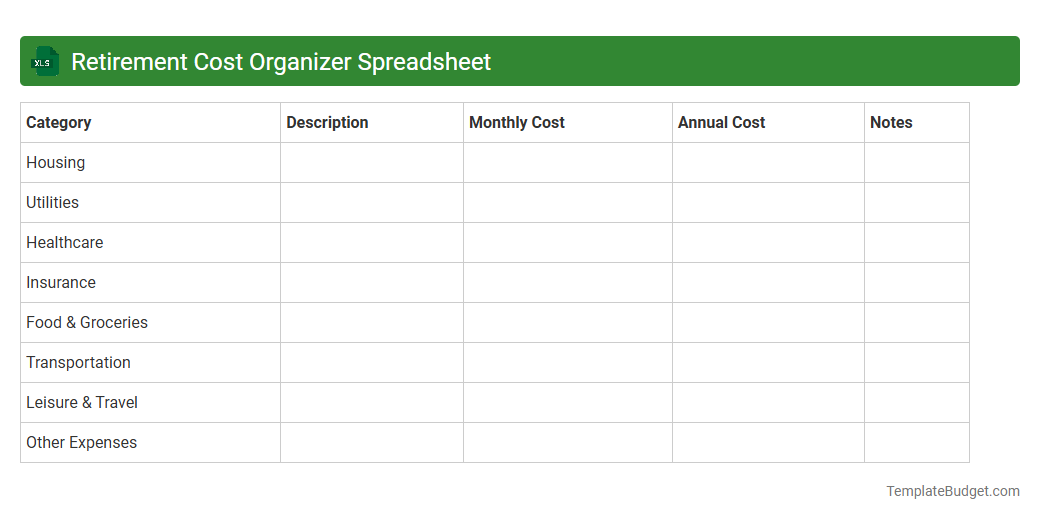
Retirement Cost Organizer Spreadsheet
A Retirement Cost Organizer Spreadsheet typically includes sections for tracking estimated monthly expenses, income sources such as pensions and Social Security, and projected savings growth over time. It contains detailed categories like housing, healthcare, travel, and discretionary spending to provide a comprehensive budget overview. Charts and formulas analyze cash flow and help users visualize funding gaps, ensuring effective retirement planning.
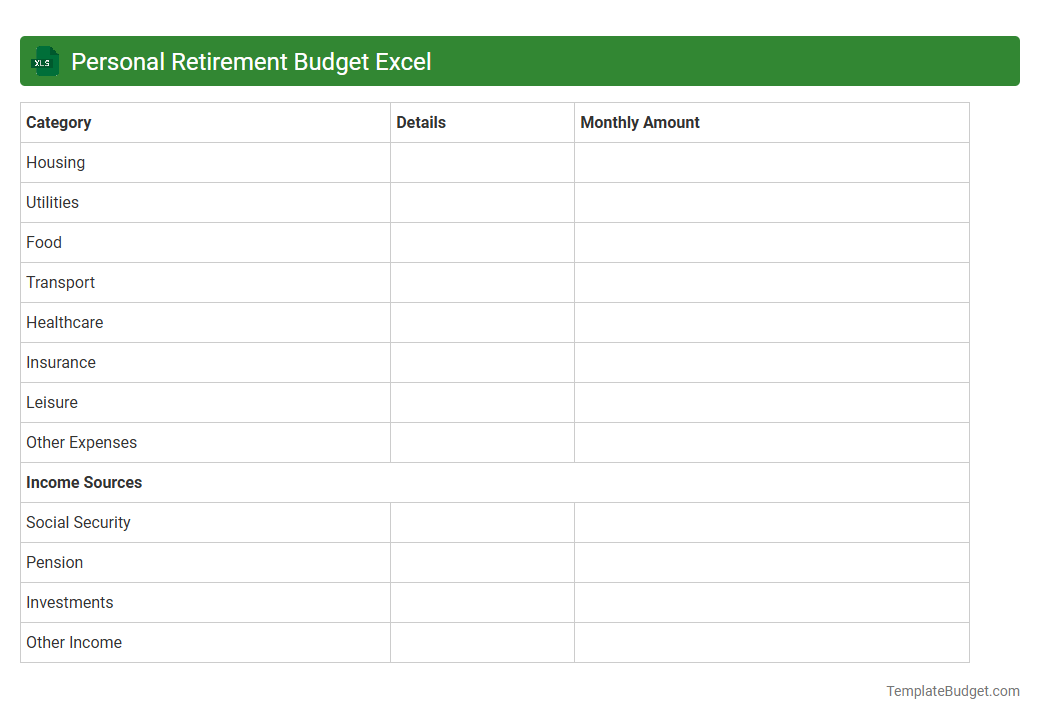
Personal Retirement Budget Excel
A Personal Retirement Budget Excel typically includes detailed worksheets for tracking income sources such as pensions, Social Security, and investment returns. It features categorized expense sections for housing, healthcare, and leisure activities to monitor monthly and annual spending. Charts and formulas help project long-term savings growth and ensure financial stability throughout retirement years.
Retirement Financial Management Sheet
A Retirement Financial Management Sheet in Excel typically contains detailed sections for tracking income sources such as pensions, social security, and investment dividends. It includes expense categories like healthcare, housing, and leisure activities, often with monthly or annual budgeting columns. The sheet features projections for savings growth, withdrawal strategies, and tax implications to help optimize retirement cash flow and ensure long-term financial stability.
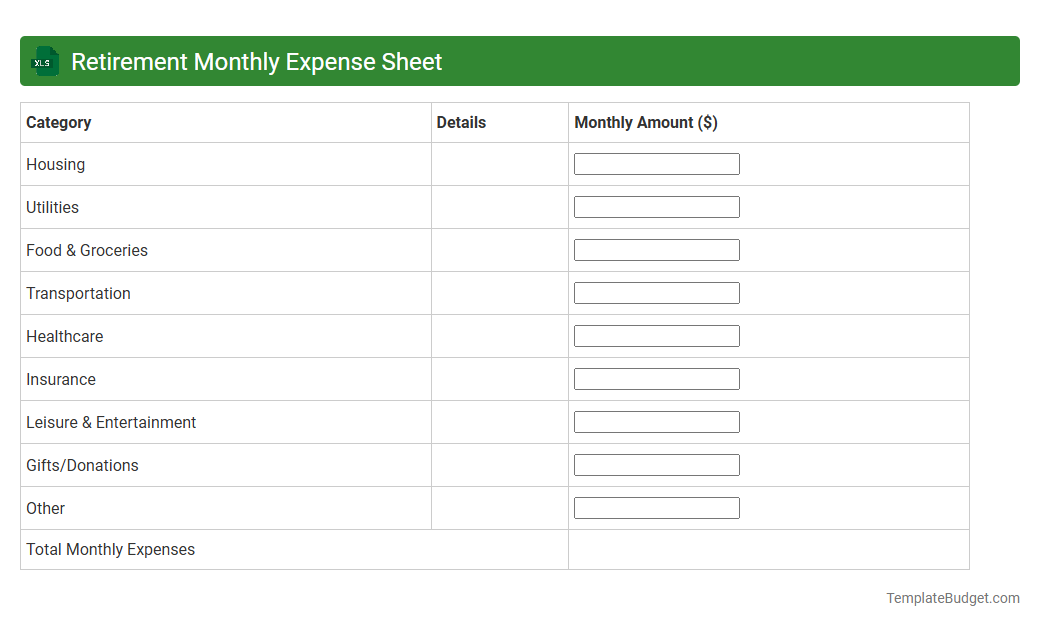
Retirement Monthly Expense Sheet
A Retirement Monthly Expense Sheet in Excel typically contains categorized expense entries such as housing, utilities, healthcare, groceries, transportation, entertainment, and insurance costs. It includes columns for budgeted amounts, actual spending, and variances to help track and manage monthly financial outflows effectively. The sheet may also feature summary tables and charts for visualizing expense trends and ensuring alignment with retirement income goals.
Introduction to Retirement Expense Tracker Excel Template
The Retirement Expense Tracker Excel Template is designed to help retirees manage their finances efficiently. It simplifies tracking daily, monthly, and annual expenses to ensure effective budget planning. This tool is essential for maintaining financial stability throughout retirement.
Key Features of the Template
The template includes 10 professional document templates that cater to diverse financial tracking needs. Features such as customizable categories, automated calculations, and easy-to-use dashboards make managing retirement expenses straightforward. These tools empower users to maintain clarity on their cash flow.
Why Track Retirement Expenses?
Tracking retirement expenses offers critical insight into spending habits and financial health over time. It helps retirees avoid overspending and secure their savings throughout their retirement years. This financial awareness fosters better decision-making and peace of mind.
How to Set Up the Template
Setting up the template involves inputting basic personal and financial details to tailor the tool to your retirement plan. The step-by-step setup guide ensures users can quickly customize their tracker without technical expertise. A proper setup guarantees accurate and personalized expense tracking.
Customizing Categories for Your Needs
Users can modify spending categories such as healthcare, travel, and groceries to reflect their unique financial situation. This flexibility ensures the expense tracker is relevant and comprehensive. Customization helps in creating a more precise and useful financial overview.
Step-by-Step Guide to Using the Template
The guide provides detailed instructions on entering expenses, updating records, and interpreting data within the Excel sheets. It simplifies the management of complex financial information for retirees. Following these steps optimizes the efficiency of tracking and planning finances.
Tips for Accurate Expense Entry
Consistent and precise data entry enhances the reliability of the retirement expense tracker. Users are advised to record expenses regularly and categorize them correctly to maintain data integrity. Accurate entries lead to better budget control and financial forecasting.
Analyzing Retirement Spending Trends
Using the embedded charts and tables, retirees can identify patterns and adjust spending behavior accordingly. This feature supports ongoing financial evaluation and strategic planning. Recognizing trends is key to sustaining long-term retirement goals.
Benefits of Excel for Financial Planning
Excel offers powerful formulas, pivot tables, and visualization tools that facilitate comprehensive financial management. Its widespread accessibility and customization options make it ideal for retirees. The combination of simplicity and functionality enhances budgeting effectiveness.
Download and Get Started with Our Template
Our Retirement Expense Tracker Excel Template is readily available for immediate download and use. Start tracking your retirement expenses today to take control of your financial future. Empower yourself with a tool that streamlines your planning process efficiently.
More Retirement Excel Templates