Tracking restaurant revenue and expenses with a Restaurant Income Excel Template streamlines financial management and improves profitability analysis. This customizable spreadsheet allows owners to monitor sales, costs, and net income with ease, enhancing decision-making for business growth. Explore the Excel template below to start optimizing your restaurant's income tracking today.
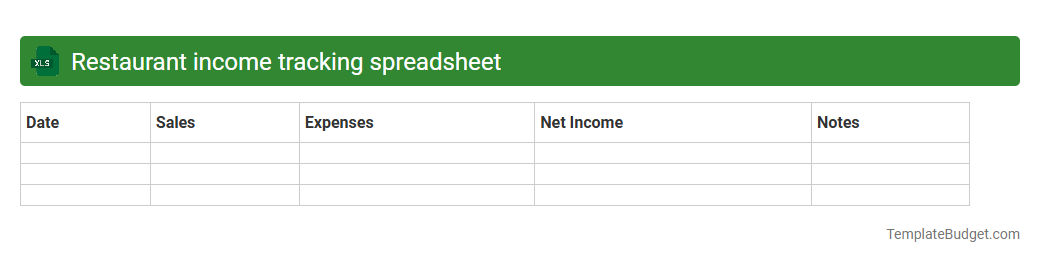
Restaurant income tracking spreadsheet
A restaurant income tracking spreadsheet typically contains detailed records of daily sales, categorized by food, beverages, and other services, alongside expense logs such as inventory costs, payroll, and utilities. It includes columns for dates, payment methods, and tips, providing a comprehensive overview of revenue streams and cost centers. Summarized monthly and quarterly financial reports help restaurant owners analyze profitability and optimize operational efficiency.
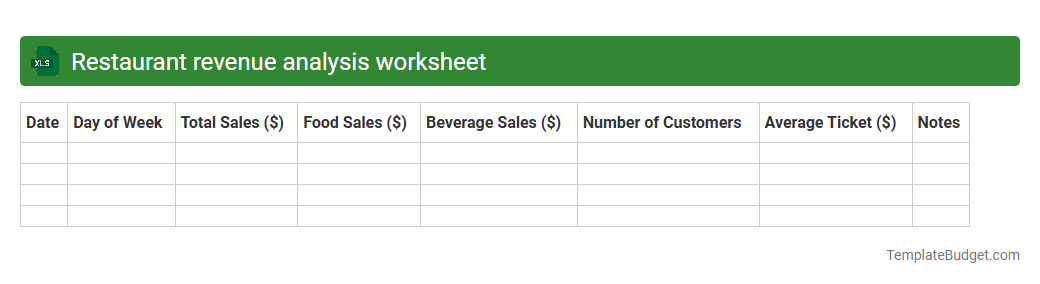
Restaurant revenue analysis worksheet
A Restaurant Revenue Analysis worksheet typically contains monthly and yearly sales data, segmented by food and beverage categories, along with detailed profit margins and cost breakdowns. It includes tables and charts displaying revenue trends, average check sizes, and customer traffic patterns to identify peak hours and seasonal fluctuations. Key performance indicators such as food cost percentage, labor cost ratio, and net profit are also documented to facilitate strategic financial decision-making.
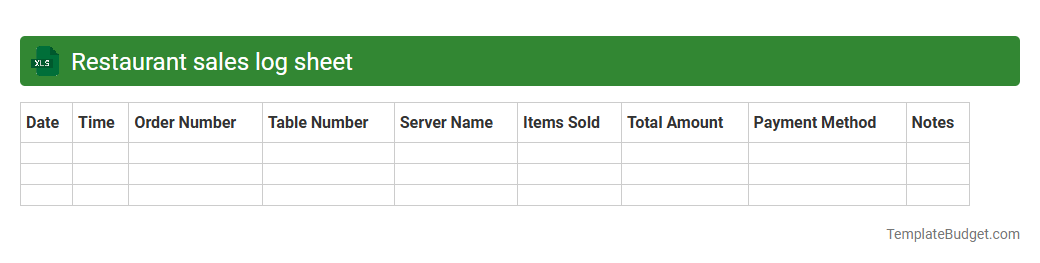
Restaurant sales log sheet
An Excel restaurant sales log sheet typically contains columns for the date, time, and type of sale, along with menu item descriptions, quantities sold, and corresponding prices. It includes sections for tracking daily total sales, discounts applied, taxes collected, and payment methods such as cash, credit card, or mobile payments. This log sheet helps in analyzing sales trends, managing inventory, and generating financial reports for restaurant performance assessment.
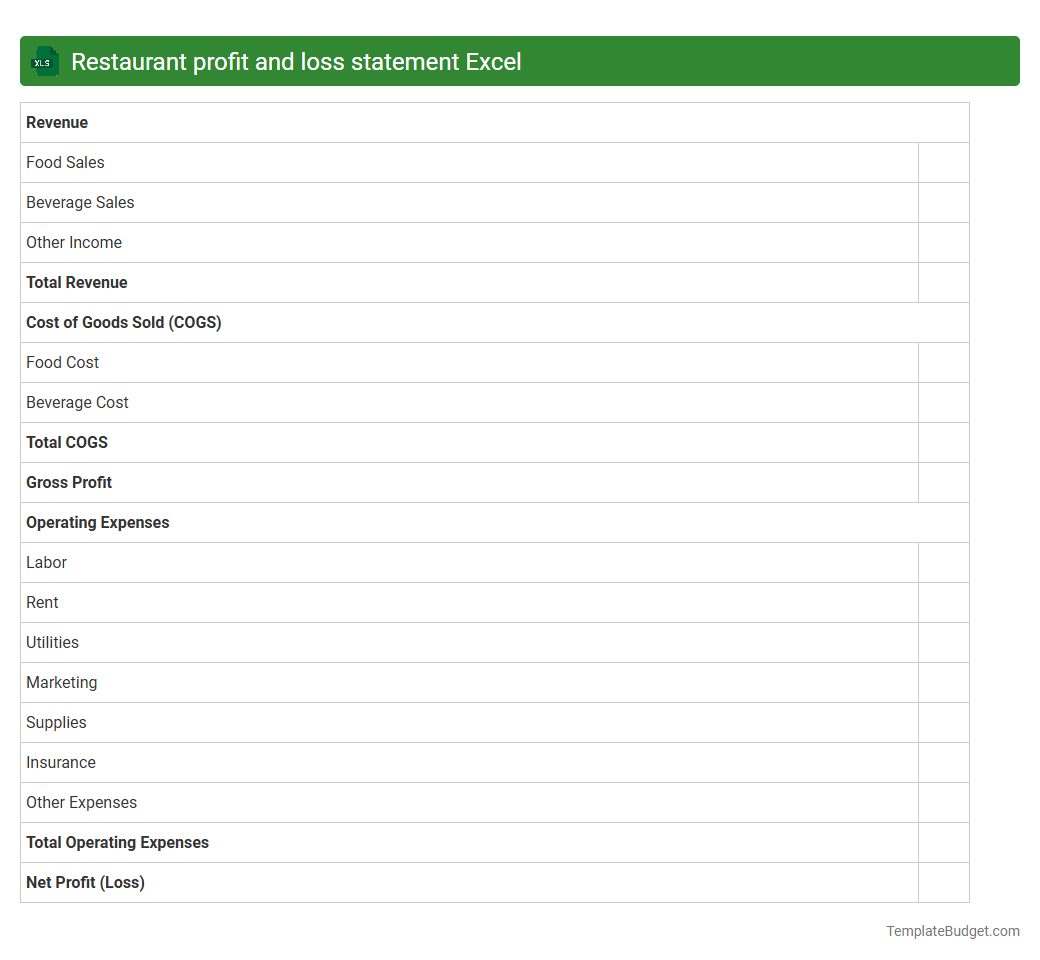
Restaurant profit and loss statement Excel
An Excel document for a restaurant profit and loss statement typically contains detailed financial data such as revenue from food and beverage sales, cost of goods sold (COGS) including ingredients and supplies, and operating expenses like labor, rent, utilities, and marketing. It includes categorized income and expense line items with formulas to calculate gross profit, operating profit, and net profit, helping track financial performance over specific periods. Visual elements like charts and graphs may be integrated to illustrate trends in sales, expenses, and profitability for data-driven decision-making.
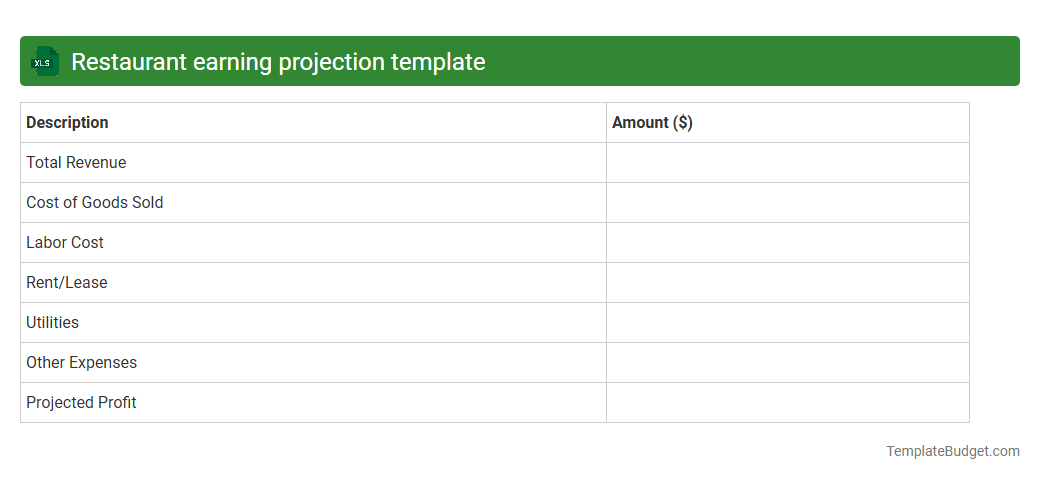
Restaurant earning projection template
An Excel document for a restaurant earning projection template typically includes detailed financial data such as monthly sales forecasts, cost of goods sold (COGS), labor expenses, and overhead costs to estimate net profit margins. It incorporates variable and fixed cost inputs, revenue growth assumptions, and seasonal adjustments to provide accurate and dynamic financial projections. Key metrics like break-even analysis, cash flow statements, and profitability ratios are often embedded to aid strategic decision-making and financial planning.
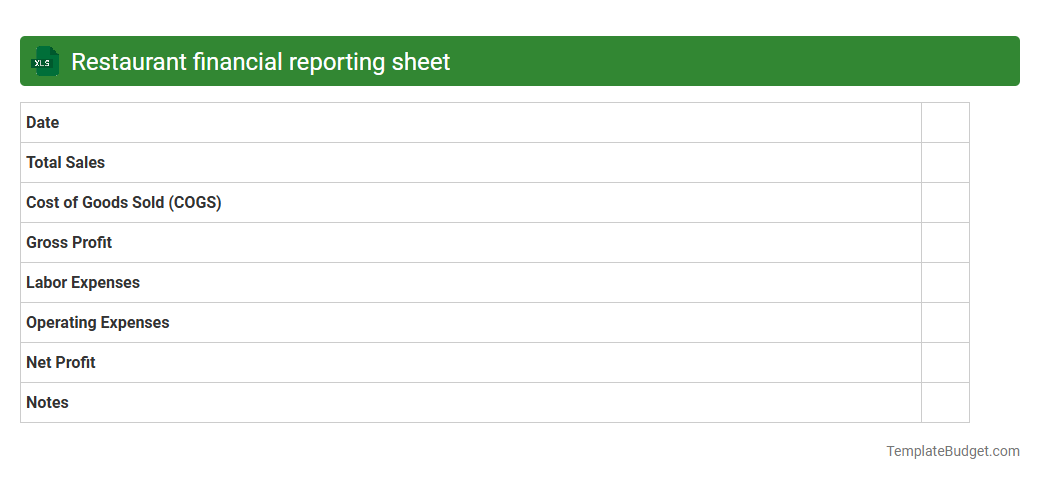
Restaurant financial reporting sheet
A typical restaurant financial reporting Excel sheet contains detailed data such as daily sales figures, food and labor costs, inventory levels, and profit margins, enabling precise tracking of revenue and expenses. It often includes categorized expense reports, menu item performance analysis, and cash flow summaries to assist in budget management and forecasting. Advanced sheets may incorporate charts, pivot tables, and automated formulas to visualize trends and streamline financial decision-making.
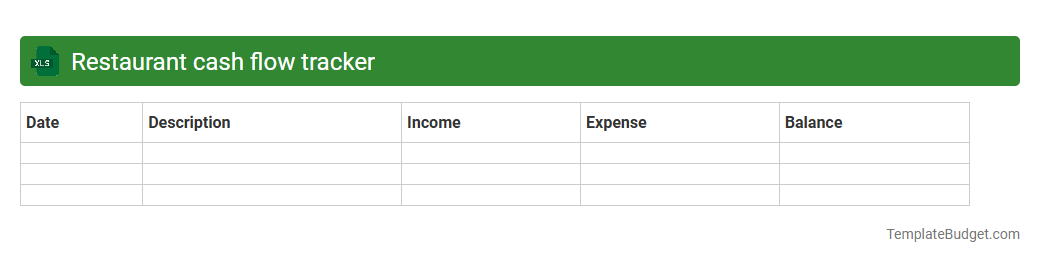
Restaurant cash flow tracker
An Excel Restaurant Cash Flow Tracker typically contains detailed sections for daily sales, expenses, and cash inflows and outflows, allowing precise tracking of revenue and costs. Key columns often include date, sales revenue, food and beverage costs, labor expenses, operating expenses, and net cash flow, providing clear insight into financial health. Built-in formulas and charts help visualize trends, identify cash shortages, and support strategic planning for restaurant operations.
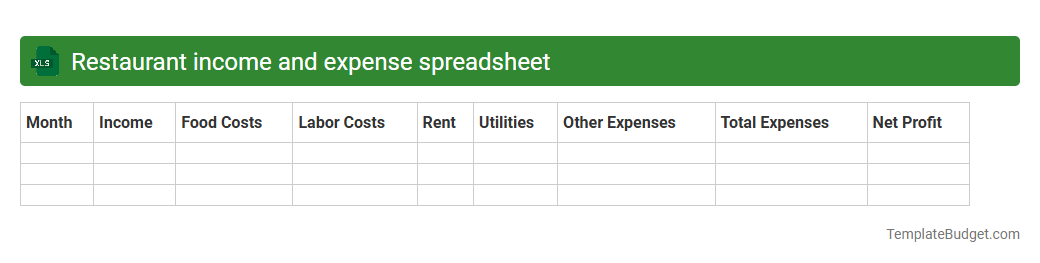
Restaurant income and expense spreadsheet
A Restaurant Income and Expense spreadsheet typically contains detailed records of daily sales revenue, categorized expenses such as food costs, labor wages, utilities, and rent, along with monthly profit and loss summaries. It often includes columns for date, transaction type, payment method, and vendor information to ensure accurate tracking and financial analysis. Charts and pivot tables may be embedded to visualize income trends and expense distributions for enhanced budgeting and decision-making.
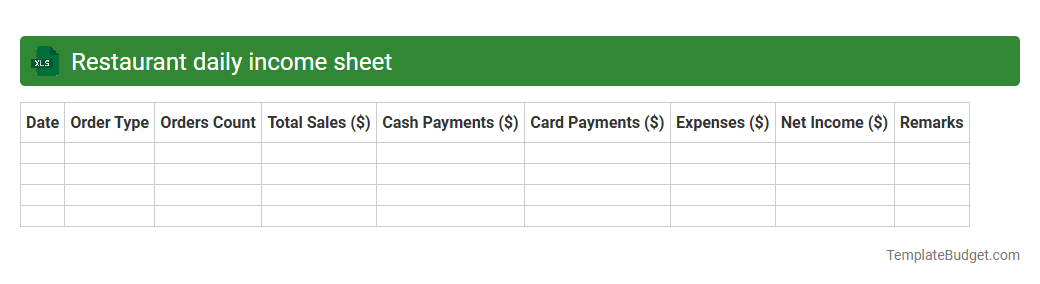
Restaurant daily income sheet
A Restaurant daily income sheet in Excel typically includes columns for date, order number, item sold, quantity, unit price, total sales, and payment method. It may also feature sections for calculating daily total revenue, discounts applied, taxes collected, and net income to provide a clear financial overview. This structured data helps restaurant owners track earnings, manage cash flow, and analyze daily sales performance efficiently.
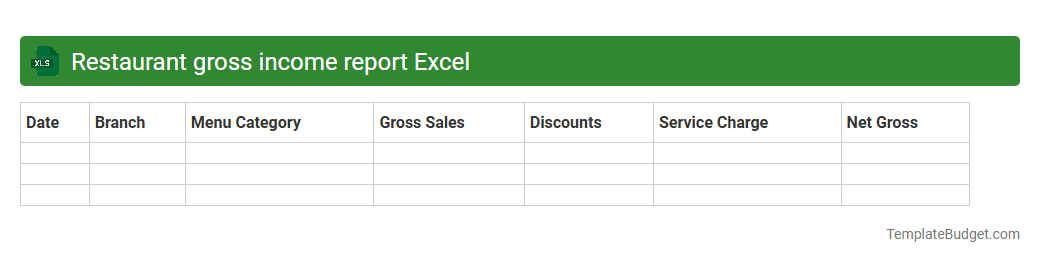
Restaurant gross income report Excel
A Restaurant Gross Income Report Excel typically contains detailed financial data such as daily sales revenue, food and beverage costs, labor expenses, and operating expenses. It includes categorized income statements, profit margins, and comparative analysis of sales trends over specific periods. The spreadsheet often features formulas and charts to visualize overall gross income and identify key performance metrics for restaurant profitability.
Introduction to Restaurant Income Excel Templates
The Restaurant Income Excel Template is an essential tool designed to help restaurant owners efficiently track their revenue. It simplifies financial management by organizing income streams into a clear, visual format. This template serves as a foundation for maintaining accurate and timely income records.
Key Features of a Restaurant Income Excel Template
Key features include customizable income categories, automatic calculations, and detailed reporting options. These features ensure that all financial data is organized systematically, allowing for easy analysis. The template also supports integration with other accounting tools for comprehensive financial management.
Benefits of Using an Excel Template for Restaurant Income
Using an Excel template enhances accuracy and saves time in financial tracking by automating calculations and data entry. It provides clear insights into business performance, facilitating informed decision-making. Ultimately, it helps maintain financial transparency and improves operational efficiency.
Essential Components of the Template
The template includes sections for sales tracking, tax calculations, tips, and daily income summaries. It also offers customizable fields for different income streams, making it adaptable to any restaurant type. These components work together to provide a comprehensive overview of restaurant income.
How to Customize the Template for Your Restaurant
Customization involves adjusting categories to match specific revenue sources and adding unique expense trackers. Users can modify formulas and layout based on their operational needs. This flexibility ensures the template aligns perfectly with your restaurant's financial structure.
Step-by-Step Guide to Tracking Income
Start by entering daily sales data, categorize income streams, and update the sheet regularly. Use built-in formulas to calculate totals and summaries automatically. This structured approach ensures income is tracked accurately and consistently.
Integrating Expenses and Income Tracking
Link expense records with income data to get a clear picture of your restaurant's profitability. The template supports expense categorization, allowing for detailed financial analysis. This integration promotes balanced financial reporting and management.
Common Mistakes to Avoid in Financial Tracking
Avoid irregular updates, neglecting data backups, and mixing personal with business finances. Keeping entries consistent and accurate reduces errors and improves report reliability. Steering clear of these mistakes ensures financial integrity in your tracking.
Tips for Accurate Income Reporting
Regular reconciliation, maintaining detailed records, and verifying data entry are vital for accuracy. Utilizing automated features in the Excel template helps minimize manual errors. Consistent documentation leads to trustworthy and actionable income reports.
Downloadable Restaurant Income Excel Templates
Multiple free and premium templates are available online tailored for different restaurant needs. Downloading a pre-built Excel template can jumpstart your financial tracking and simplify setup. Choose one that best fits your operational size and complexity for optimal results.
More Restaurant Excel Templates