Project budget charts are essential tools for visualizing and managing financial resources throughout the project lifecycle, enabling clear tracking of expenses, allocations, and variance analysis. These charts help project managers ensure that spending aligns with the planned budget, facilitating timely adjustments to avoid overspending and optimize resource utilization. Explore the Excel project budget chart template below to streamline your budget management process and enhance project financial control.
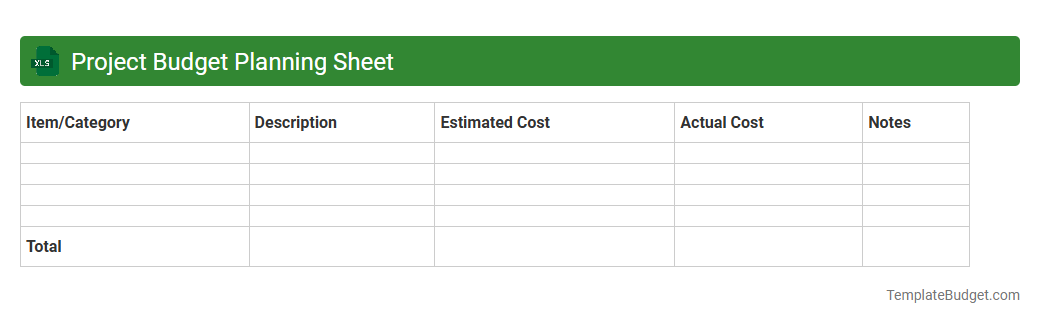
Project Budget Planning Sheet
An Excel document titled "Project Budget Planning Sheet" typically contains detailed cost estimates, including labor, materials, and overhead expenses, organized by project phases or tasks. It features columns for budgeted amounts, actual expenditures, variances, and timelines to facilitate financial tracking and resource allocation. Embedded formulas and charts often provide real-time budget analysis and progress visualization for effective project management.
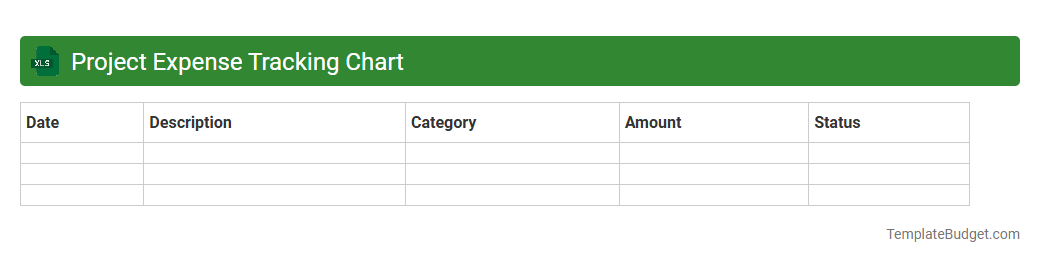
Project Expense Tracking Chart
An Excel document titled Project Expense Tracking Chart typically contains columns for date, expense category, description, amount spent, and payment method, allowing precise tracking of project costs. It includes rows for each transaction or expense entry and may feature formulas to calculate totals, subtotals, and variances against budget estimates. Charts and graphs are often embedded to visually represent spending patterns and aid in financial analysis and reporting.
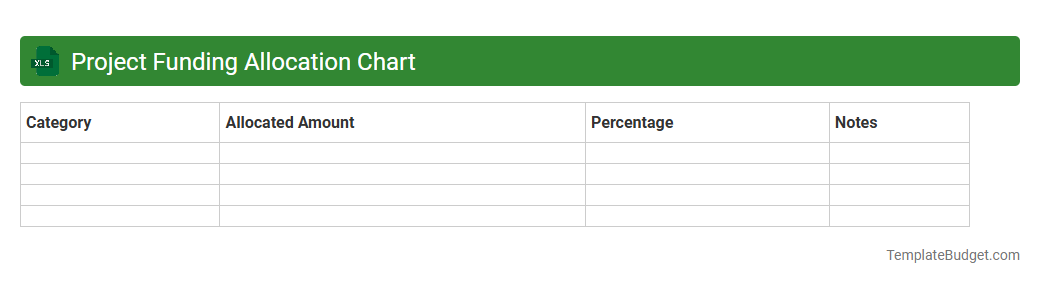
Project Funding Allocation Chart
An Excel document titled Project Funding Allocation Chart typically contains detailed financial data distributed across various project phases, departments, or milestones. It features columns for budget categories, allocated funds, spent amounts, and remaining balances, often complemented by visual elements like pie charts or bar graphs for clear financial insights. Key data points also include funding sources, expenditure dates, and variance analyses to track and manage project budgets efficiently.
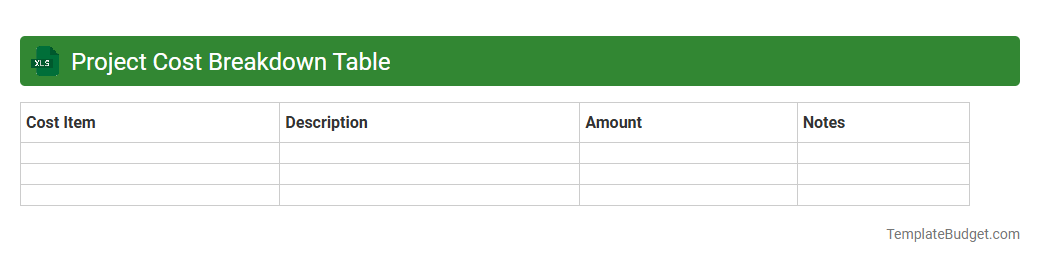
Project Cost Breakdown Table
A Project Cost Breakdown Table in an Excel document typically includes detailed line items of expenses categorized by phases, materials, labor, and overhead costs. Each entry features cost estimates, actual expenditures, variances, and sometimes percentage allocations to track budget adherence. This structured layout supports financial analysis, forecasting, and efficient resource management throughout the project lifecycle.
Project Budget Monitoring Sheet
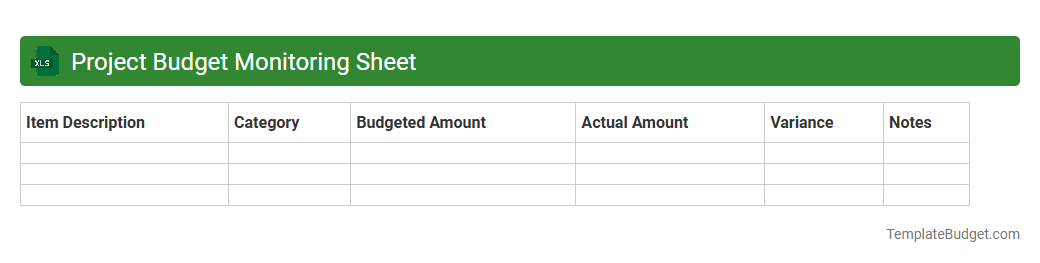
An Excel Project Budget Monitoring Sheet typically contains detailed cost categories such as labor, materials, equipment, and overhead expenses, along with allocated budgets and actual expenditures to track financial performance. It includes columns for tracking project phases, expense dates, and budget variances to highlight overspending or savings. Key features often consist of summary tables, charts, and pivot tables for visualizing budget status and forecasting future financial needs.
Project Financial Overview Chart
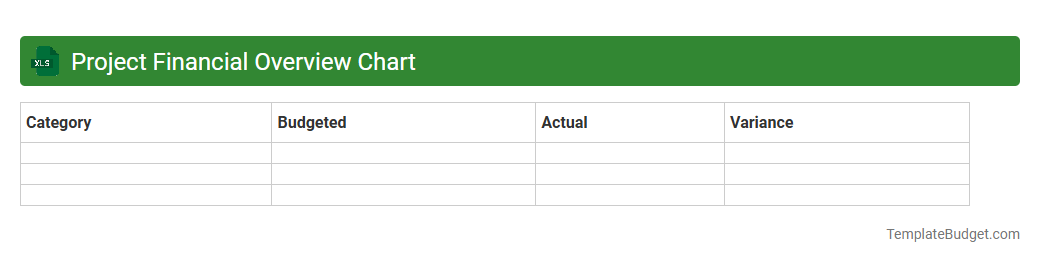
An Excel document titled "Project Financial Overview Chart" typically contains key financial metrics such as budget allocation, actual expenditures, and forecasted costs presented in tabular and graphical formats. It often includes pie charts or bar graphs illustrating cost distribution among project phases or departments, alongside summary tables highlighting variances and financial performance indicators. Data fields commonly track project timelines, resource costs, funding sources, and profitability analyses to facilitate comprehensive financial monitoring and decision-making.
Project Budget Progress Tracker
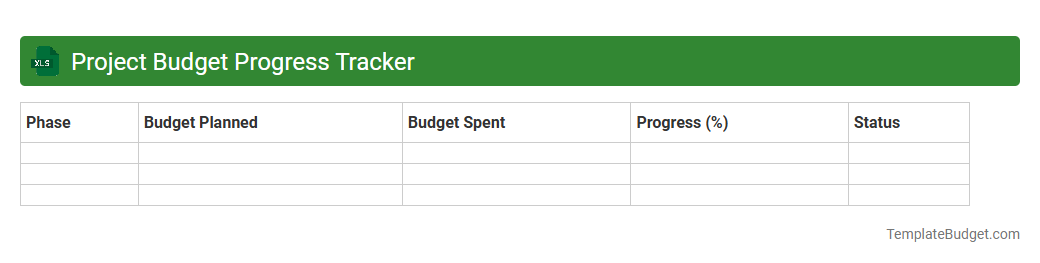
An Excel document titled "Project Budget Progress Tracker" typically contains detailed budget categories, allocated funds, actual expenditures, and variance calculations to monitor financial performance. It often includes progress status indicators, milestone dates, and percentage completion metrics to track project advancement. Structured with tables, charts, and conditional formatting, this tracker optimizes budget management and project control.
Project Budget vs Actual Chart
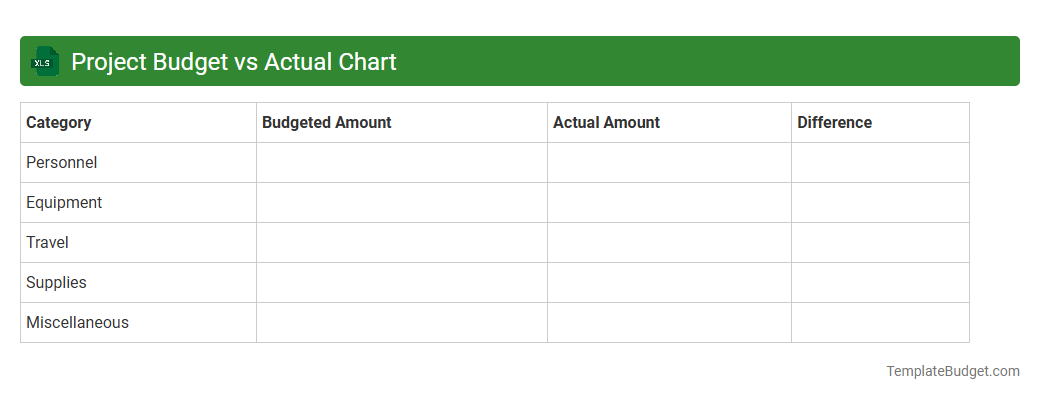
An Excel document labeled "Project Budget vs Actual Chart" typically contains detailed financial data comparing projected budget figures against actual expenditures. It includes line or bar charts visualizing variances across categories such as labor, materials, and overhead costs, helping stakeholders track financial performance in real time. Pivot tables and conditional formatting are often used to highlight deviations and support effective budget management.
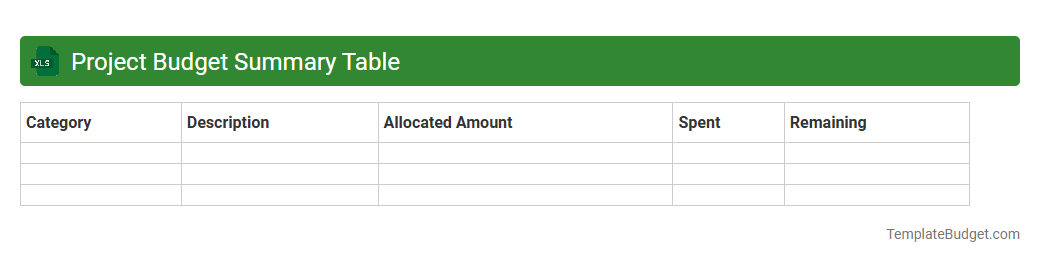
Project Budget Summary Table
An Excel document labeled "Project Budget Summary Table" typically contains categorized expense and revenue data organized by project phases or departments, including line items such as labor costs, materials, equipment, and overhead. It features formatted tables with columns for budgeted amounts, actual expenditures, variances, and percentage completions, complemented by formulas that calculate totals and differences to track financial performance against projections. Visual elements like pivot tables and charts often accompany the data to provide quick insights into budget allocation, cash flow status, and financial risks.
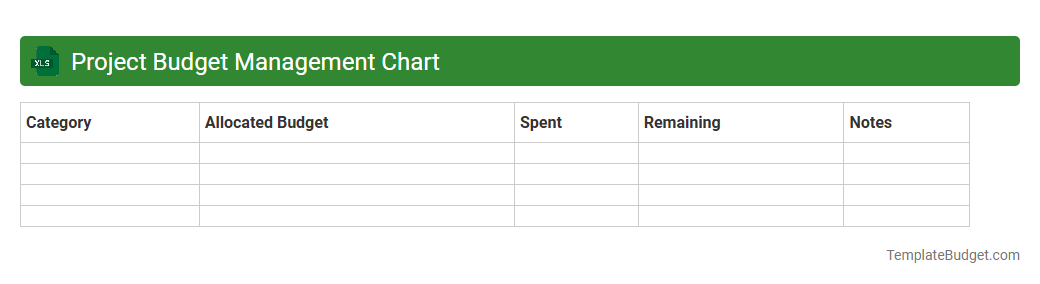
Project Budget Management Chart
An Excel document titled "Project Budget Management Chart" typically contains detailed spreadsheets outlining project expenses, cost estimates, and budget allocations across various phases or tasks. It includes organized columns for item descriptions, estimated costs, actual expenditures, variances, and remaining budget balances to monitor financial performance effectively. Visual elements like graphs and conditional formatting are often embedded to provide clear insights into budget adherence and financial forecasting.
Understanding the Importance of a Project Budget Chart
A project budget chart is essential for tracking expenses and ensuring financial control throughout the project lifecycle. It helps managers allocate resources effectively and avoid overspending. By visualizing costs, teams can prioritize tasks and keep the project within budget.
Key Components of a Project Budget Chart
The main elements of a project budget chart include estimated costs, actual expenses, and budget variances. It should also feature categories for labor, materials, and overhead. These components provide a clear overview of financial performance and resource allocation.
Steps to Create an Effective Project Budget Chart
Begin by defining budget categories and estimating costs for each task. Then, input actual expenses as the project progresses to monitor deviations. Regular updates and reviews ensure that the project budget chart remains accurate and useful.
Choosing the Right Tools for Budget Chart Creation
Select software that offers customizable templates, real-time collaboration, and easy integration with project management platforms. Tools like Microsoft Excel, Google Sheets, or specialized budget software are ideal options. The right tool enhances accuracy and efficiency in budget tracking.
Common Mistakes in Project Budget Charting
Ignoring indirect costs, failing to update regularly, and underestimating expenses are frequent errors. These mistakes lead to inaccurate projections and potential budget overruns. Avoiding them requires thorough planning and diligent monitoring of the project budget chart.
Best Practices for Maintaining Project Budget Charts
Maintain accuracy by updating costs frequently and reviewing budget variances with the team. Use version control to track changes and ensure data integrity. Effective maintenance promotes transparency and supports informed decision-making throughout the project.
Visualizing Data: Templates and Formats for Budget Charts
Utilize bar graphs, pie charts, and Gantt charts to display budget data clearly. Pre-designed templates help standardize reporting and improve readability. Visualization aids in quickly identifying cost overruns and resource allocation issues.
Integrating Project Budget Charts with Management Software
Integrate budget charts with project management tools like Jira or MS Project for seamless data flow. This integration ensures that budget tracking aligns with task management and scheduling. Enhancing data cohesion improves overall project oversight.
How Project Budget Charts Improve Stakeholder Communication
Clear budget charts foster transparency and build trust with stakeholders by presenting financial status visually. They support timely updates and facilitate informed discussions about resource adjustments. Effective communication helps secure stakeholder buy-in for project success.
Monitoring and Updating Your Project Budget Chart Efficiently
Set regular intervals for reviewing budget data and promptly addressing discrepancies. Use automated alerts within software tools to track budget thresholds. Efficient monitoring keeps the project budget chart reliable and supports proactive financial management.
More Project Excel Templates