Construction Expense Budget Excel Template streamlines project cost tracking by organizing expenses into clear categories such as labor, materials, equipment, and subcontractors. This customizable tool enhances financial oversight, reduces the risk of budget overruns, and supports accurate forecasting for construction projects of any scale. Explore the Excel template below to efficiently manage your construction expenses and optimize your project's financial performance.
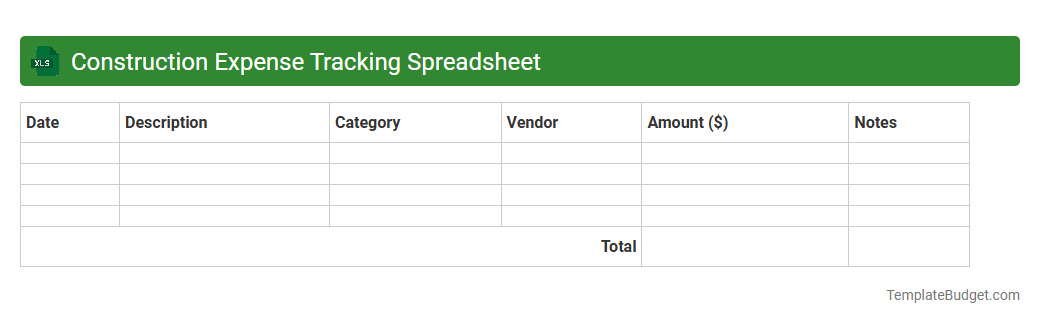
Construction Expense Tracking Spreadsheet
A Construction Expense Tracking Spreadsheet typically contains columns for dates, expense categories, vendor names, payment amounts, and project phases to organize financial data efficiently. It often includes formulas to calculate running totals, budget variances, and cost summaries, helping project managers monitor spending in real time. Sections for notes or receipt references provide additional details that support accurate record-keeping and auditing.
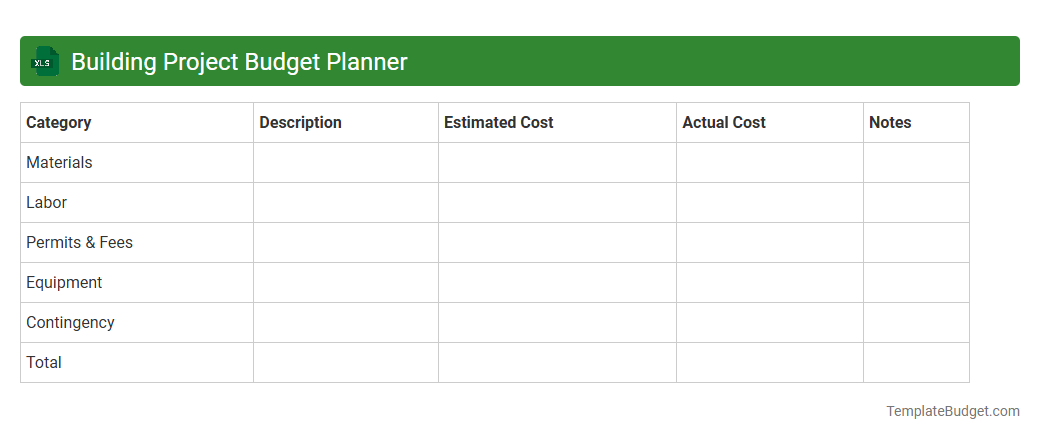
Building Project Budget Planner
An Excel document named Building Project Budget Planner typically contains detailed sheets with cost estimates, expense tracking, and budget allocation for materials, labor, permits, and subcontractor fees. It includes formulas for automatic calculation of total costs, variance analysis, and contingency funds to monitor financial performance against projections. Key elements feature project timelines, payment schedules, and resource allocation tables to ensure efficient budget management throughout the construction process.
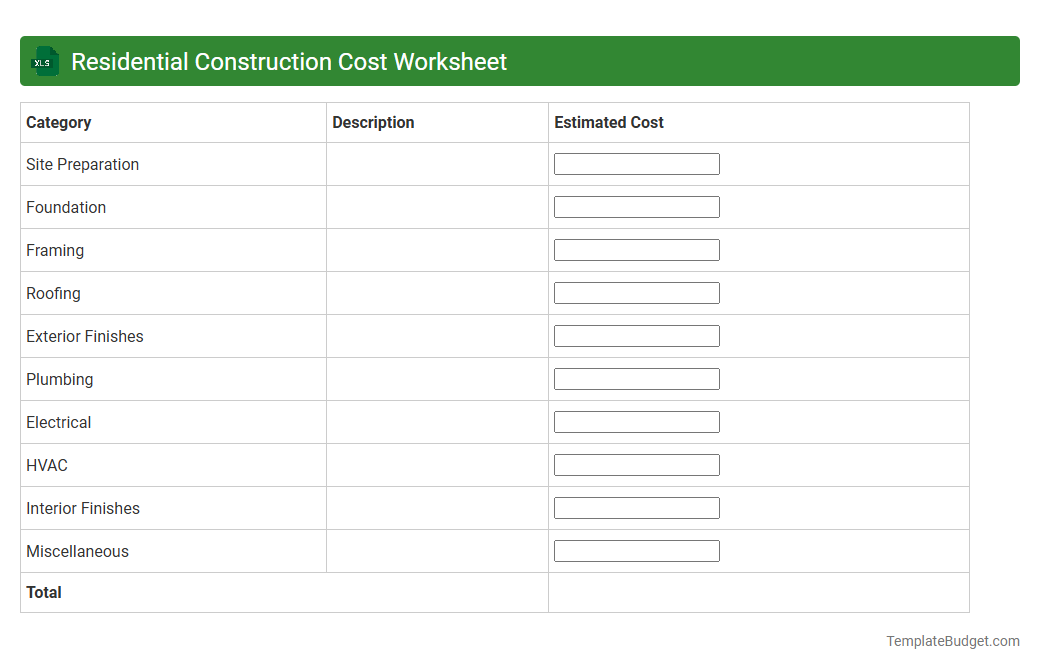
Residential Construction Cost Worksheet
Residential Construction Cost Worksheets in Excel typically include detailed line items such as material costs, labor expenses, equipment rentals, permit fees, and contingency allowances. The sheet often contains categorized sections for foundation, framing, roofing, plumbing, electrical, and finishing costs, with formulas to calculate totals and subtotals automatically. These worksheets enable precise budgeting, cost tracking, and cost comparison throughout the construction project lifecycle.
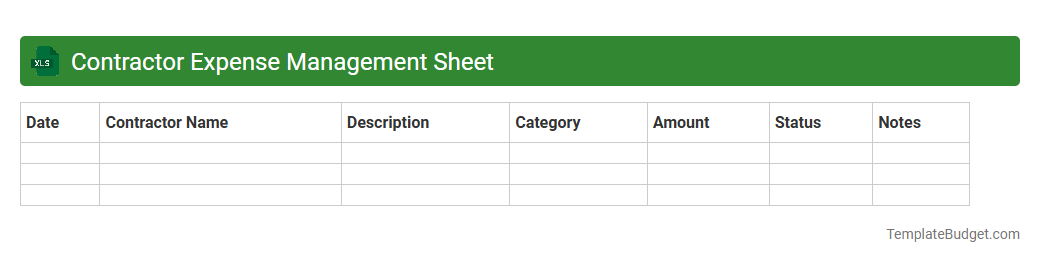
Contractor Expense Management Sheet
A Contractor Expense Management Sheet in Excel typically contains columns for contractor names, expense categories, dates of transactions, and payment amounts to track and organize incurred costs efficiently. It often includes formulas for calculating totals, expense summaries, and budget comparisons to ensure accurate financial oversight. This document helps streamline expense reporting and supports transparent financial management for projects involving multiple contractors.
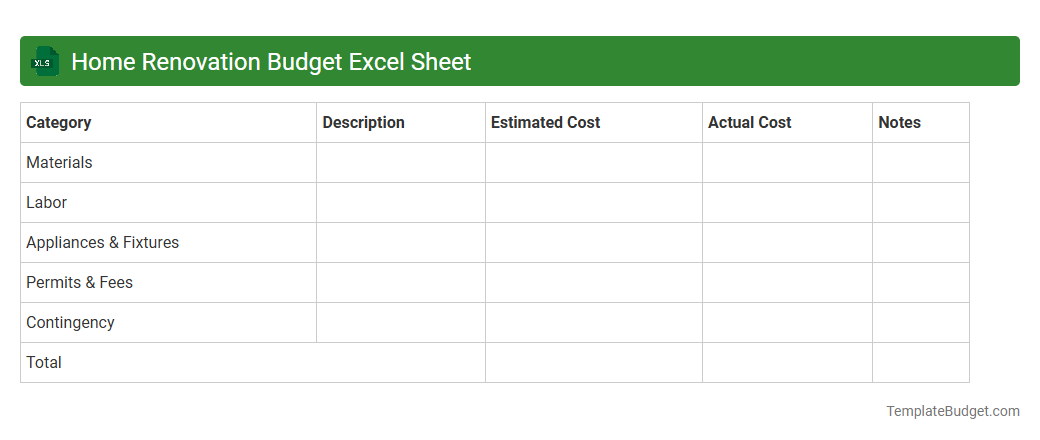
Home Renovation Budget Excel Sheet
A Home Renovation Budget Excel Sheet typically contains itemized categories such as materials, labor costs, permits, and contingency funds, allowing for detailed tracking of expenses. It includes columns for estimated costs, actual expenses, payment dates, and vendor information to facilitate accurate budgeting and financial management. Built-in formulas automatically calculate totals and variances, providing real-time insights into budget adherence and project financial health.
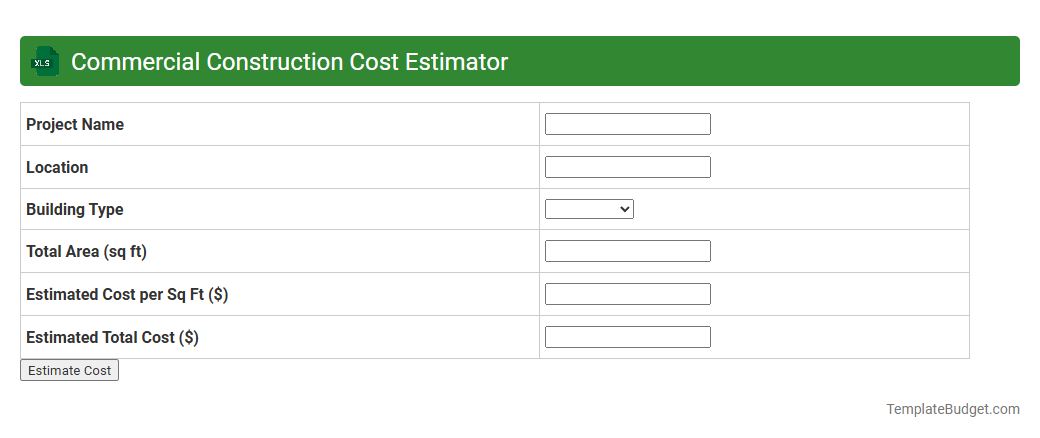
Commercial Construction Cost Estimator
An Excel document titled Commercial Construction Cost Estimator typically contains detailed worksheets for material costs, labor expenses, and equipment charges, along with predefined formulas to calculate total project budgets. It often includes cost categories such as site preparation, foundation, structural elements, electrical, plumbing, and finishing, enabling comprehensive expense tracking. These spreadsheets may feature customizable rate inputs, contingency allowances, and summary dashboards to facilitate accurate financial planning and reporting for construction projects.
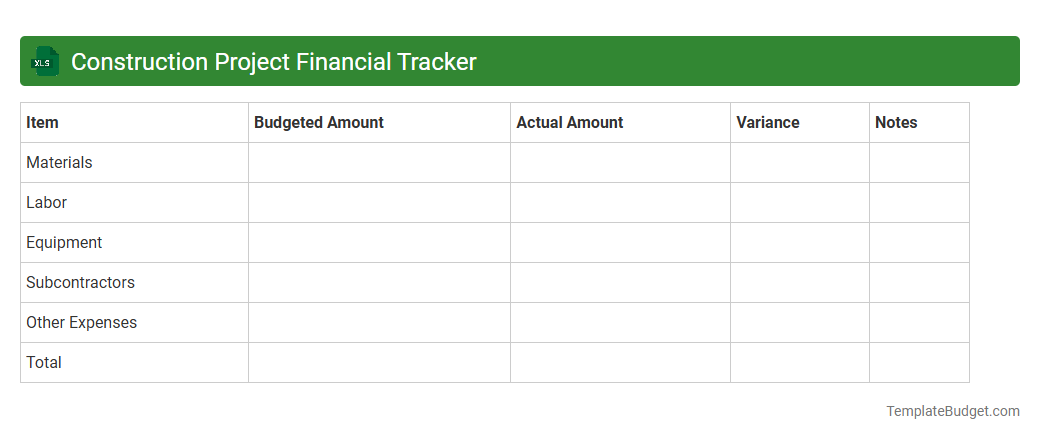
Construction Project Financial Tracker
A Construction Project Financial Tracker Excel document typically contains detailed budget breakdowns, cost estimates, and expense tracking sheets to monitor project expenditures. It includes sections for labor costs, material expenses, subcontractor payments, and contingency funds, allowing precise financial management. Monthly or phase-based summaries and variance analyses help ensure the project remains within budget and financial milestones are met.
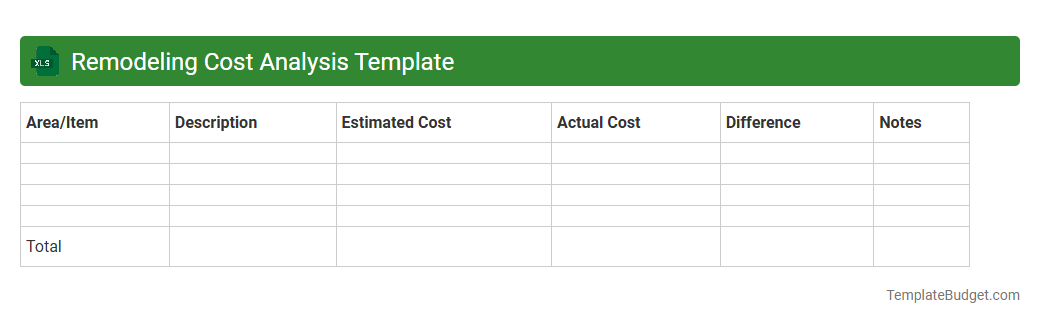
Remodeling Cost Analysis Template
An Excel document titled Remodeling Cost Analysis Template typically contains detailed cost breakdowns for various remodeling tasks including labor, materials, permits, and contingency expenses. It features customizable tables, formulas for automatic cost calculations, and summary sections to track total project budgets and compare estimated versus actual costs. Visual elements like charts and graphs are often included to highlight expenditure trends and assist in financial planning.
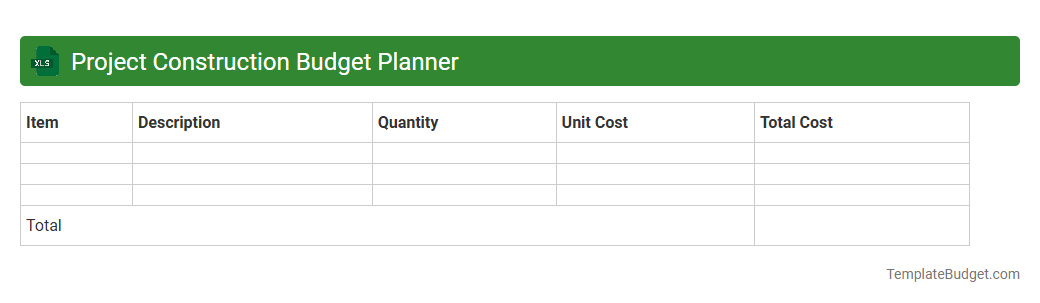
Project Construction Budget Planner
An Excel document titled "Project Construction Budget Planner" typically contains detailed worksheets outlining cost estimates, resource allocations, and timelines for construction projects. It includes categories such as labor expenses, materials, equipment, permits, and contingency funds, with formulas calculating total budgets and tracking expenditures against projections. Visual aids like charts and progress bars often help monitor budget adherence and project financial health.
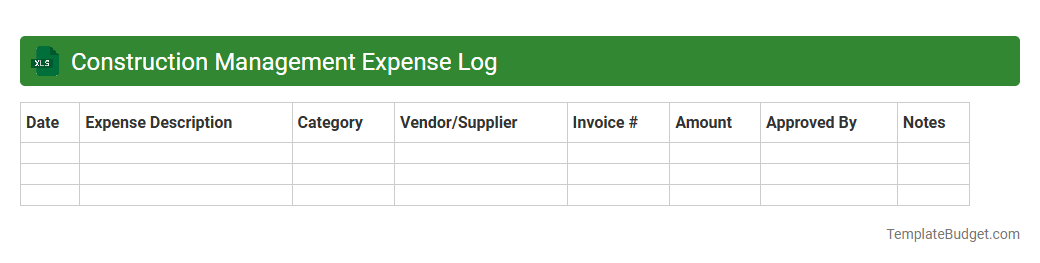
Construction Management Expense Log
An Excel document titled Construction Management Expense Log typically contains detailed entries of project-related costs, including labor, materials, equipment, and subcontractor fees. It often features columns for date, expense category, vendor, amount, and payment status to facilitate accurate tracking and budgeting. Such logs enable project managers to monitor expenses in real-time, ensuring financial control and aiding in forecasting future spending.
Introduction to Construction Expense Budget Excel Templates
Construction Expense Budget Excel Templates are powerful tools designed to simplify financial planning for construction projects. These templates help manage and track all costs effectively, ensuring projects stay within budget. Utilizing a structured Excel template aids in clear financial oversight and project success.
Key Features of a Construction Expense Budget Template
Key features include customizable expense categories, automated calculations, and real-time budget tracking. These templates often support data visualization through charts and graphs to monitor spending patterns. The interactive nature of Excel enhances decision-making efficiency.
Benefits of Using Excel Templates for Construction Budgeting
Using Excel templates reduces manual errors and saves time on budgeting tasks. They provide a centralized platform for all financial data, improving transparency and accountability. The cost-efficiency and flexibility of Excel make it ideal for construction budgeting needs.
Essential Components in a Construction Expense Budget
Essential components include labor costs, material expenses, equipment fees, and contingency reserves. Accurate categorization and detailed line items ensure comprehensive budget coverage. Emphasizing the breakdown of expenses promotes better financial control.
Step-by-Step Guide to Creating a Construction Expense Budget in Excel
Begin by listing all anticipated costs and categorizing them logically. Input these into Excel, using formulas to calculate totals and variances automatically. Following this structured workflow ensures precise and manageable budgeting.
Common Categories in Construction Expense Budget Templates
Common categories cover labor, materials, permits, equipment rental, subcontractors, and miscellaneous expenses. These categories help in organizing costs for easier monitoring and reporting. Recognizing key expense categories aids in thorough budget planning.
Customizing Your Construction Expense Budget Template
Customization allows you to tailor the template to the specific needs of your project size and scope. Adjusting categories, adding formulas, and incorporating project milestones personalize your budget. Leveraging this flexibility ensures better alignment with project objectives.
Best Practices for Managing Construction Expenses in Excel
Maintain updated records and regularly review budget versus actual expenses to track deviations. Use data validation and conditional formatting to enhance data accuracy and readability. Implementing these best practices optimizes expense management.
Tips for Accurate Construction Cost Estimation
Conduct thorough research, consult experts, and consider historical data for reliable estimates. Factor in contingencies to accommodate unforeseen expenses and schedule changes. Applying these cost estimation tactics strengthens budget reliability.
Downloadable Construction Expense Budget Excel Templates
Many online resources offer free and premium downloadable Excel templates designed for construction budgeting. These templates come pre-populated with typical expense categories and automated features. Utilizing a downloadable template jumpstarts efficient budget creation.
More Construction Excel Templates